NAT Types for Gaming
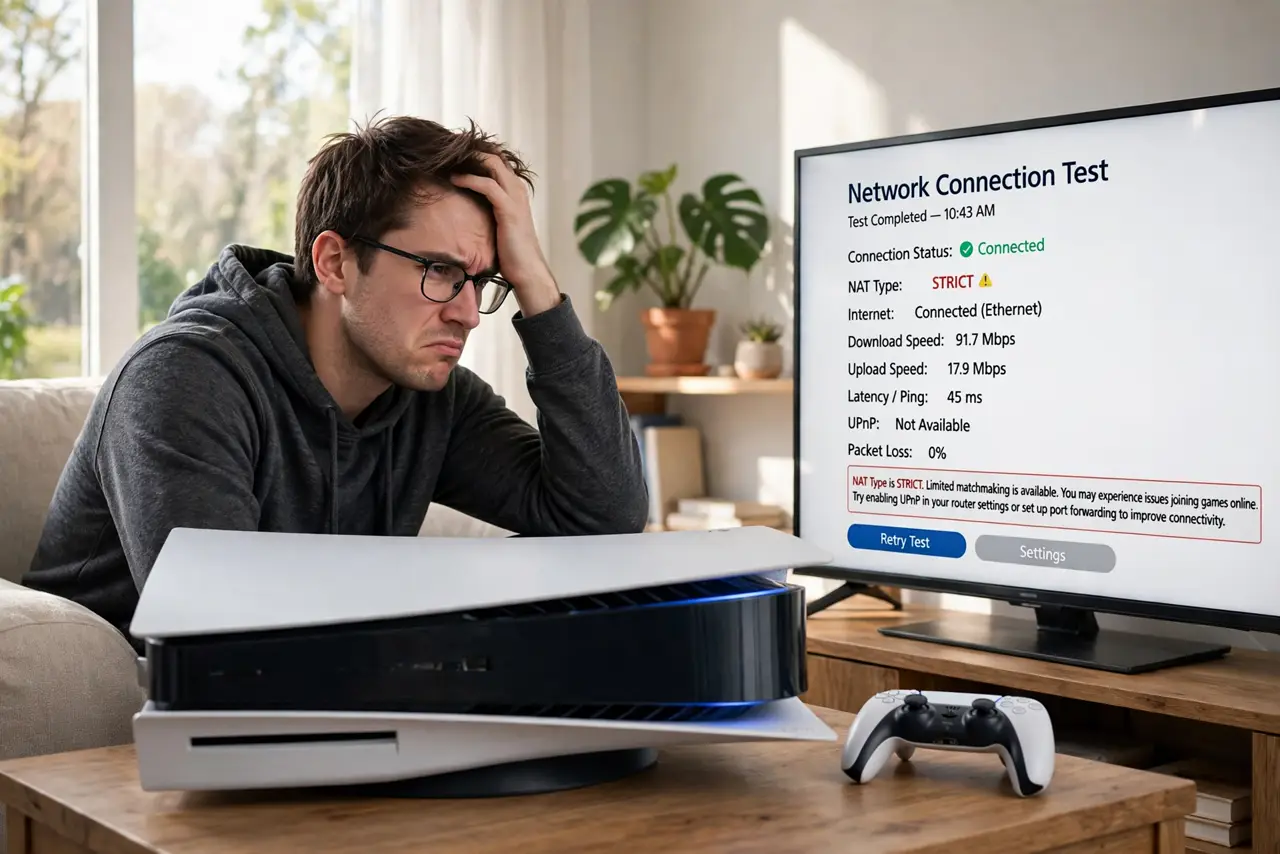
Your friend invites you to a game lobby and you cannot join — or voice chat never connects — while everything else online works fine. The culprit is usually your NAT type: the strictness setting that decides how freely your console or PC talks to other players. Strict NAT blocks the peer connections many games need; open NAT lets them through.
TL;DR / Quick Fix
Quick fix: check your NAT type in the console's network settings — you want Open (Type 1) or Moderate (Type 2). If it says Strict (Type 3), enable UPnP on your router or forward the console's ports. Restart the console and test again after changes.
Follow these steps
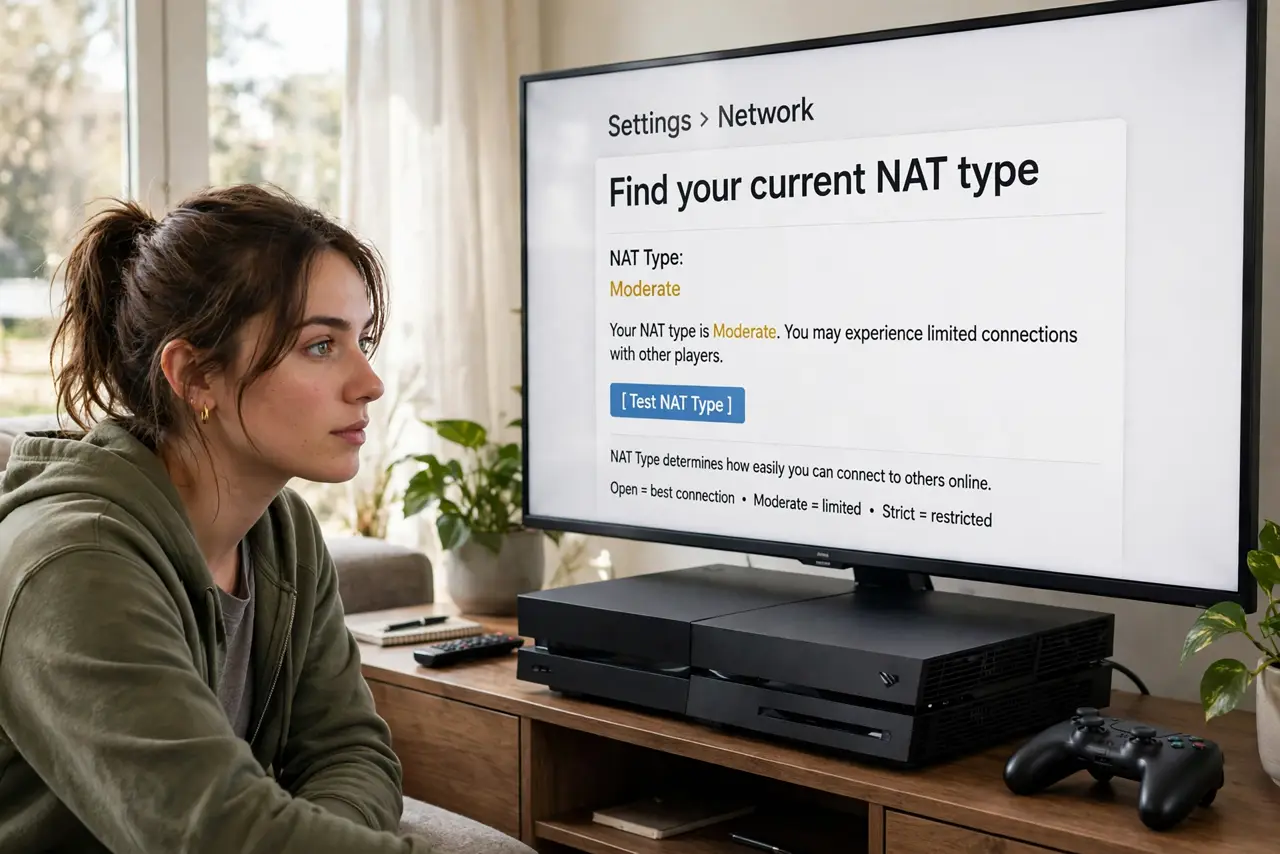
- Find your current NAT type. On consoles, run the network test in Settings — it reports the NAT type plainly. On PC, the game's own network indicator or lobby errors hint at it.
- Learn what the types mean. Open (Type 1): direct connection, everything works. Moderate (Type 2): behind a router, mostly fine. Strict (Type 3): heavily filtered — joining friends and voice chat often fail.
- Enable UPnP first. Log into your router and turn on UPnP — consoles use it to open exactly what they need. Restart the console afterward and retest; this fixes most strict-NAT cases.
- Forward ports manually if needed. If UPnP is unavailable or unreliable, forward your console maker's documented ports to the console's reserved IP. Compare UPnP versus manual to choose deliberately.
- Check for double NAT. Two routers in a chain — common with ISP modem-routers plus your own router — create double NAT, which no port trick fully fixes. Put one device in bridge mode.
- Rule out CGNAT. If nothing on your router helps, your provider may use carrier-grade NAT, which blocks inbound connections upstream. Only the provider can fix that — ask about a public IP.
What NOT to do
- Do not DMZ the console as the first fix. UPnP or port forwarding achieves the same result without full exposure.
- Do not change every router setting at once. Change one thing, retest, then continue — shotgun troubleshooting hides the real fix.
- Do not assume strict NAT breaks everything. Browsing and streaming are unaffected — only peer-to-peer game connections suffer.
- Do not ignore the console's own test. Guessing your NAT type from symptoms wastes time — the network test tells you directly.
Frequently asked questions
Does NAT type affect download speed?
No — downloads are outbound and unaffected. NAT type only governs inbound peer connections: lobbies, voice chat, and hosting.
Why is my NAT strict on one game but fine on another?
Different games use different connection methods — some need inbound ports, others relay through servers. The strict game is the one needing the ports.
Will a gaming router fix strict NAT?
Only insofar as it handles UPnP well. No router can fix CGNAT or double NAT by itself — those are topology problems.