Fix Double NAT
Your console warns about Double NAT, port forwarding does nothing, and online games act strangely — yet the internet 'works'. Double NAT means two devices are both doing router duty: usually your provider's gateway plus your own router, each translating addresses in turn. The fix is making one of them stop.
TL;DR / Quick Fix
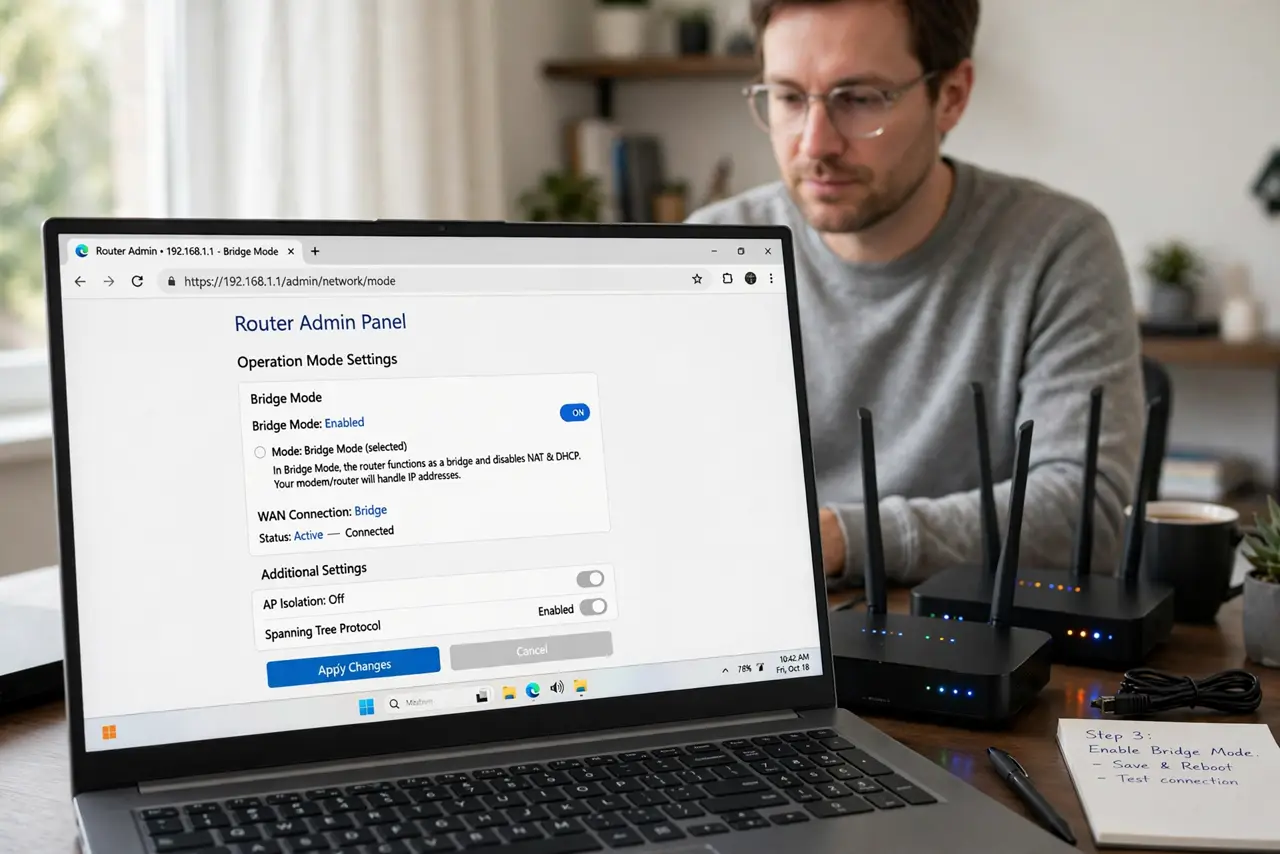
Quick fix: double NAT means two routers are both translating addresses — usually your provider's box plus your own router. Put one in bridge mode (or use the provider box as modem-only) so only one router does the job. Your console's Strict NAT and port-forwarding failures usually clear up.
Follow these steps
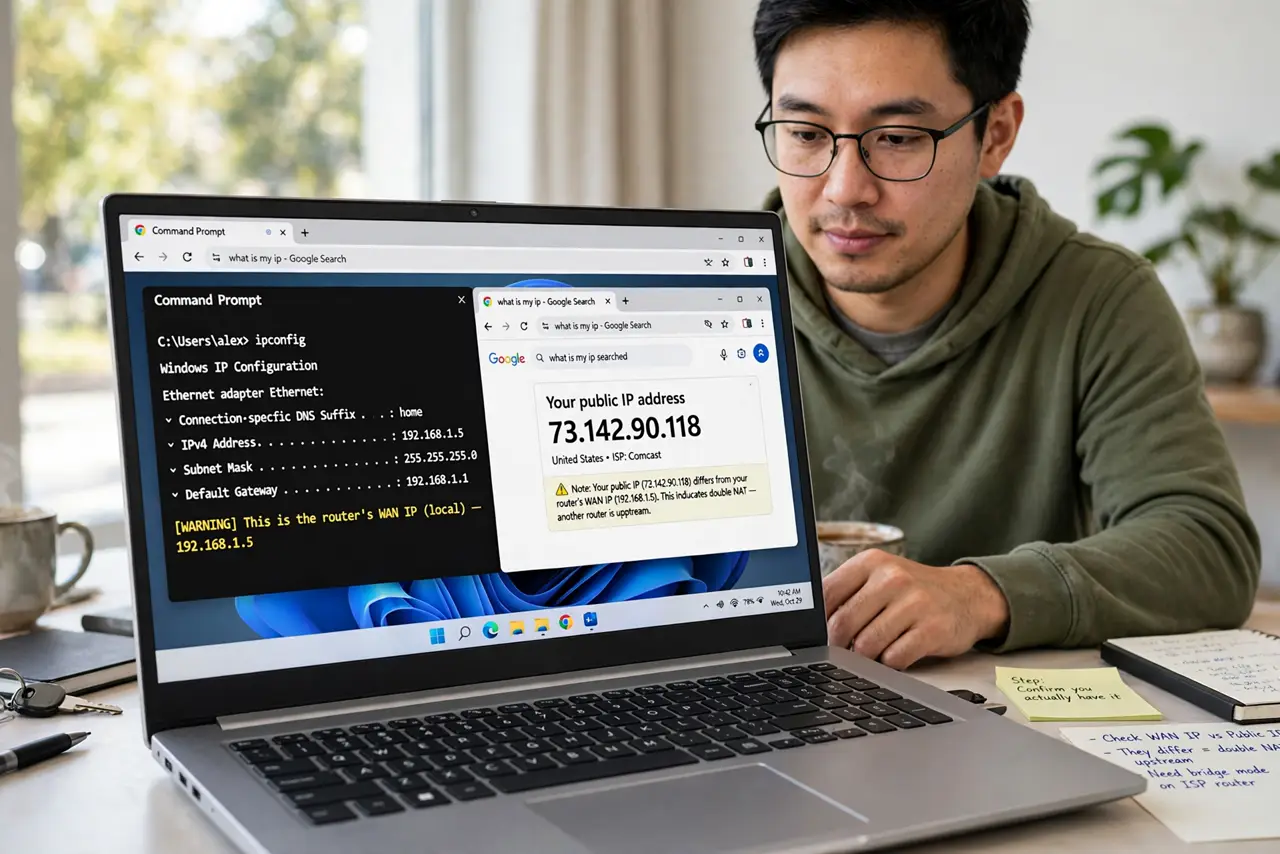
- Confirm you actually have it. Check for the warning on your console, or compare your router's WAN IP with your public IP (search 'what is my ip'). If they differ, something upstream is also routing — see double NAT symptoms.
- Identify the two routers. Usually it's the provider's gateway/modem-router combo plus your own Wi-Fi router. Two boxes, two DHCP servers, two NAT layers — that's the pileup.
- Put the provider box in bridge mode. Log into the provider gateway and enable bridge (or passthrough/modem-only) mode. It becomes a dumb modem; your router handles everything. See bridge mode explained.
- Alternative: use the provider box as the router. If bridge mode isn't offered, do the reverse — put your own router in access-point mode and let the provider box route. One router either way is the goal.
- Alternative: double-port-forward. If neither bridge option exists, forward the needed ports on *both* devices (outer to inner router's WAN IP, inner to the console). Clunky but functional.
- Verify the fix. Re-check the console's NAT warning and re-test port forwarding. One public IP reaching one router means single NAT — see the explainer for the full picture.
What NOT to do
- Do not port-forward on only one device. With double NAT, forwarding on the inner router alone goes nowhere — the outer router still blocks it.
- Do not enable bridge mode blindly. Note your provider login credentials first; some connections need them re-entered on your own router afterward.
- Do not run two DHCP servers after the fix. Whichever device stops routing should also stop handing out addresses — or devices get confused.
- Do not assume the provider box can't bridge. The option hides under names like 'passthrough', 'modem only', or 'bridge' — call support if you can't find it.
Frequently asked questions
What causes double NAT?
Two routing devices in series — almost always a provider gateway plus a personal router, both with NAT enabled. See the two-router warning signs.
Will bridge mode break my provider's TV/phone?
Sometimes — some provider services depend on their gateway routing. Ask support before bridging if you bundle TV or phone.
Can I just live with double NAT?
For browsing and streaming, yes — it works fine. It only bites gaming, hosting, and port forwarding, which is when you fix it.