Add Ports with a Switch
The router has four ports and you have six wired devices — the classic port shortage. A network switch is the $20 answer: a small box that turns one router port into five or eight, all at full speed. If some of those devices also need power, consider a PoE switch instead.
TL;DR / Quick Fix
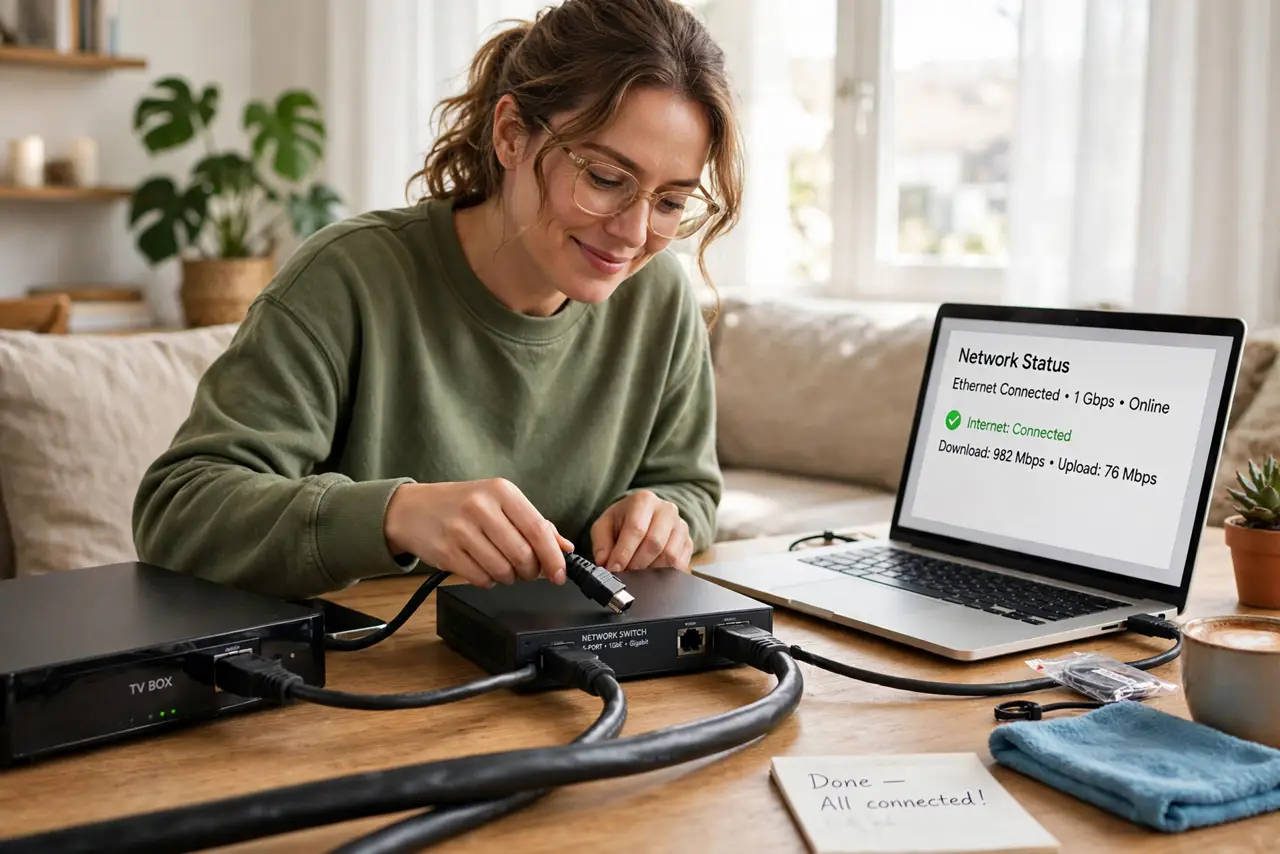
Quick fix: buy an inexpensive unmanaged gigabit switch, connect one port to your router, and plug your devices into the rest — instant extra ports, full speed. Put the switch where your devices cluster. If you also need to power cameras, get a PoE switch instead of a separate injector.
Follow these steps
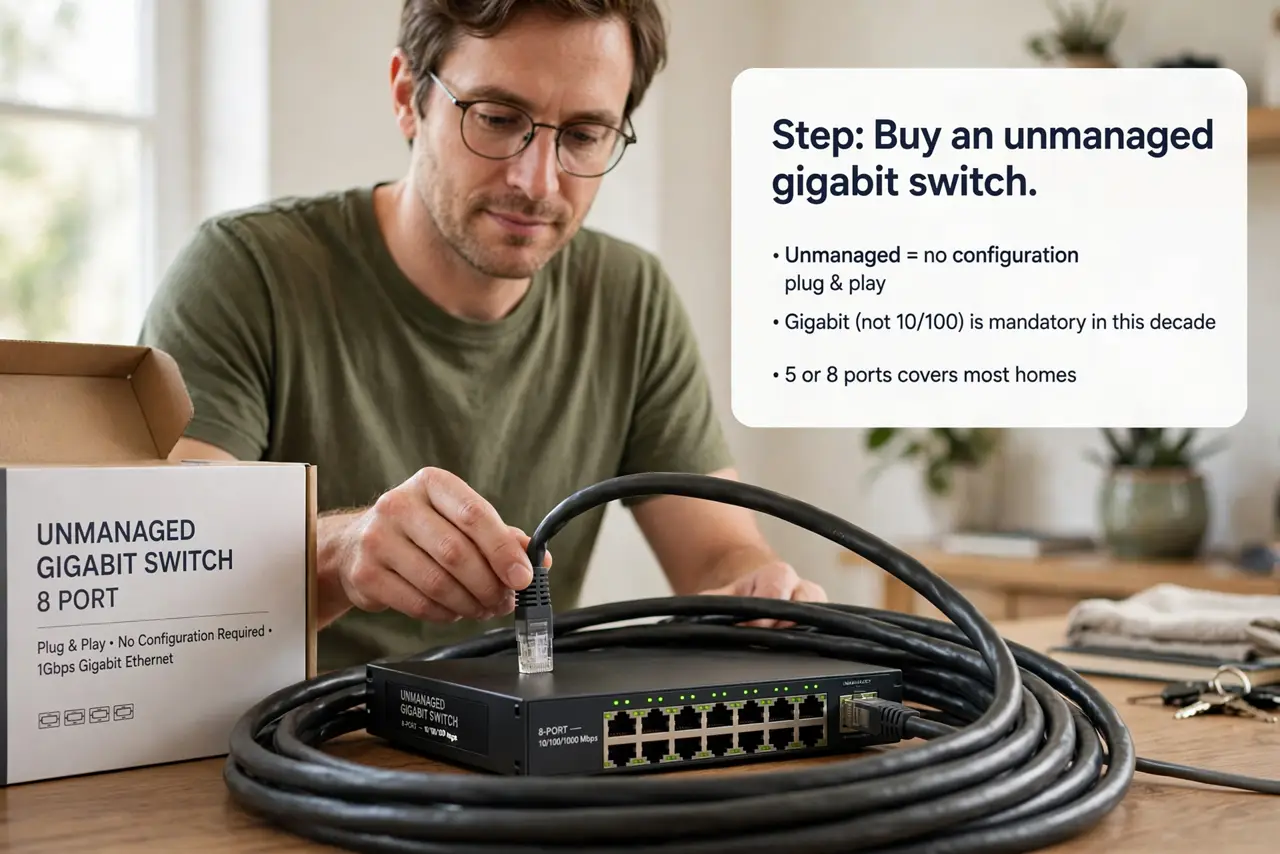
- Buy an unmanaged gigabit switch. Unmanaged means no configuration — plug and play. Gigabit (not 10/100) is mandatory in this decade; 5 or 8 ports covers most homes.
- Connect switch to router. Run one ethernet cable from any LAN port on your router to any port on the switch. That single cable is the switch's uplink — everything else hangs off it.
- Plug devices into the switch. TV box, console, desktop, mesh node — they all get full-speed wired connections now. No settings, no passwords, it just works.
- Place it where devices cluster. Behind the TV stand or at the desk: one cable in from the router, short cables out to everything. The switch lives where the devices are.
- Consider PoE if cameras are involved. A PoE switch costs more but powers cameras and access points over the same cables — see Power over Ethernet before buying twice.
- Know when you have outgrown it. If you need VLANs, traffic shaping, or monitoring, that is managed-switch territory. For “more ports, full speed,” unmanaged is forever enough.
What NOT to do
- Do not buy a 10/100 switch in 2026. Fast Ethernet caps everything at 100 Mbps — gigabit costs barely more.
- Do not plug the switch into itself in a loop. Two cables between the same switch and router can create a broadcast storm on unmanaged gear.
- Do not hide it somewhere unventilated. Switches run warm; a sealed cabinet shortens their life.
- Do not expect Wi-Fi from a switch. It adds wired ports only — wireless still comes from your router or access points.
Frequently asked questions
Switch vs hub — what is the difference?
Hubs are extinct museum pieces that broadcast everything everywhere. Every “switch” sold today is a real switch — just buy one.
Will a switch slow my network?
No — a gigabit switch passes full speed to every port simultaneously. The router's internet speed remains the only shared limit.
Do I need to configure anything?
No. Unmanaged switches are invisible infrastructure — plug in cables and forget it exists.