What Is Power over Ethernet?
You want a security camera on the far eave — perfect network spot, no power outlet within reach. Power over Ethernet solves exactly this: the network cable carries electricity too, so one wire does both jobs. Cameras, access points, and doorbells are the classic PoE devices, and the setup is simpler than it sounds — especially with a network switch.
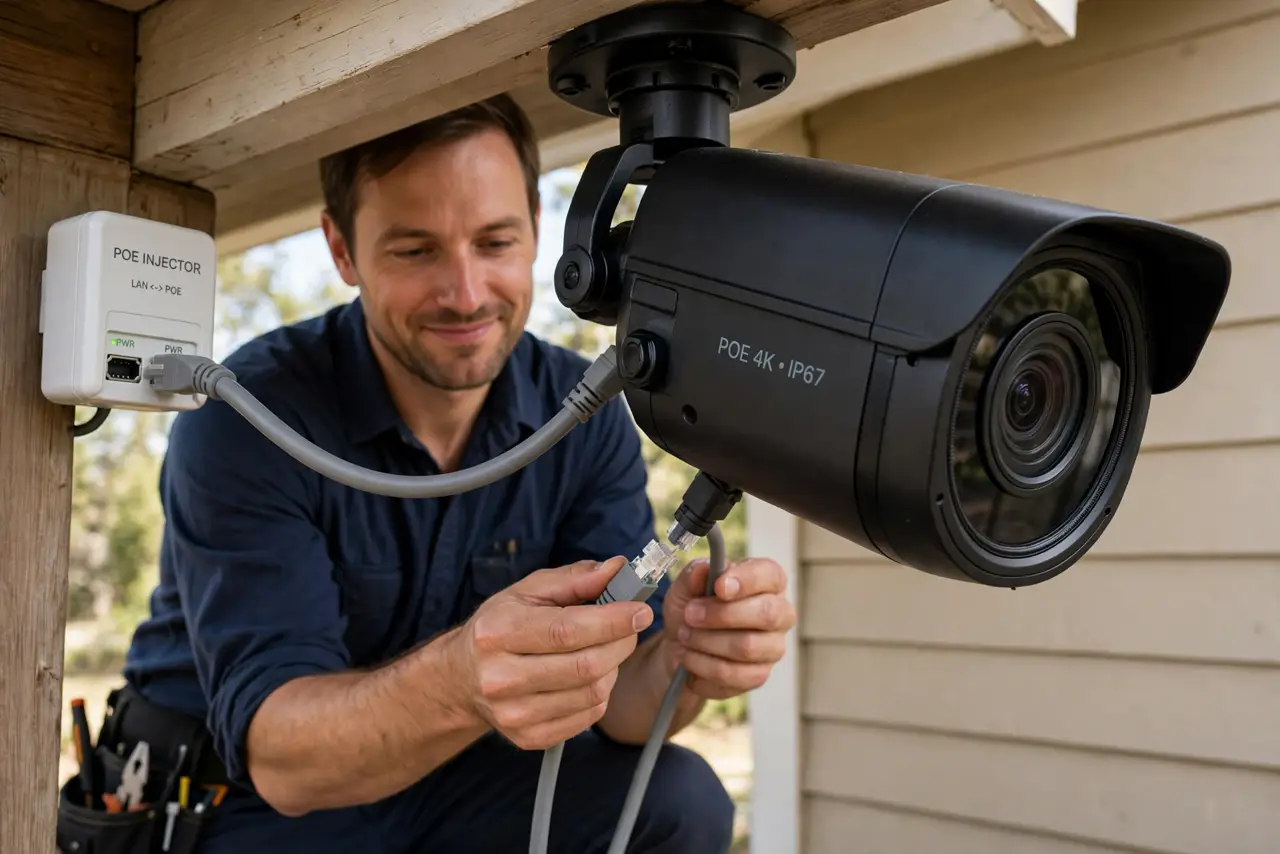
TL;DR / Quick Fix
Quick fix: Power over Ethernet carries electricity on the same cable as network data, so cameras and access points need one wire — no outlet required. Your switch or injector must support PoE and the device must accept it. Check the wattage class: cameras sip power, pan-tilt models drink more.
Follow these steps
- Learn what PoE does. PoE injects low-voltage DC power into the ethernet cable alongside data. The device at the far end splits them apart — one cable in, power plus network out.
- Learn the standards. 802.3af delivers ~15W, 802.3at (PoE+) ~30W, 802.3bt (PoE++) ~60–90W. Fixed cameras sip af-level power; pan-tilt-zoom cameras and bright access points want at or bt.
- Check both ends support it. The power source (PoE switch or injector) and the device must both speak PoE. A non-PoE device plugged into a PoE port is safe — proper PoE negotiates before sending power.
- Choose switch vs injector. A PoE switch powers many devices cleanly — the right call for several cameras. A single injector is cheaper for one device — see adding ports for the switch side.
- Respect the cable limits. PoE travels the same 100-meter limit as data, and thinner or damaged cable wastes more power as heat. Use solid Cat5e or better.
- Plan the power budget. Add up device wattages and keep the switch's total budget comfortably above. Running a PoE switch at 100% load is asking for brownouts.
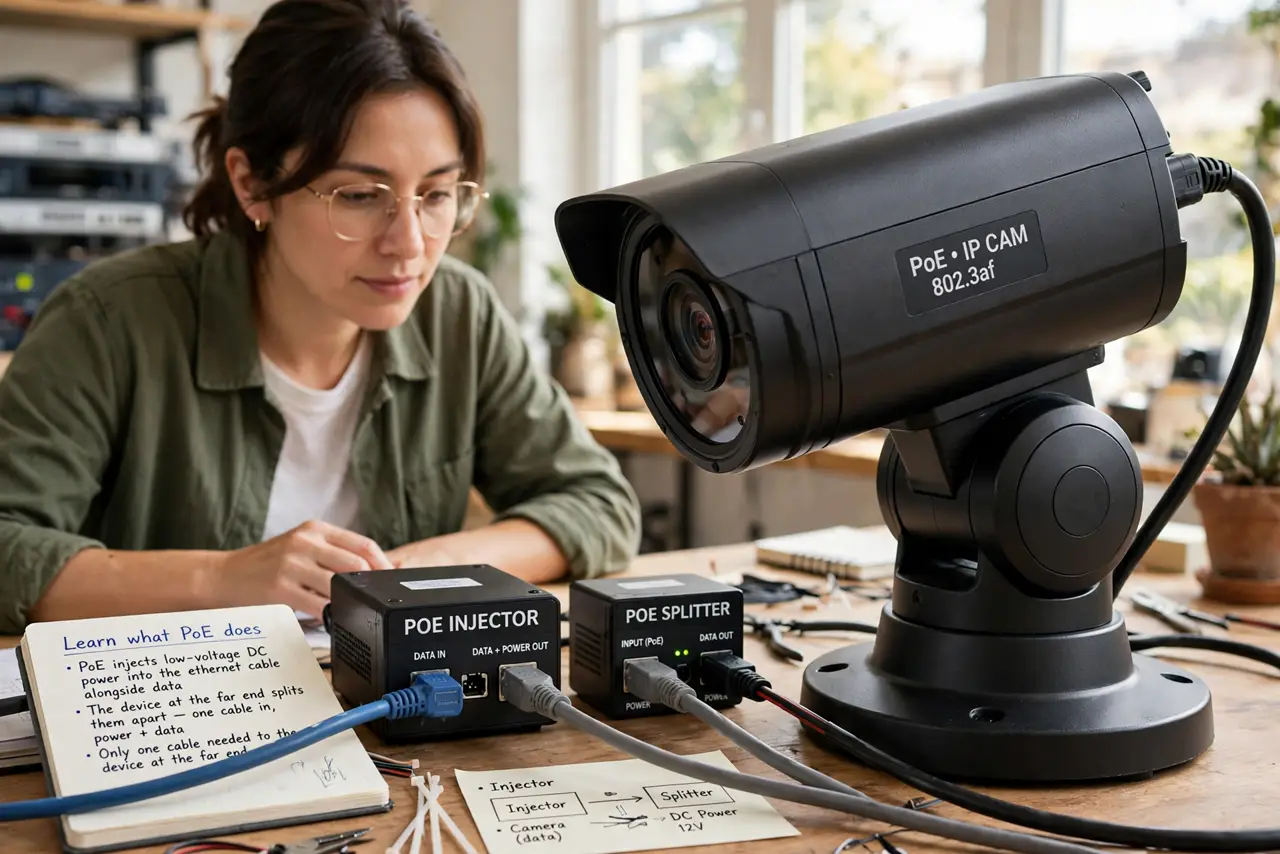
What NOT to do
- Do not plug non-PoE gear into passive injectors. Proper 802.3af/at/bt negotiates safely; cheap passive injectors shove power blindly — know which you own.
- Do not exceed the power budget. Count watts per port and total; an overloaded switch reboots cameras at the worst moments.
- Do not use damaged or ultra-thin cable for PoE. Resistance turns power into heat — solid copper Cat5e or better only.
- Do not assume every “PoE camera” includes the power source. Many cameras accept PoE but ship without a PoE switch or injector.
Frequently asked questions
Is PoE safe to touch?
Yes — it is low-voltage DC (under ~57V) with negotiation, far below hazardous levels. It will not shock you.
Can PoE damage non-PoE devices?
Proper 802.3 PoE checks before powering — safe. Only crude passive injectors are risky; avoid those.
Why not just use Wi-Fi cameras?
Wi-Fi still needs power at the camera — PoE solves power and gives a rock-solid wired connection in one pull.