Wipe Your Old Phone Before Trade-In? How To
Trading in your old phone without wiping it hands a stranger your photos, messages, passwords, and accounts. A proper wipe is more than a factory reset — it means backing up, signing out, and then erasing. This checklist makes sure nothing of yours survives the handoff.
TL;DR / Quick Fix
Quick fix: back up everything with your phone's automatic backup, then sign out of your Apple or Google account, remove the SIM and memory card, and run the factory reset. Verify the phone boots to the welcome screen before handing it over.
Follow these steps
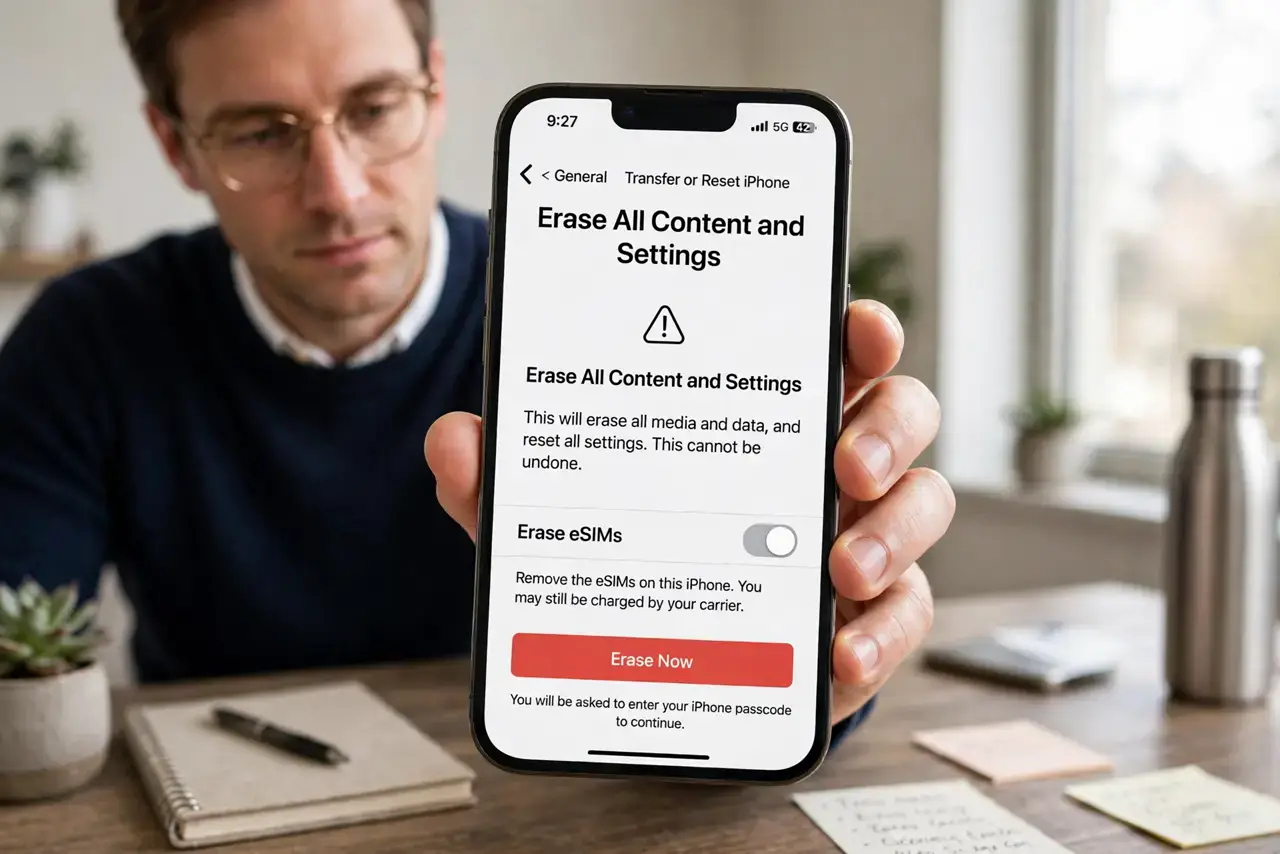
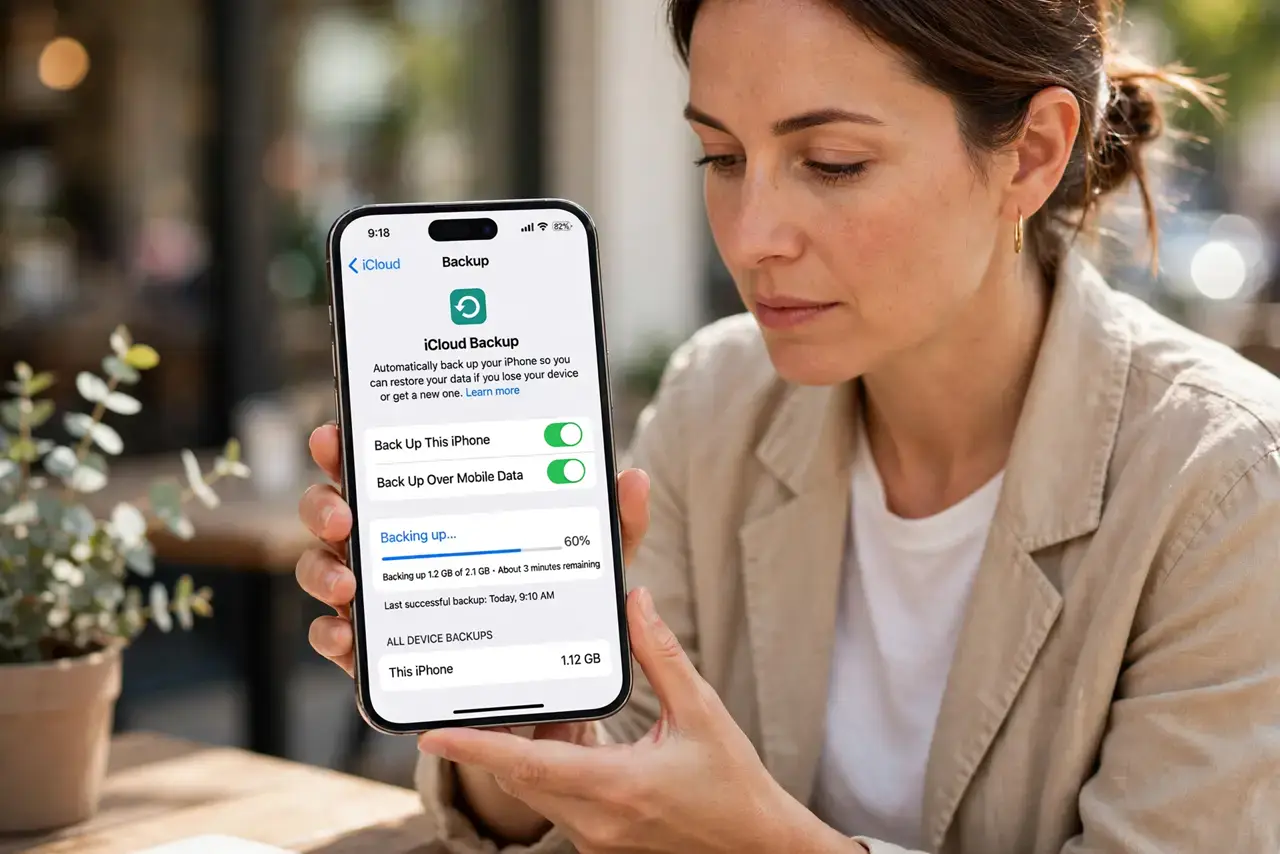
- Back up everything first. Run a full backup to the cloud or a computer before you touch anything. A wipe is permanent, and trade-in counters will not wait while you rescue photos.
- Sign out of your accounts. Sign out of iCloud or Google, plus banking, email, and social apps. On iPhone, signing out of iCloud also disables Activation Lock, which would otherwise brick the phone for the next owner.
- Remove SIM and memory cards. Take out the physical SIM and any SD card. These tiny cards hold contacts, messages, and photos that a factory reset never touches.
- Encrypt, then factory reset. On Android, make sure encryption is on (it is by default on modern phones), then run the factory reset from Settings. On iPhone, 'Erase All Content and Settings' wipes the encryption keys, making old data unreadable.
- Verify the welcome screen. After the reset, the phone should boot to the initial 'Hello' setup screen. If it asks for your old passcode or account, the wipe did not complete — redo it.
- Double-check the accessories. Wipe any paired watch or earbuds you are trading in too, and unpair them from your account so they do not stay linked to you.
What NOT to do
- Do not rely on manually deleting photos. Deleting files one by one leaves recoverable traces; only a full encrypted reset truly clears the storage.
- Do not forget to sign out before resetting. An iPhone still signed into iCloud stays Activation Locked and becomes worthless to the trade-in program — and stays tied to you.
- Do not hand over the phone with the SIM inside. A stranger with your SIM can receive your two-factor codes and reset your passwords.
- Do not skip the backup to save time. Once the wipe runs, there is no undo, and trade-in staff will not pause the line for your memories.
Frequently asked questions
Is a factory reset really enough?
On modern encrypted phones, yes — the reset destroys the encryption keys, so whatever data fragments remain are unreadable gibberish.
Should I remove the phone from my account online too?
Yes. After the reset, check your Apple or Google account's device list and remove the old phone so it cannot reappear as trusted.
What about my authenticator app?
Move your two-factor codes to the new phone first, or save your backup codes — wiping the old phone can lock you out of accounts.