What Is an ONT?
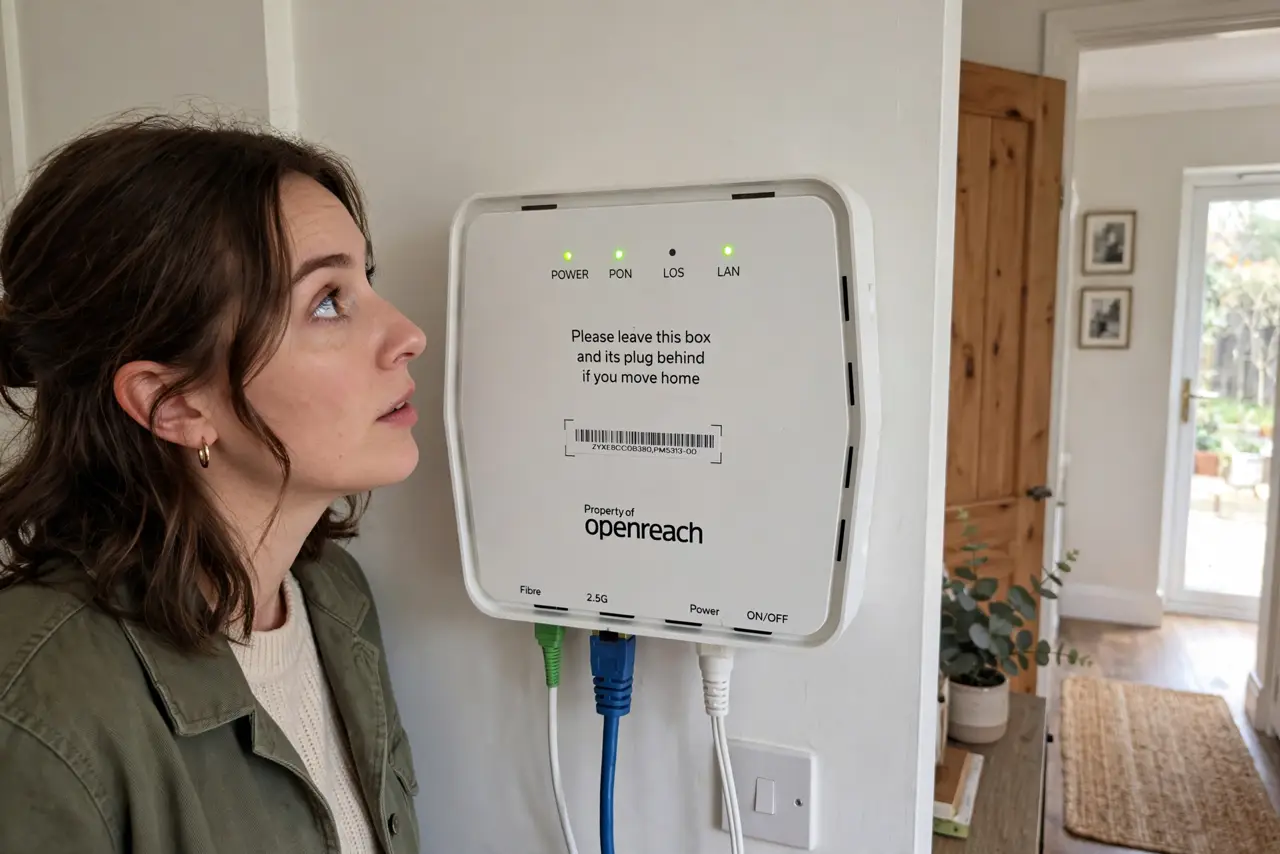
The fiber installer left a mysterious box on your wall with glowing lights — that is the ONT, and it is the reason your old modem went in a drawer. This guide explains what the box does, why it needs power, and which lights actually matter.
TL;DR / Quick Fix
Quick fix: the ONT is the fiber box on your wall that turns light signals into internet — it replaces the modem. It needs power, so outages kill internet even with a charged laptop. Do not unplug it to reset things; use its reset button only when the ISP asks.
Follow these steps
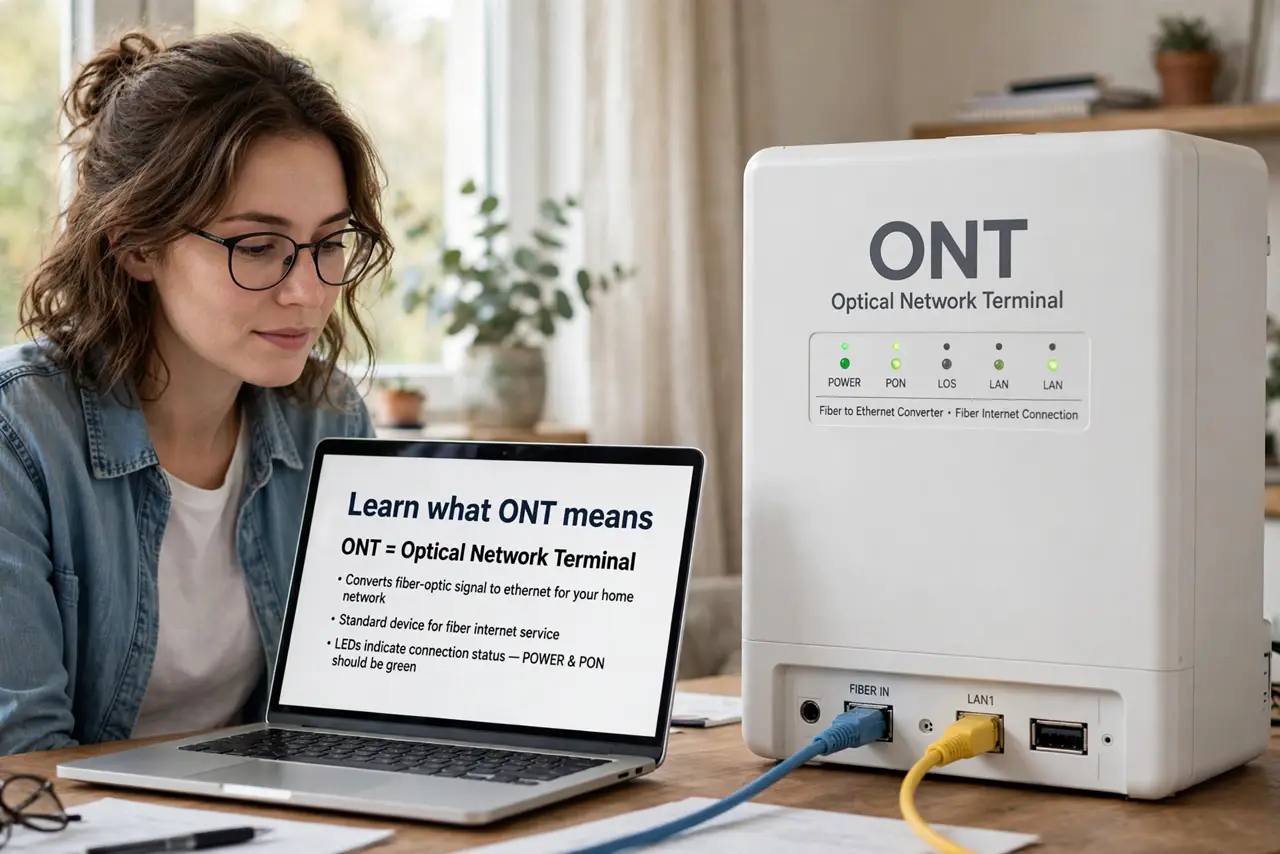
- Learn what ONT means. Optical Network Terminal — it converts the fiber-optic light signal into the electrical Ethernet your router understands. Fiber cannot plug into a router directly; the ONT is the translator.
- Know it replaces your modem. With fiber, there is no modem — the ONT does that job. Your router plugs into the ONT's Ethernet port, and everything downstream is normal networking.
- Keep it powered. The ONT needs wall power to work. No power, no internet — a UPS on the ONT keeps you online through short outages, even with a charged laptop.
- Read its lights. Power, PON (fiber link), and LAN are the key ones. PON blinking or red means the fiber signal is down — an ISP problem, not yours. Compare with modem light reading if you also have coax gear around.
- Do not 'fix' the fiber cable. The thin fiber cable is fragile glass — do not bend it sharply or unplug it casually. Dust caps exist for a reason; treat the cable like the precision instrument it is.
- Reset only when asked. The ONT has a reset button, but random resets can de-register it with the ISP. Reboot the router first; touch the ONT only when support says so.
What NOT to do
- Do not unplug the ONT to reboot 'the internet'. Reboot the router — the ONT re-registers slowly and unnecessarily.
- Do not bend the fiber cable. Sharp bends break the glass inside; gentle curves only, always.
- Do not stack things on the ONT. It needs ventilation and its lights visible — burying it hides problems.
- Do not assume the ONT is your router. It has no Wi-Fi and no settings for you — the router downstream is your equipment.
Frequently asked questions
Can I move the ONT?
Technically yes, but the fiber cable length limits you — and the ISP placed it deliberately. Ask the ISP before relocating.
Why does my fiber need a battery backup?
Because the ONT dies with the power, unlike old phone lines. A small UPS keeps internet alive through brief outages.
Is the ONT mine or the ISP's?
Usually the ISP's equipment — do not open it or modify it. Report faults rather than fixing them yourself.