Read Your Modem Lights
Your internet dies and the modem is blinking like a Christmas tree — panic is the usual response, but those lights are actually a diagnostic code telling you exactly what is wrong. This guide translates the blinks so you know whether to reboot, rewire, or call the ISP.
TL;DR / Quick Fix
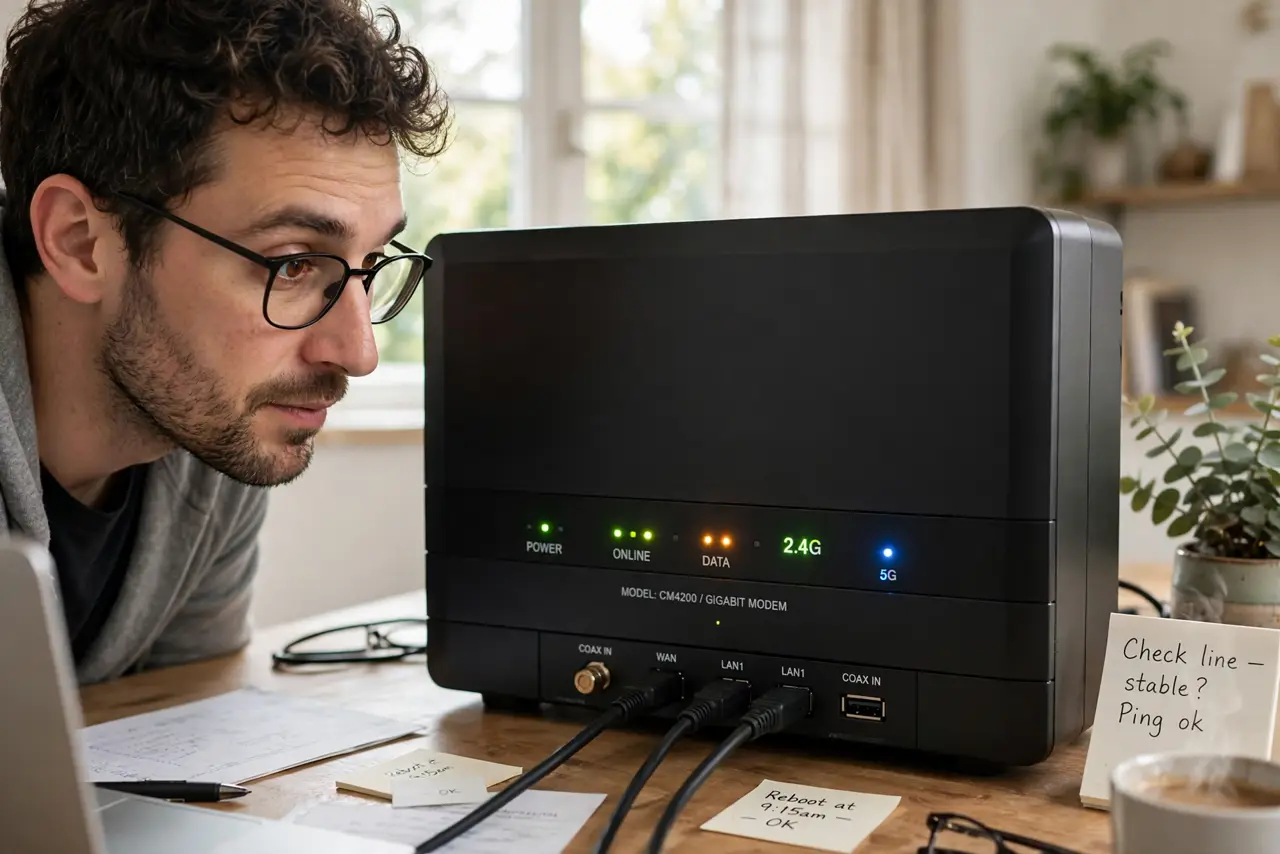
Quick fix: modem lights are a status code — solid power and downstream mean healthy, blinking upstream or online means it is working on connecting. No online light at all means no signal: check cables and splitters before calling. Note which lights are out when you report the problem.
Follow these steps
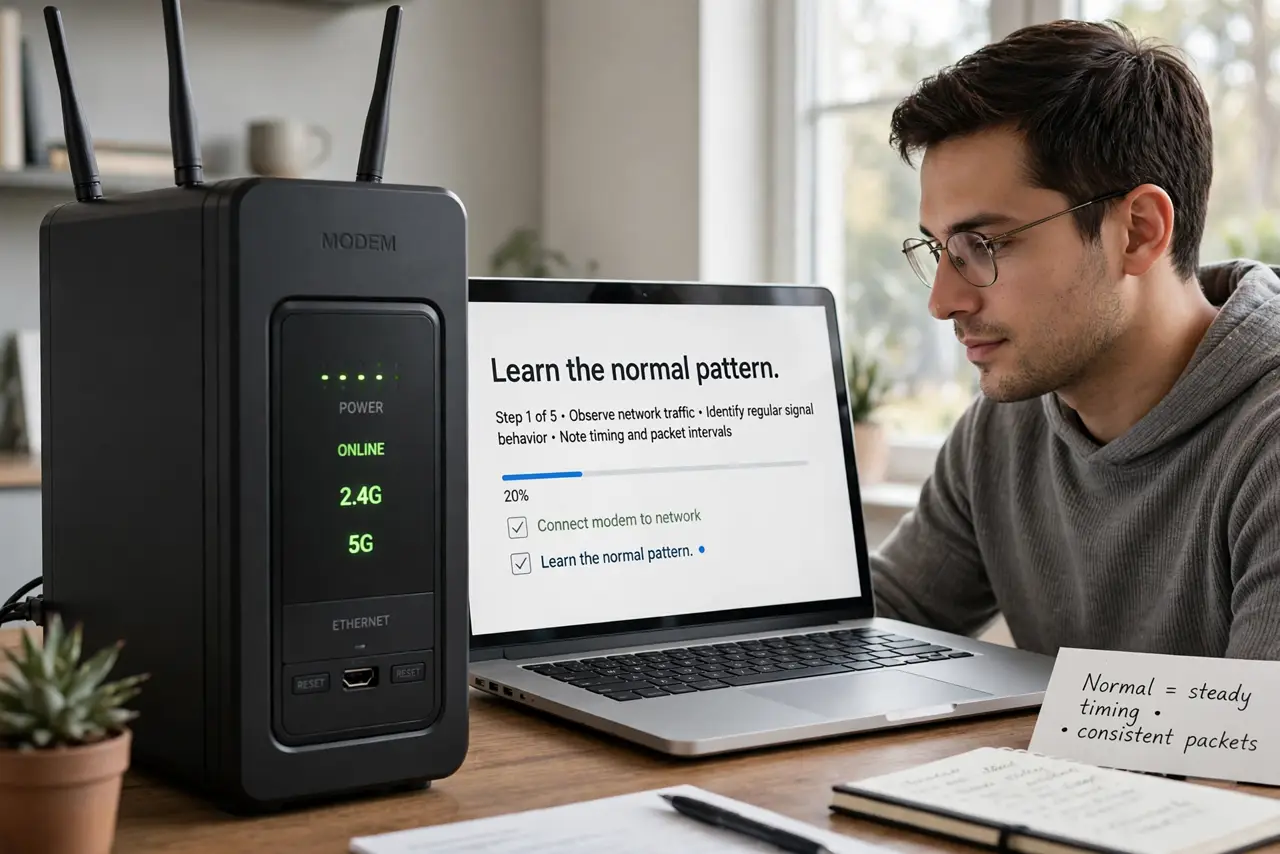
- Learn the normal pattern. Healthy: solid power, solid downstream, solid upstream, solid online. Memorize your modem's happy pattern so abnormal jumps out instantly.
- Read a blinking Online light. Online blinking usually means the modem is trying to connect — ranging, bonding channels. Give it a few minutes; constant blinking for 10+ minutes means it cannot lock on.
- Check Downstream and Upstream. These show the connection to the ISP's network. Blinking here points at the line itself — cables, splitters, or an ISP outage — not your Wi-Fi.
- Inspect cables and splitters first. Finger-tighten the coaxial cable at the modem and wall. Remove unnecessary splitters — each one weakens the signal. Damaged cables cause most 'mystery' outages.
- Power-cycle properly. Unplug the modem for a full 60 seconds, then plug back in and wait up to 5 minutes. Rushing the reboot interrupts the handshake it was attempting.
- Know when to call. No Online light after a proper reboot plus tight cables means the problem is upstream — outage or line fault. Report exactly which lights are out; it speeds the support call enormously. And learn what the fiber box lights mean if you have fiber instead.
What NOT to do
- Do not reboot every 30 seconds. Each hasty reboot restarts the connection process — patience outperforms button-mashing.
- Do not ignore the cable. Wi-Fi gets blamed for what is usually a coaxial or fiber line problem — the modem lights tell the truth.
- Do not factory-reset the modem first. A simple power cycle fixes most issues; factory reset wipes your settings for no gain.
- Do not assume blinking means broken. Some lights blink normally with traffic — learn your model's normal before panicking.
Frequently asked questions
What does a red light mean?
Usually a fault — no signal or authentication failure. Check cables, then call the ISP with the light pattern ready.
How long should I wait after rebooting?
Up to 5 minutes for full channel bonding. If Online is still dark after that, escalate.
Do modem lights differ by brand?
Yes — the pattern logic is similar, but colors and labels vary. Check your model's manual for the exact legend.