Delay All Outgoing Mail
The recall lottery is a bad safety net — a short delay on everything is a good one. A rule that holds all outgoing mail for two minutes gives you an undo window on every send: the typo, the wrong attachment, the hot-headed reply. Here is how to set it.
TL;DR / Quick Fix
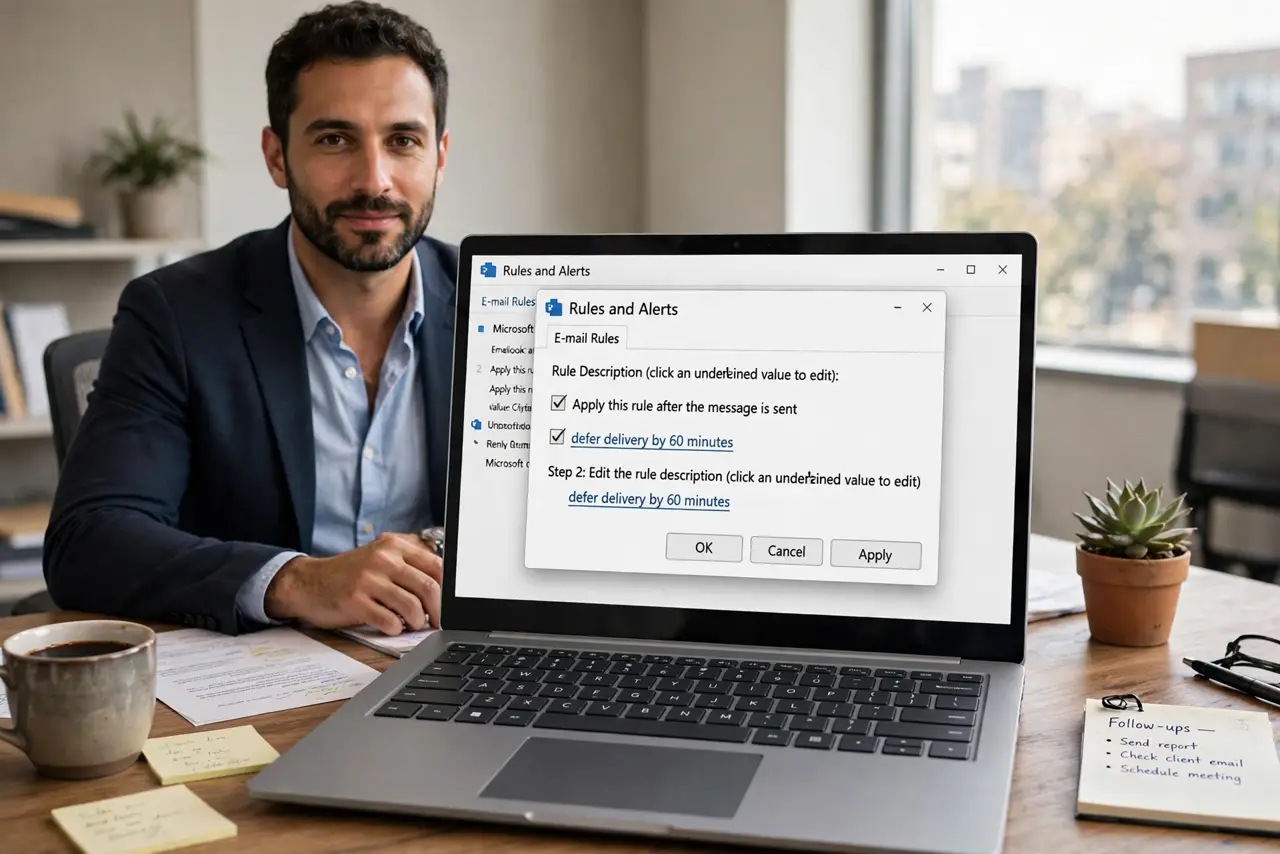
Quick fix: in Outlook create a rule via Settings > Mail > Rules > Add new rule, apply to all messages, and choose defer delivery by 2 minutes. Every send then waits in the Outbox, editable and cancellable. Two minutes catches nearly every mistake without slowing real work.
Follow these steps
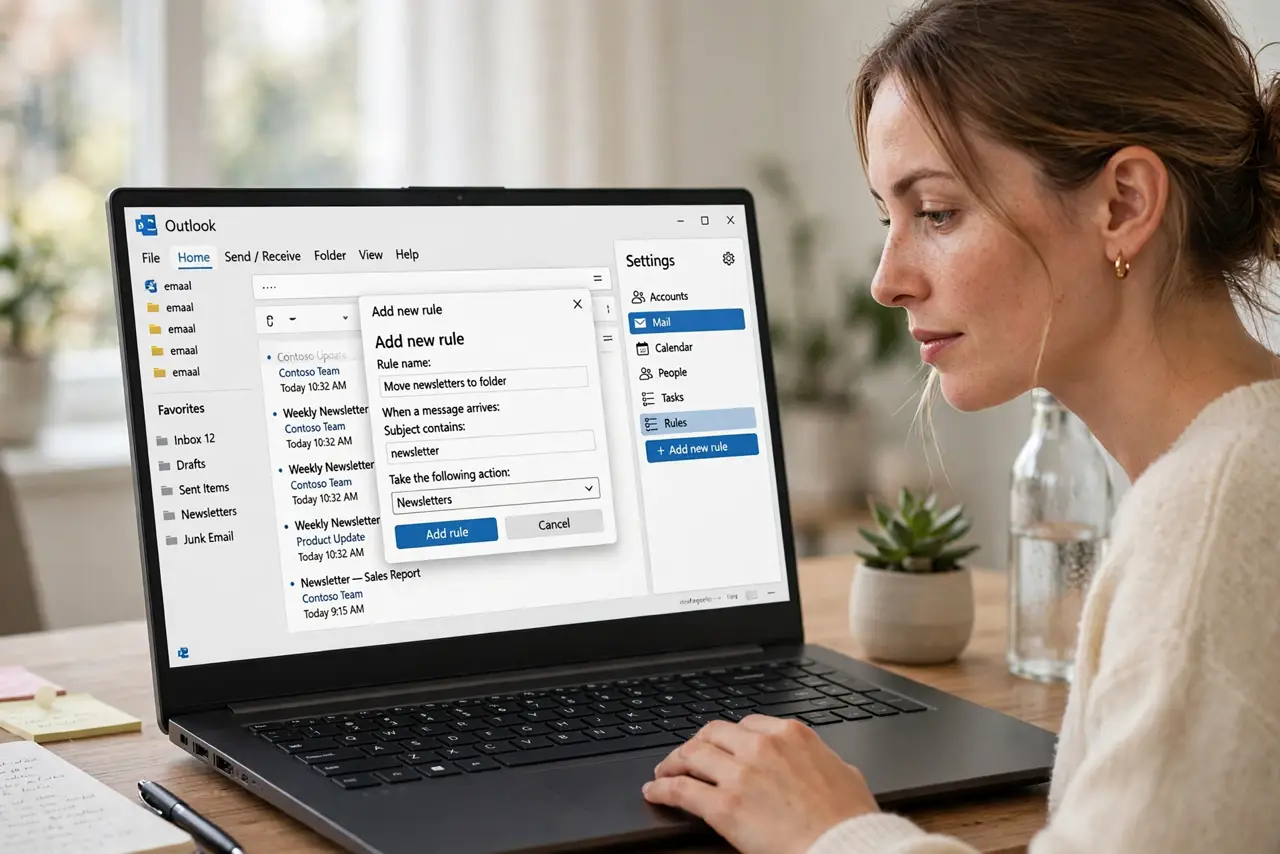
- Open the Rules settings. Settings > Mail > Rules > Add new rule — new Outlook and web. Classic: File > Manage Rules > New Rule > Apply rule on messages I send.
- Apply it to every message. Set the condition to match all messages — no filters. This rule is a blanket; narrowing it defeats the purpose.
- Choose defer delivery. Add the action defer delivery by a number of minutes. Two minutes is the sweet spot — one is too twitchy, five is annoying.
- Add exceptions sparingly. Except if sent to your boss? No — exceptions are how mistakes slip through. Keep it universal or do not bother.
- Test with a real send. Send yourself an email and watch it sit in the Outbox. Open it, edit the typo you planted, and feel the relief.
- Know it needs the app in classic. In classic Outlook the rule fires from your PC — keep Outlook open. The new Outlook and web rule is server-side and works even closed.
What NOT to do
- Do not set the delay to 30 minutes to be safe. You will forget sends and double-send constantly.
- Do not add exceptions for urgent people. Urgent mail has the most typos — that is the point.
- Do not confuse the Outbox wait with a failure. Two minutes of sitting there is the rule working.
- Do not rely on it instead of proofreading. The delay catches accidents, not carelessness.
Frequently asked questions
Will a delay slow down my urgent emails?
By exactly your delay — two minutes. If two minutes breaks the urgency, it was not an email task.
Does the rule work when Outlook is closed?
In the new Outlook and web app, yes — it is server-side. In classic Outlook, the PC must be on and Outlook open.
Can I still use Delay Delivery per message with the rule?
Yes — they stack. The rule holds everything; per-message delays add on top for the truly scheduled sends.