Flag Email for Follow-Up
I will reply later is where emails go to die — unless the flag catches them. Flagging marks a message for follow-up with a date, and Outlook To-Do list collects every flagged item in one place. Here is the flagging habit that actually clears your plate.
TL;DR / Quick Fix
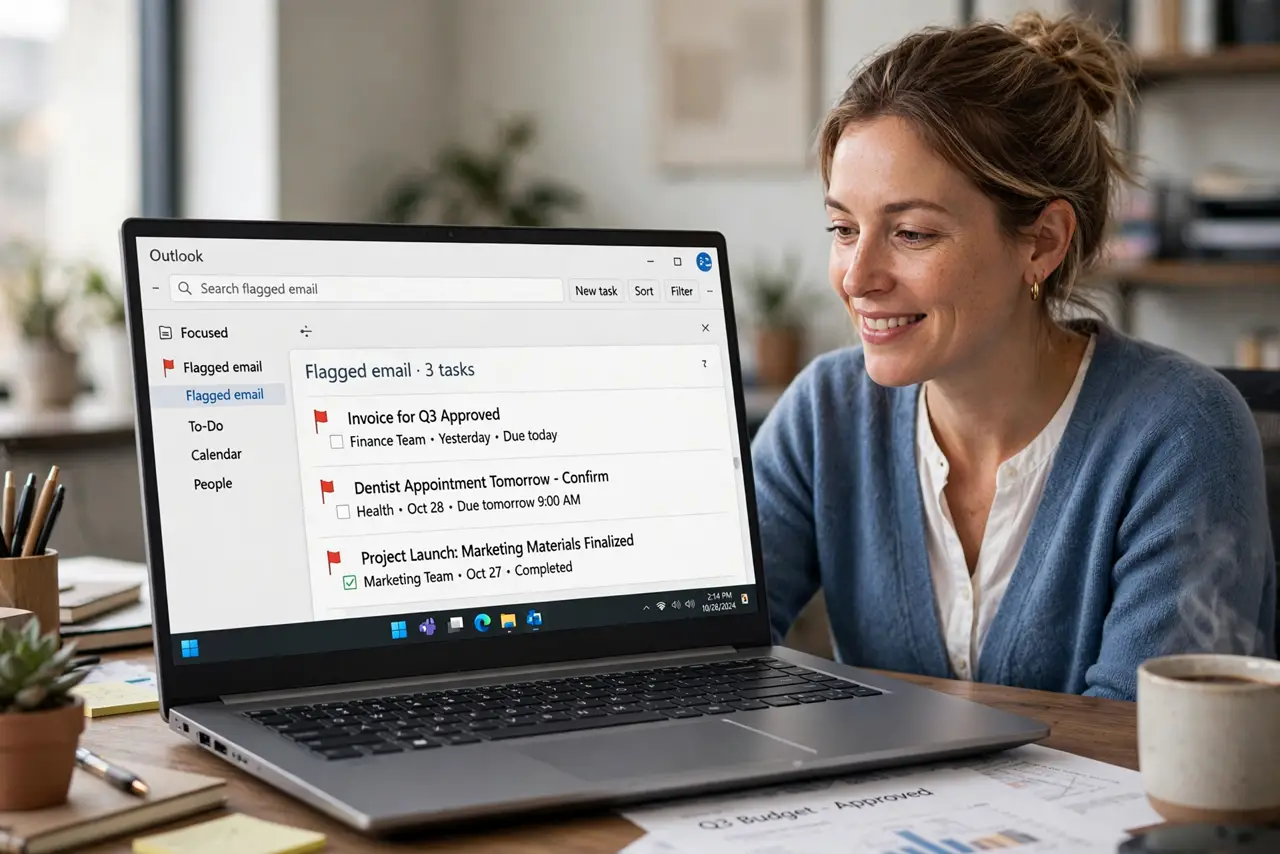
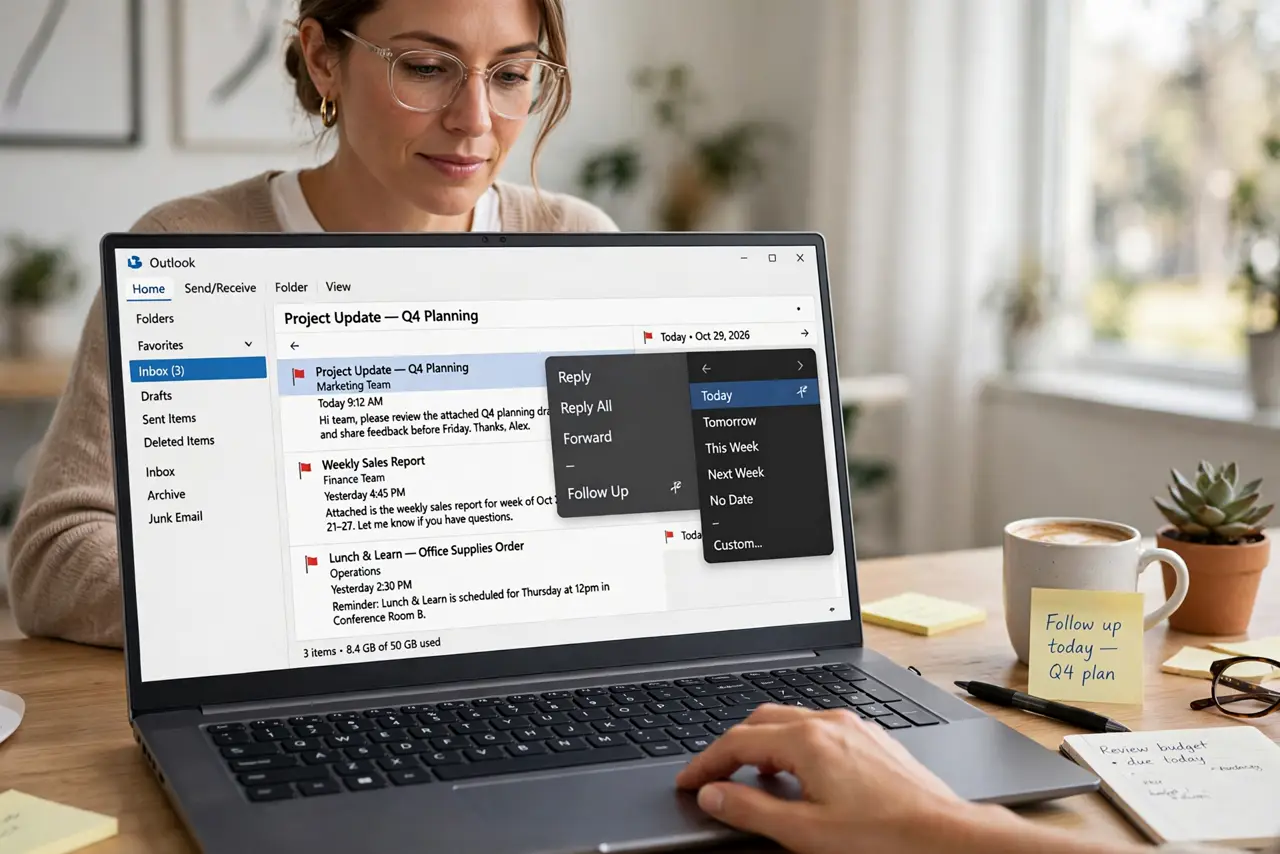
Quick fix: right-click any message > Follow Up > choose Today, Tomorrow, or Custom to set a due date. Flagged mail gathers in the To-Do list (Tasks). Review it once daily and clear flags as you finish — a flag without a date is just decoration.
Follow these steps
- Flag with a date, not vaguely. Right-click > Follow Up > Today, Tomorrow, This Week, or Custom. The date is the whole point — dateless flags rot.
- Add a reminder for the critical ones. Follow Up > Add Reminder sets a popup at a time you choose. Use it for the three items that truly cannot slip.
- Find everything in To-Do. Open Tasks or To-Do — every flagged message waits there, sorted by date. This is your actual follow-up list, not the inbox.
- Review the list once a day. Each morning, scan To-Do: do, defer, or unflag. A daily five-minute review beats a weekly hour of archaeology.
- Clear flags when done. Right-click > Follow Up > Mark Complete — or Clear Flag. A completed flag left standing trains you to ignore the list.
- Combine flag with category. Flag for when, category for what — Urgent plus Friday tells you everything at a glance.
What NOT to do
- Do not flag everything. If all mail is flagged, no mail is flagged.
- Do not use flags as a reading list. Flagging means I owe action — not interesting, maybe.
- Do not set reminders for every flag. Reminder fatigue teaches you to dismiss them all.
- Do not leave completed flags standing. A stale list is a list you stop opening.
Frequently asked questions
Where do flagged emails go?
They stay in the inbox but also appear in the To-Do and Tasks list with their due dates — one view for everything you owe.
Do flags sync to my phone?
On Exchange and Microsoft 365, flagged mail appears in Outlook mobile and the To Do app. Dates and reminders come along.
What is the difference between flagging and pinning?
Pinning keeps a message at the top of the inbox; flagging adds it to a dated action list. Pin the reference, flag the task.