Outlook Focused Inbox Hides Email? Fix It
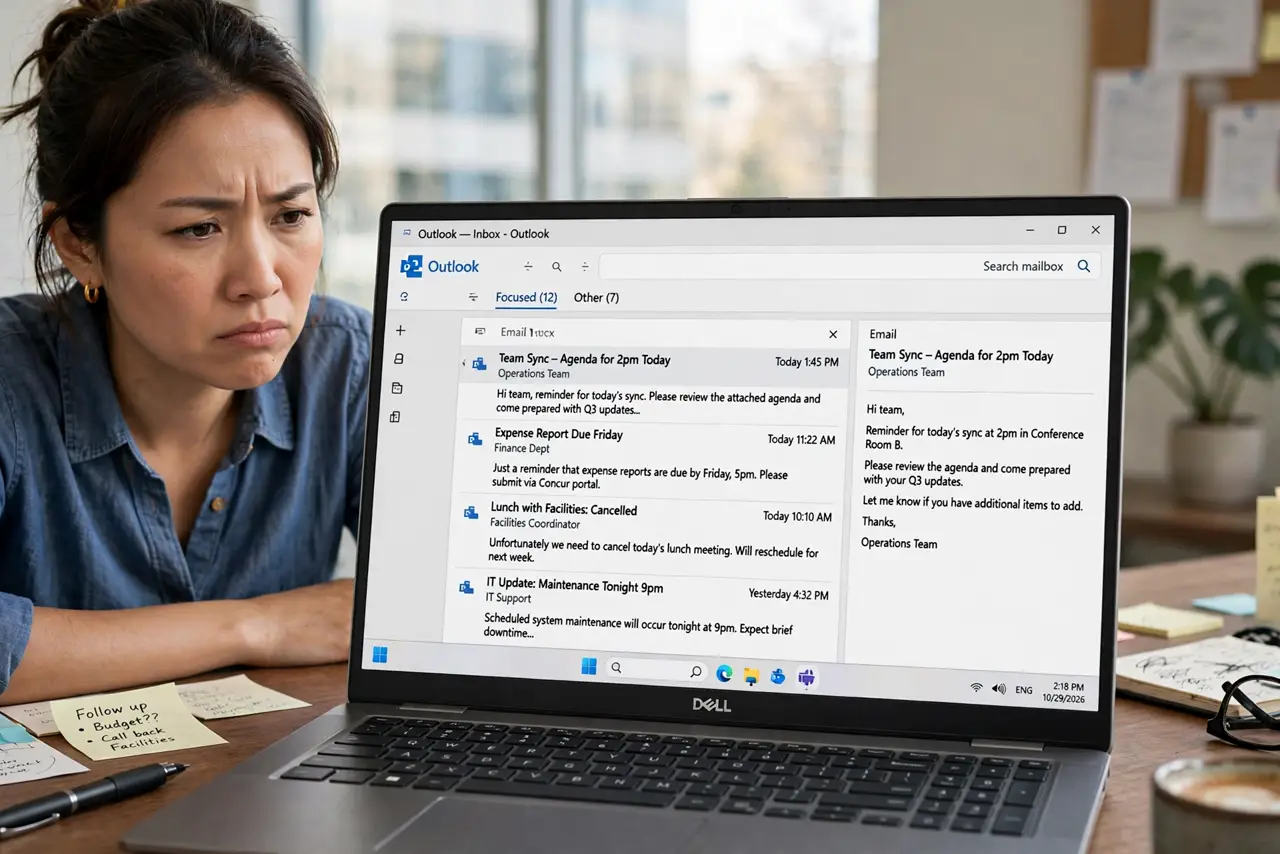
You swear an email arrived, but your Outlook inbox shows nothing — until you click the 'Other' tab and there it is. Focused Inbox sorts mail into Focused and Other, and its guesses bury important mail. You can tame it, retrain it, or turn it off.
TL;DR / Quick Fix
Quick fix: check the Other tab first whenever mail seems missing, then right-click misfiled mail and choose 'Always move to Focused' to retrain it. If you prefer one inbox, turn Focused Inbox off entirely in settings — it is optional, unlike [[the Gmail setup|gmail-vs-outlook-beginners]].
Follow these steps
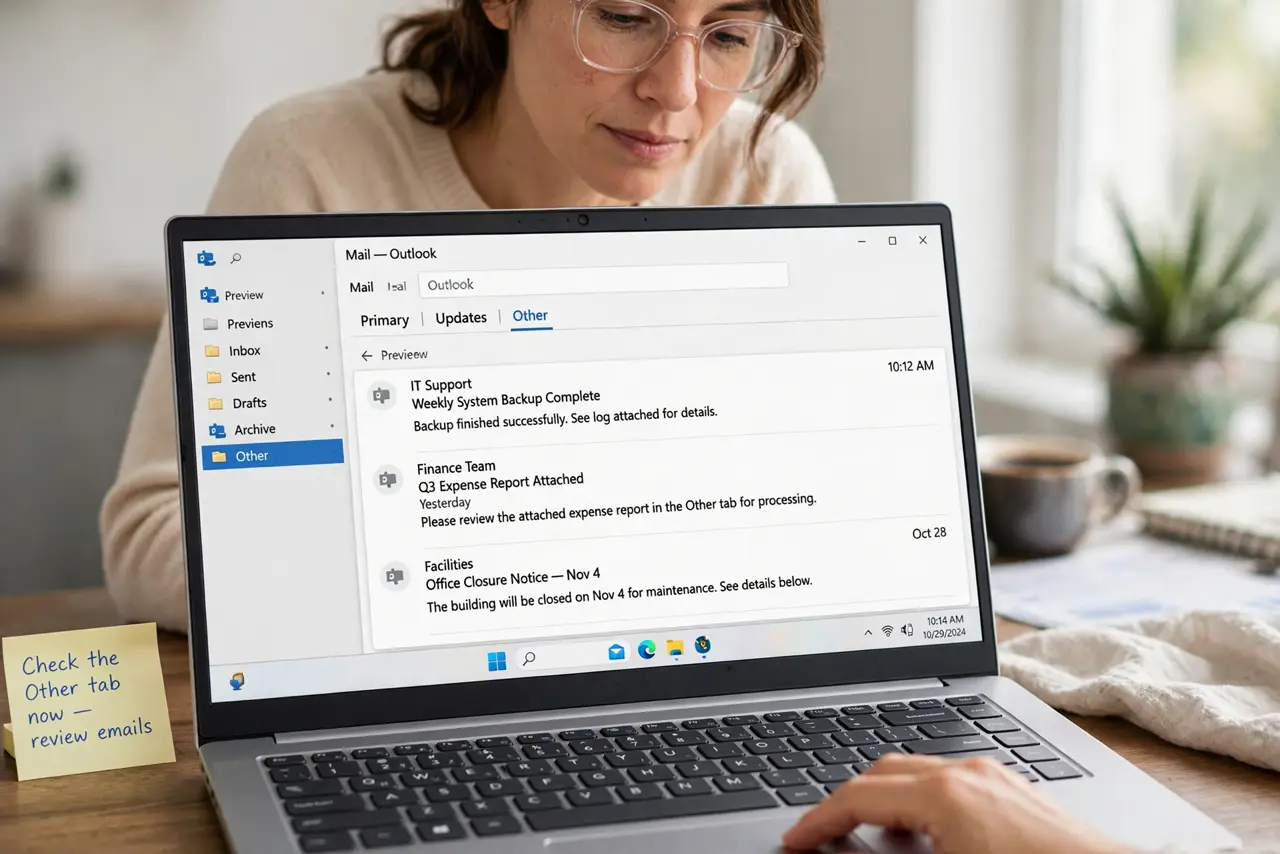
- Check the Other tab now. Missing mail is usually sitting in Other, unharmed. Make checking both tabs a habit until the sorting improves.
- Retrain it with right-clicks. Right-click a misfiled email and choose 'Always move to Focused' — or 'Always move to Other' for newsletters. A dozen corrections teach it your patterns.
- Move important senders explicitly. For your boss and key contacts, set 'Always move to Focused' once each. This is the fastest way to stop missing critical mail.
- Turn it off if you hate it. In Outlook settings, disable Focused Inbox to merge everything into one inbox. Many people are happier without the split.
- Check the mobile app separately. The Outlook phone app has its own Focused toggle. If desktop and phone disagree, the phone setting is the culprit.
- Search across both tabs. When hunting lost mail, use search — it looks in Focused and Other together, so nothing stays hidden.
What NOT to do
- Do not assume missing mail is deleted. Focused Inbox never deletes — it just files into Other, where mail waits patiently.
- Do not turn it off in anger on day one. Give retraining two weeks; many users end up liking it once it learns.
- Do not forget the Other tab exists. The number-one Focused Inbox failure is simply never looking at the second tab.
- Do not confuse it with spam filtering. Focused Inbox sorts wanted mail; actual junk goes to Junk Email — different system, different fix.
Frequently asked questions
Where did my email go in Outlook?
Probably the Other tab. Focused Inbox splits mail by guessed importance — check Other before panicking.
Can I turn off Focused Inbox?
Yes, in Outlook settings on each device. It merges everything back into a single inbox.
Why does Outlook hide emails from my boss?
Its importance guesses start dumb. Right-click one of their emails and choose 'Always move to Focused' to fix it permanently.