Forward a Meeting Invite? How To
A colleague should have been invited to the meeting, and someone asks you to 'just forward the invite.' Forwarding does send them the details — but it does not add them to the official attendee list, so the organizer never sees their responses. Know the difference before you click Forward. Here is what forwarding does and the better alternative.
TL;DR / Quick Fix
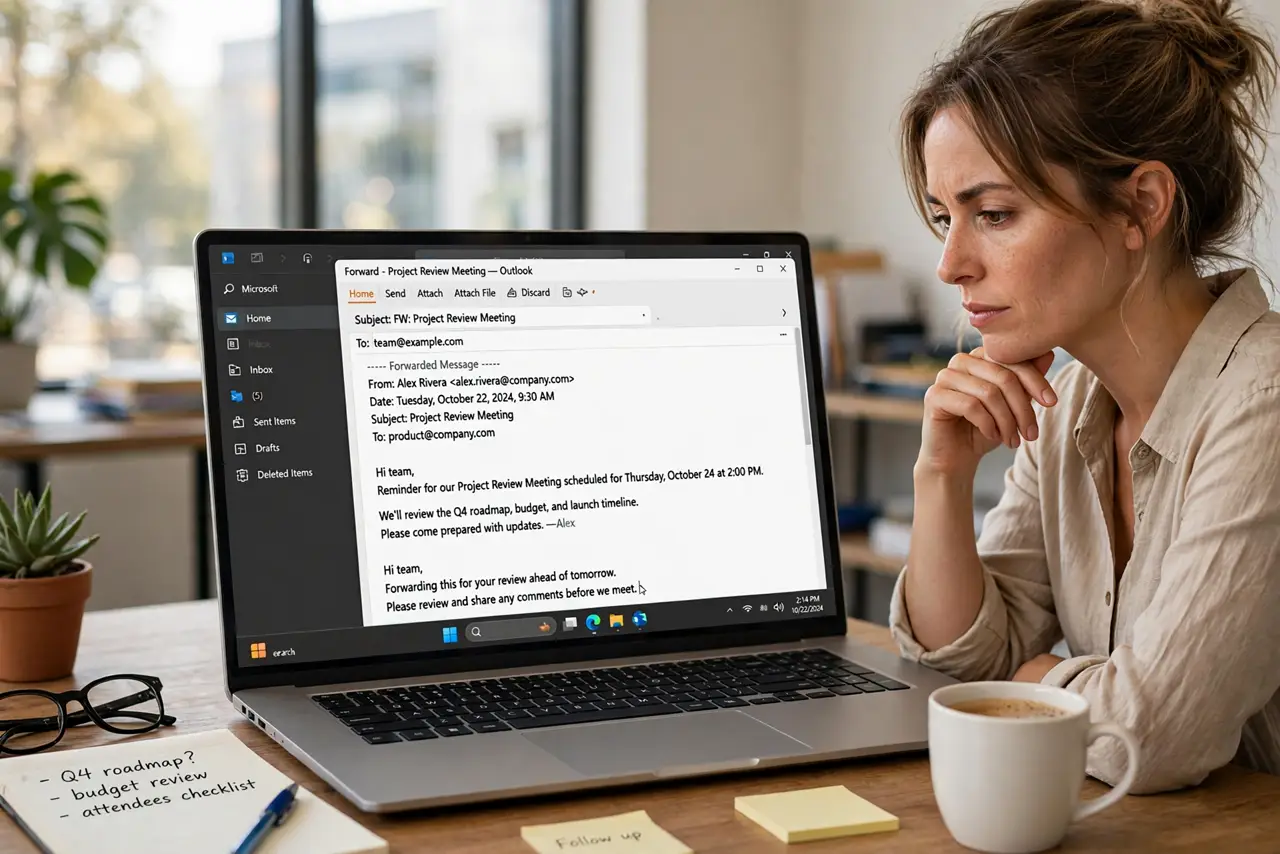
Quick fix: forwarding a meeting invite sends it to someone new, but does not make them an official attendee — the organizer must add them. Open the invite, choose Forward, and send. For a proper tracked invitation, ask the organizer to add the person to the meeting.
Follow these steps
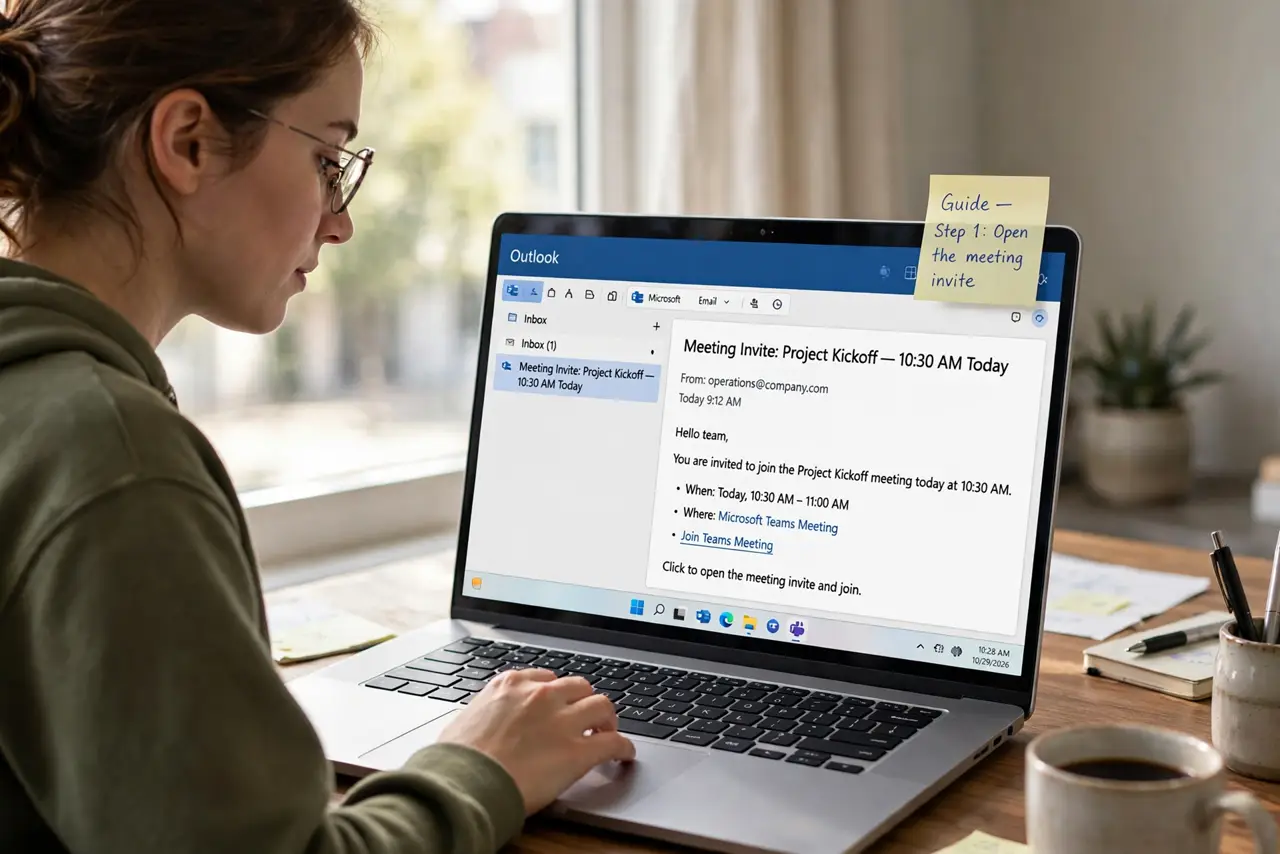
- Open the meeting invite. Find the meeting on your calendar and open it. Forwarding works from the calendar item or from the original invite email.
- Click Forward. The Forward button creates a new message with the meeting details attached. Add the new person's address.
- Add context if needed. A line like 'Sharing in case you want to join — the organizer can add you officially' sets the right expectation.
- Understand what they get. They receive the time, location, and details, and can add it to their calendar — but their Accept/Decline goes nowhere official.
- Ask the organizer for the real fix. The organizer should open the meeting and add the person as an attendee. Only then are responses tracked and updates sent to them.
- Check whether forwarding is even allowed. Some organizers disable forwarding on sensitive meetings. If the Forward button is grayed out, that is why — ask instead of working around it.
What NOT to do
- Do not forward confidential meeting invites casually. The details may be sensitive — check with the organizer first.
- Do not assume a forwarded invite equals an invitation. The new person gets no updates if the meeting moves — warn them.
- Do not forward a meeting to 'fix' a missing attendee permanently. It is a stopgap; the organizer adding them is the fix.
- Do not forward recurring series lightly. The recipient gets the whole series pattern, which may be more than they need — or more than is appropriate.
Frequently asked questions
I forwarded the invite but they never got updates — why?
Because forwarding does not add them as an attendee. Only the organizer adding them to the meeting triggers update notifications.
Can the organizer see who I forwarded it to?
Generally no — forwarding is between you and the recipient. Some organizations track it, but standard Outlook does not notify the organizer.
The Forward button is missing — what now?
The organizer disabled forwarding. Ask them to add the person directly — that is the intended path anyway.