Ignore a Conversation? How To
A reply-all thread explodes to forty messages while you are in a meeting, and every ping drags you back. Outlook's Ignore moves the whole conversation — past and future replies — to Deleted Items without a fuss. One click, and the storm continues without you.

TL;DR / Quick Fix
Quick fix: select the noisy thread and press Ignore — Outlook moves it and all future replies to Deleted Items silently. It is the fastest way to escape reply-all storms without blocking the sender. If you need the thread back later, find it in Deleted Items and choose Stop Ignoring.
Follow these steps
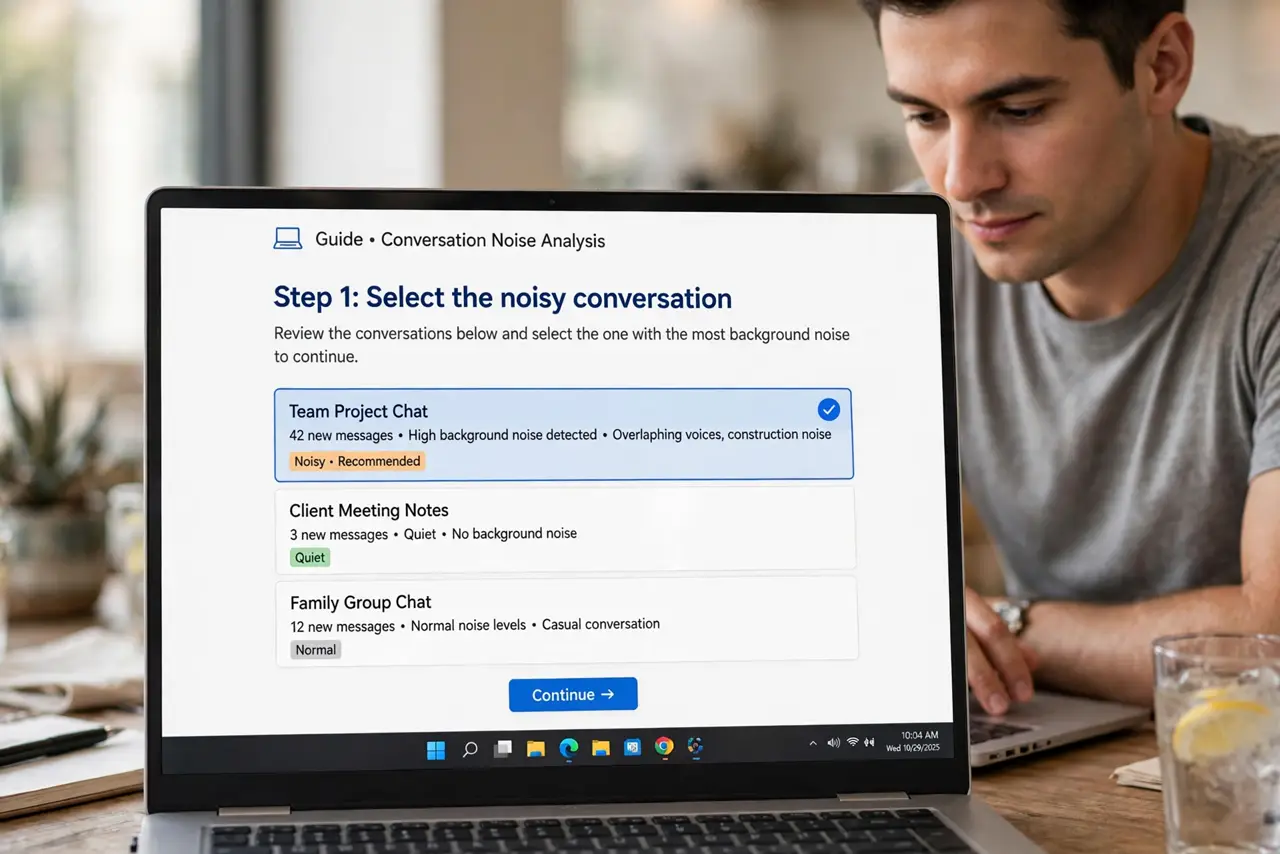
- Select the noisy conversation. Click any message in the thread. Ignore works on the whole conversation, not single messages.
- Press Ignore. On the Home tab, click Ignore — or right-click the thread and choose it. Outlook asks for confirmation.
- Confirm the move. Outlook moves the current messages and auto-deletes future replies to the thread. The sender is never notified.
- Know where it went. Ignored threads land in Deleted Items. They are not blocked and nothing is bounced — just silently filed away.
- Stop ignoring to restore. Changed your mind? Find the thread in Deleted Items, open it, and choose Stop Ignoring to return it to the inbox.
- Pair with conversation view. Ignore shines with Show as Conversations on, so you see the whole thread as one unit before silencing it.
What NOT to do
- Do not use Ignore for your boss's threads. You will miss decisions, not just noise.
- Do not confuse Ignore with block. Blocked senders cannot reach you; ignored threads just skip the inbox.
- Do not ignore threads with tasks assigned to you. The work still exists even if the pings stop.
- Do not forget Deleted Items auto-empties. Rescue anything you need before the retention period ends.
Frequently asked questions
Does the sender know I ignored them?
No. Ignore is entirely local — no notification, no bounce, no read receipt. The thread simply skips your inbox.
Can I ignore part of a thread?
No — Ignore is all or nothing per conversation. For finer control, use Clean Up to trim redundancy instead.
Where do future replies go?
Straight to Deleted Items, automatically. The rule persists until you choose Stop Ignoring.