Meeting Invites Land in Spam? Fix It
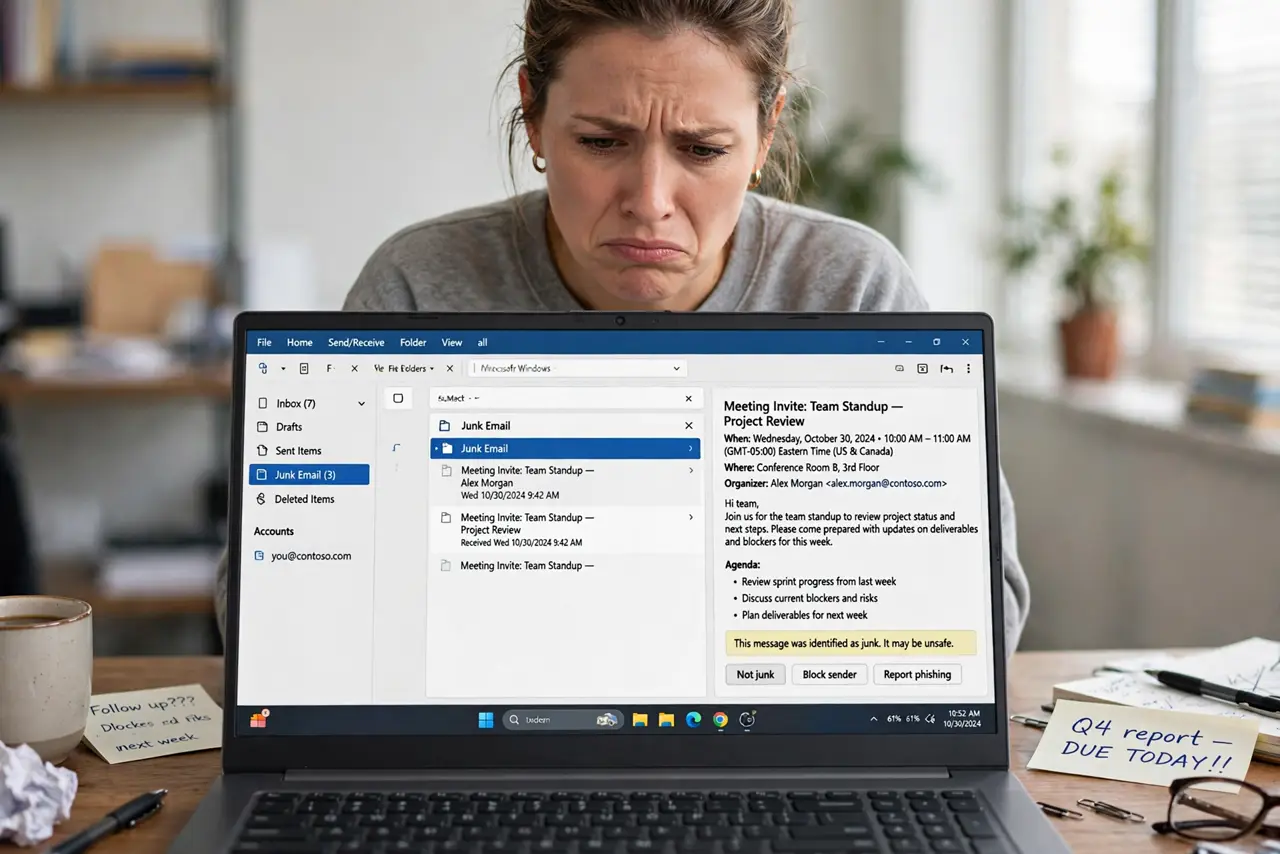
You missed a meeting because the invite went straight to Junk Email — no notification, no calendar hold, nothing. Calendar invites trip spam filters when senders are new, mailing lists are involved, or filters are aggressive. A few fixes keep invites visible.
TL;DR / Quick Fix
Quick fix: check the Junk Email folder now and rescue any invites with 'Not junk' — then add the sender to Safe Senders. If invites come from a mailing list, check whether the [[time shown is even right|calendar-invite-shows-wrong-time]] before accepting.
Follow these steps
- Check Junk Email today. Open the Junk folder and look for invites right now. Rescue any you find — right-click and 'Not junk' — before the meeting time passes.
- Add key senders to Safe Senders. In Junk settings, add your frequent meeting organizers' addresses. Their invites will skip the filter from now on.
- Mark list invites as not junk. Mailing-list invites trip filters most. Mark them not-junk once and the filter learns the list is legitimate.
- Ask IT about aggressive filtering. If every external invite lands in junk, your organization's filter may be set too hot. IT can whitelist calendar invite patterns.
- Check the webmail junk too. Desktop and webmail junk folders can differ. If an invite is missing everywhere, search all folders — filters and Focused Inbox can team up.
- Confirm with the organizer. When in doubt, ask the organizer to resend. A fresh invite from a safe sender lands correctly and you stop guessing.
What NOT to do
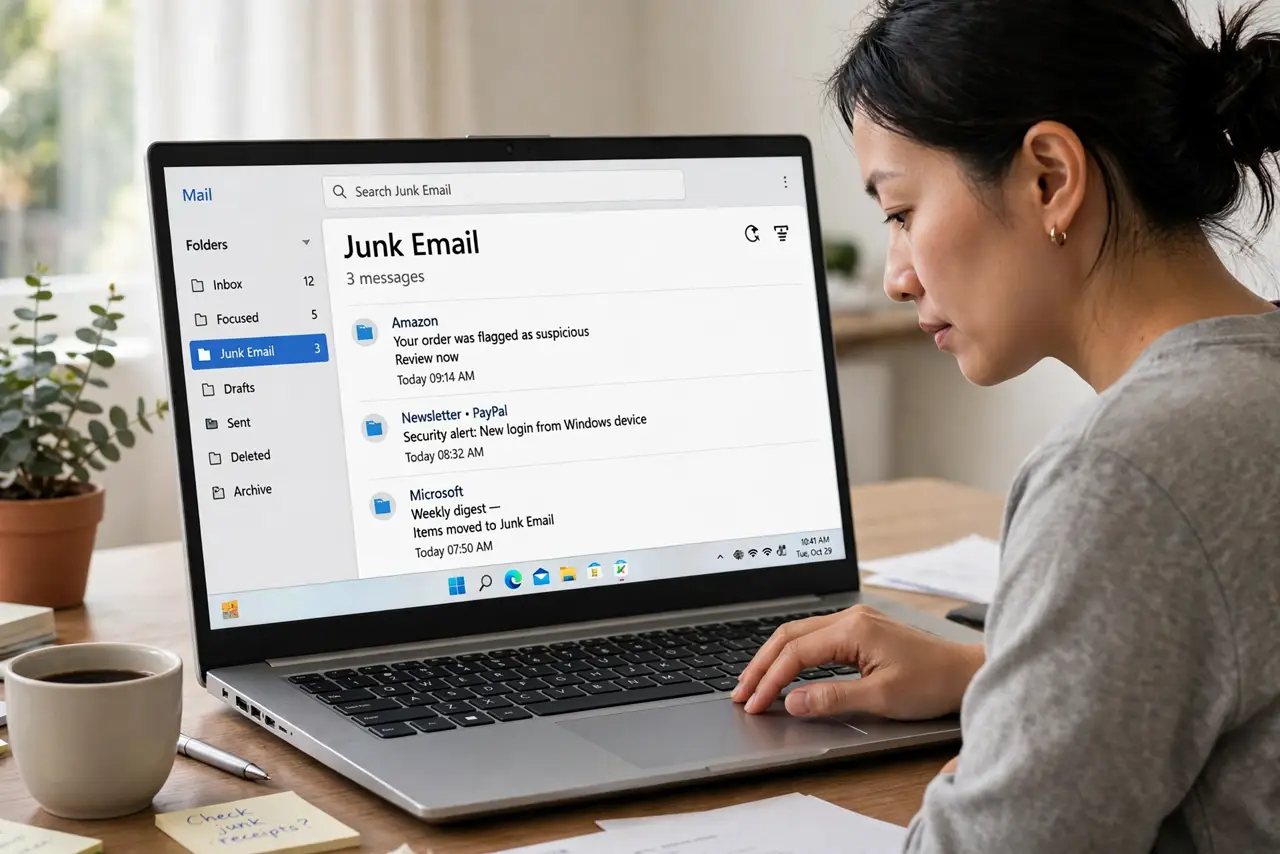
- Do not just empty the Junk folder on Fridays. Skim it first — one invite a month hides there, and deleting it deletes your meeting.
- Do not disable the junk filter entirely. You will drown in spam within days; targeted safe-senders beat a dead filter.
- Do not assume 'no invite' means 'no meeting'. Check junk and ask before skipping — the invite existed, the filter just buried it.
- Do not reply-all from the junk folder. Rescue the invite first, accept from the inbox, so your response threads correctly.
Frequently asked questions
Why do meeting invites go to spam?
New senders, mailing lists, and aggressive filters trip the junk detector. Calendar attachments look suspicious to dumb filters.
How do I stop invites going to junk?
Add organizers to Safe Senders and mark list invites as not-junk. The filter learns within a few corrections.
The invite is in junk but the meeting passed. What now?
Apologize briefly, ask for notes, and fix the filter so it never happens again — then move on.