Move the Reading Pane
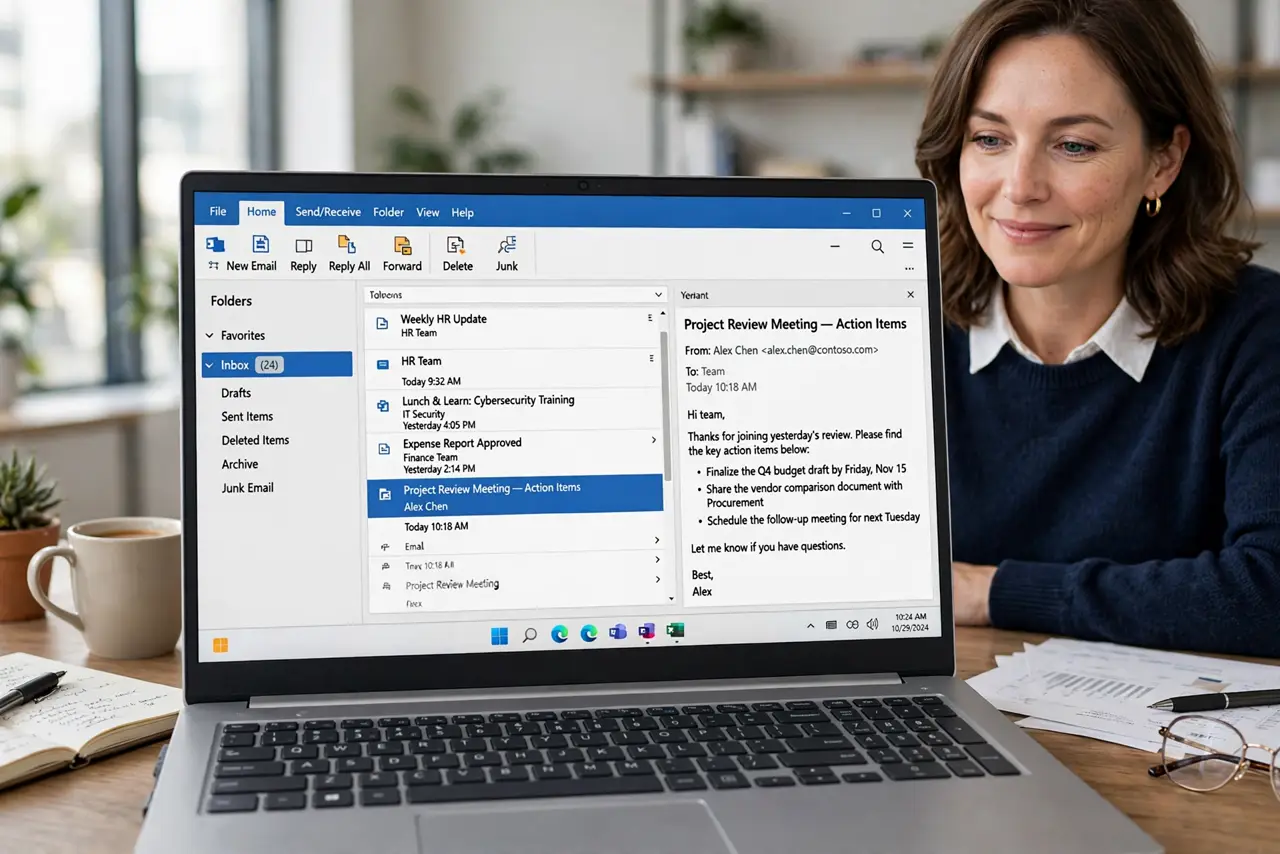
The reading pane is where you actually read mail — and its position changes how fast you triage. Right side for widescreens, bottom for laptops, off for the minimalists. Here is how to move it and which layout fits your screen.
TL;DR / Quick Fix
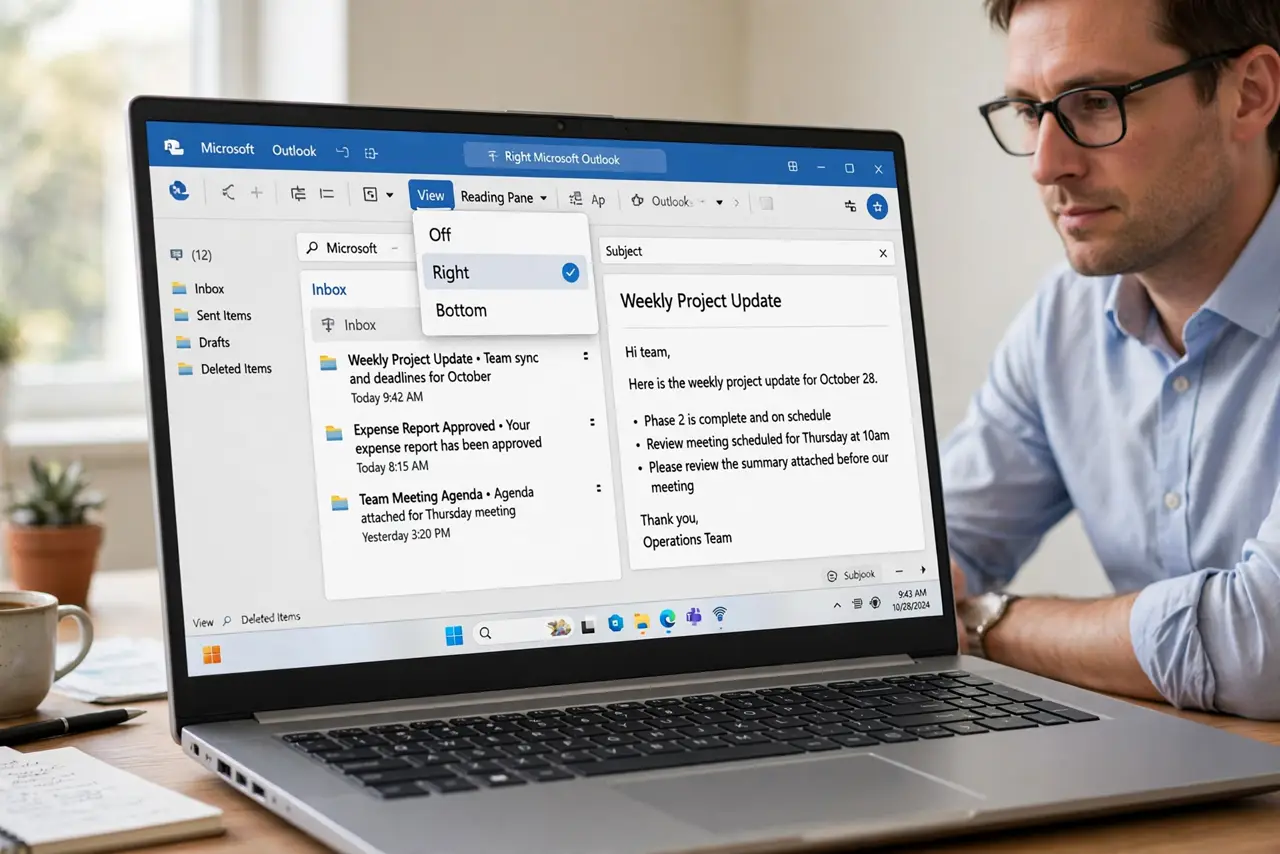
Quick fix: in Outlook go to View > Reading Pane and choose Right, Bottom, or Off. Right suits widescreen monitors; Bottom suits small laptop screens; Off suits keyboard triage. The change applies instantly per folder — set it on the inbox and copy the view if you want it everywhere.
Follow these steps
- Open the Reading Pane menu. Go to View > Reading Pane. Three choices: Right, Bottom, Off — plus Options for the fine print.
- Match it to your screen. Widescreen monitor: Right — the message list stays tall. Small laptop: Bottom — the list stays wide. Pick for the screen you use most.
- Try Off for triage days. With the pane off, double-click opens messages fully. Keyboard triage — arrows plus Enter — flies without the preview splitting attention.
- Tune the Options. Reading Pane > Options controls single-click marking as read and spacebar behavior. Set mark-as-read when viewed if you skim fast.
- Copy the view to other folders. The setting is per-folder. Use View > Change View > Apply Current View to Other Folders to spread your layout.
- Pair with a density choice. A right pane plus compact message list fits more on screen. Adjust View > Message Preview and density together with the pane.
What NOT to do
- Do not use Bottom on a widescreen. It crushes the message list into a ribbon.
- Do not leave mark-as-read on instant if you only preview. Half-read mail vanishes from unread counts.
- Do not assume Off means slower. For keyboard users it is often faster than any pane.
- Do not forget it is per-folder. Setting the inbox does not change Sent or custom folders.
Frequently asked questions
Why did my reading pane disappear?
You likely hit the View > Reading Pane > Off toggle, or a view reset. Re-select Right or Bottom to bring it back.
Can the reading pane show on the left?
No — Outlook offers Right, Bottom, or Off only. Left-pane reading is not an option.
Does the position sync to webmail?
Reading pane layout is per-app. Set it separately in Outlook desktop, new Outlook, and Outlook.com.