Recall a Sent Email? How To
You hit Send and spotted the typo — or the wrong attachment, or the wrong recipient. Recall promises to unsend the message, but it only works in narrow conditions. Here is exactly when recall can save you, how to attempt it, and the honest alternative.
TL;DR / Quick Fix
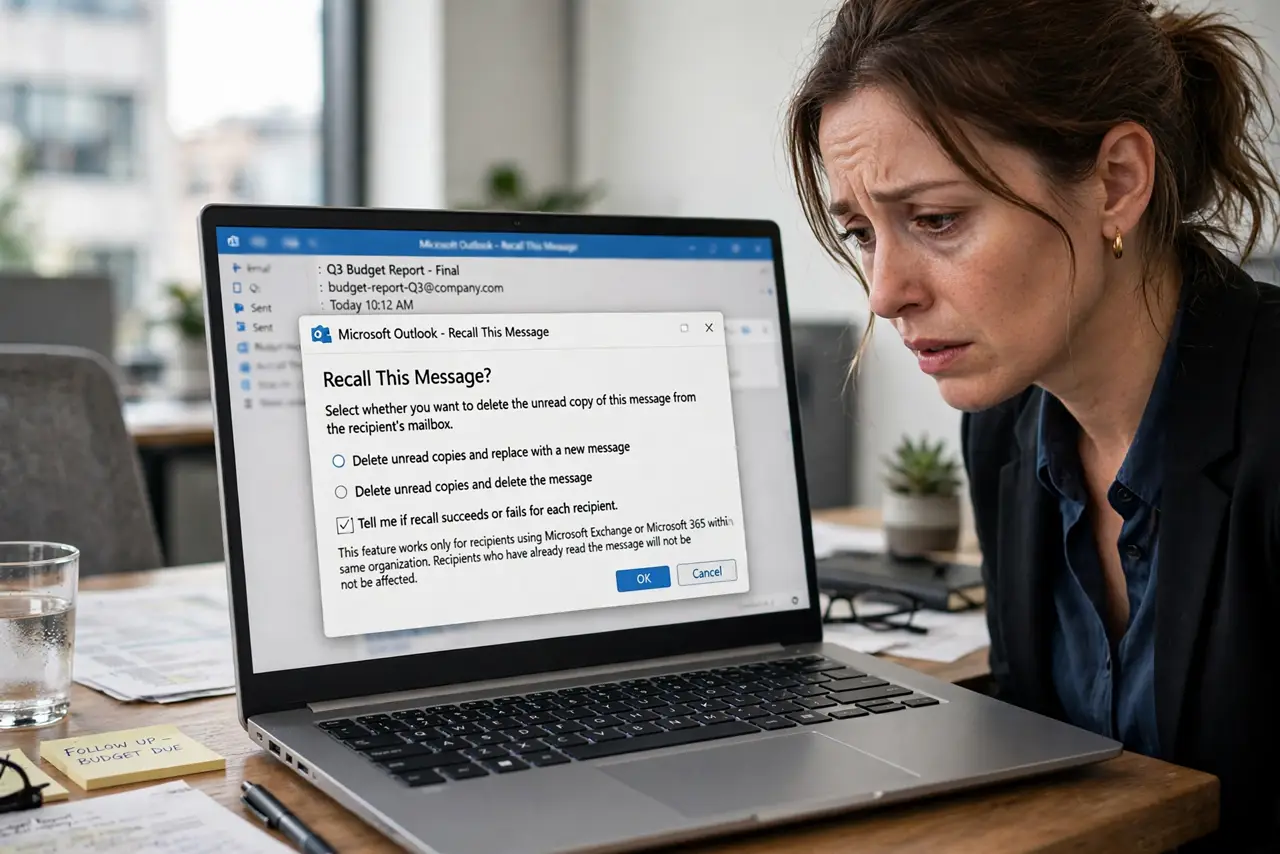
Quick fix: open the sent message, go to Actions > Recall This Message, choose Delete unread copies, and hope the recipient has not opened it — recall only works inside the same Exchange organization on unread mail. It fails silently otherwise, so always follow up with a corrected email.
Follow these steps
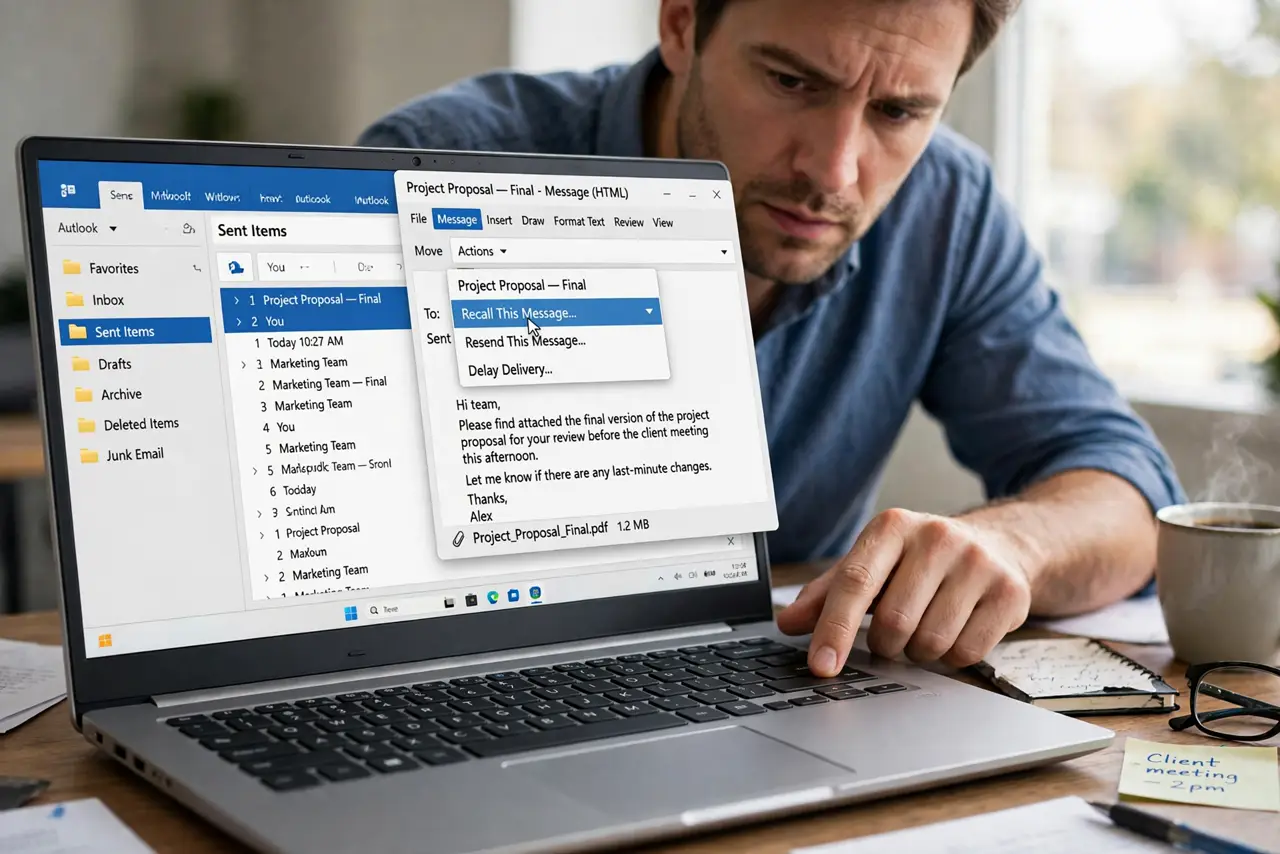
- Act within minutes. Recall only has a chance against unread mail. Open Sent Items and double-click the message to open it in its own window — recall needs that.
- Find Recall This Message. Go to Actions — or the ... menu — and choose Recall This Message. If the option is missing, your account type does not support recall at all.
- Choose Delete unread copies. Pick Delete unread copies of this message. The replace-with-new option sounds clever but doubles the confusion when it half-works.
- Watch for the recall report. Outlook sends a success or failure report per recipient. Read it — recalled for one recipient says nothing about the others.
- Send the corrected version anyway. Assume recall failed. Send the fixed email with a clear subject — the recall was a bonus, not the plan.
- Prevent the next one. Turn on send protection: a short delay on all mail gives you a grace window no recall can match.
What NOT to do
- Do not count on recall outside your company. It essentially never works across different email providers.
- Do not recall a message the recipient already read. It cannot un-read anything.
- Do not use replace-with-new recall for sensitive corrections. Send a fresh, clearly-labeled email instead.
- Do not skip the follow-up email. Silent recall failure is the default assumption.
Frequently asked questions
Why did recall fail?
The recipient already opened it, uses a different mail system, a phone app, or rules moved it. Any one of these kills the recall.
Does recall work in the new Outlook?
The new Outlook and web app offer a cloud-based recall for Microsoft 365 recipients, with similar limits — unread, same organization, short window.
What is better than recall?
A 1–2 minute send delay on all mail. You get an undo window on every message instead of a lottery ticket on one.