Signature Images Broken in Outlook? Fix It
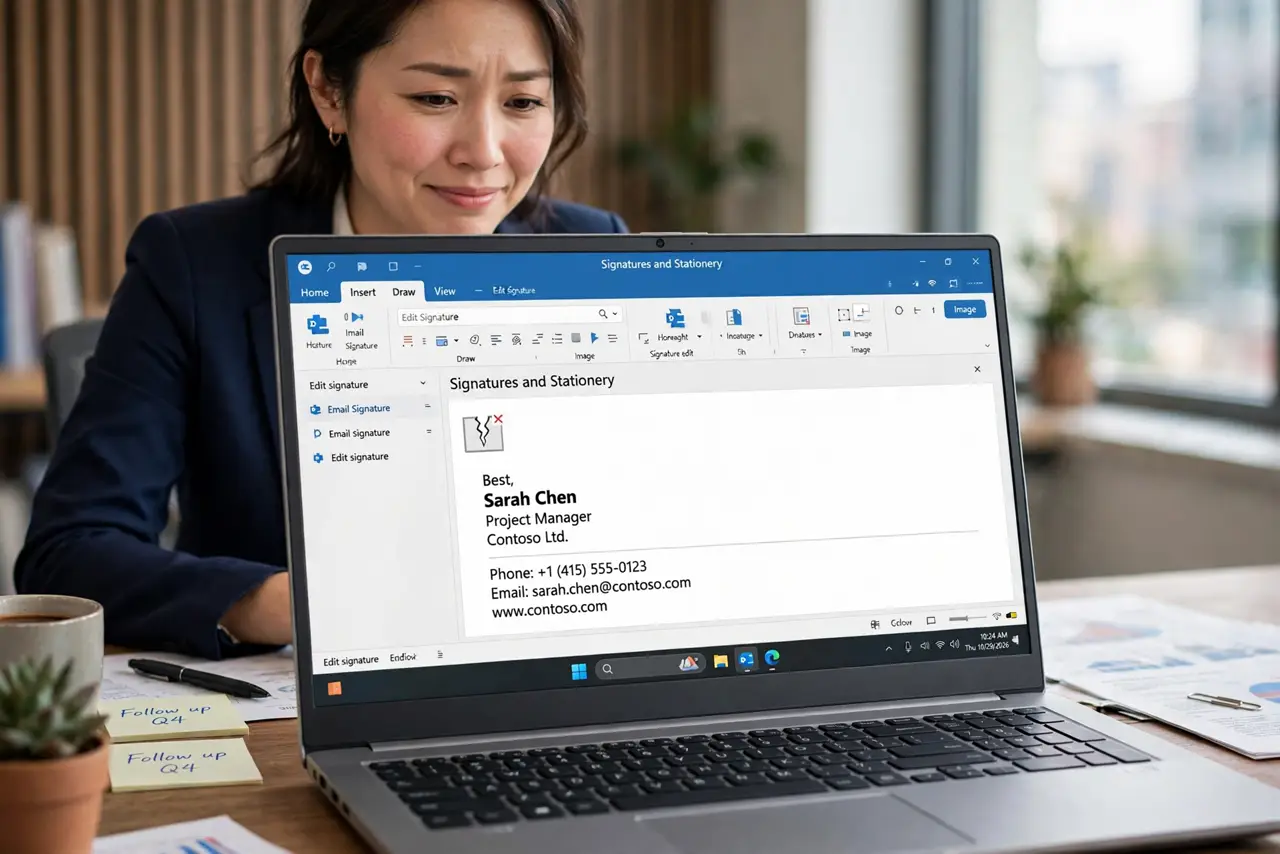
Your email signature looks perfect in Outlook — but recipients see a sad red X where your logo should be. Outlook links signature images instead of embedding them, so the image breaks the moment the file moves or the recipient is offline. Embedding fixes it for good.
TL;DR / Quick Fix
Quick fix: reinsert the logo using Insert Pictures while composing the signature so Outlook embeds it, and keep the image under 100 KB. If recipients still see red X's, the image was linked — not embedded — and needs re-adding properly.
Follow these steps
- Confirm the red X is real. Send a test to a second address and view it there, plus on your phone. If the X follows the email, the signature image is broken at the source.
- Reinsert the image properly. Edit the signature, delete the broken image, and use Insert > Pictures to add the logo file. This embeds it instead of linking.
- Keep the image small. Resize the logo to signature size — a few hundred pixels wide, under 100 KB. Huge images get blocked or clipped by recipients' mail apps.
- Avoid web-hosted images. Images loaded from a URL break when recipients are offline and get blocked by many corporate filters. Embedded beats linked every time.
- Test in plain-text mode too. Some recipients read plain text, where images vanish entirely. Make sure your name, title, and phone survive as text alone.
- Check the sent folder, not the draft. Drafts can show images that break on send. Always verify in an actually sent email.
What NOT to do
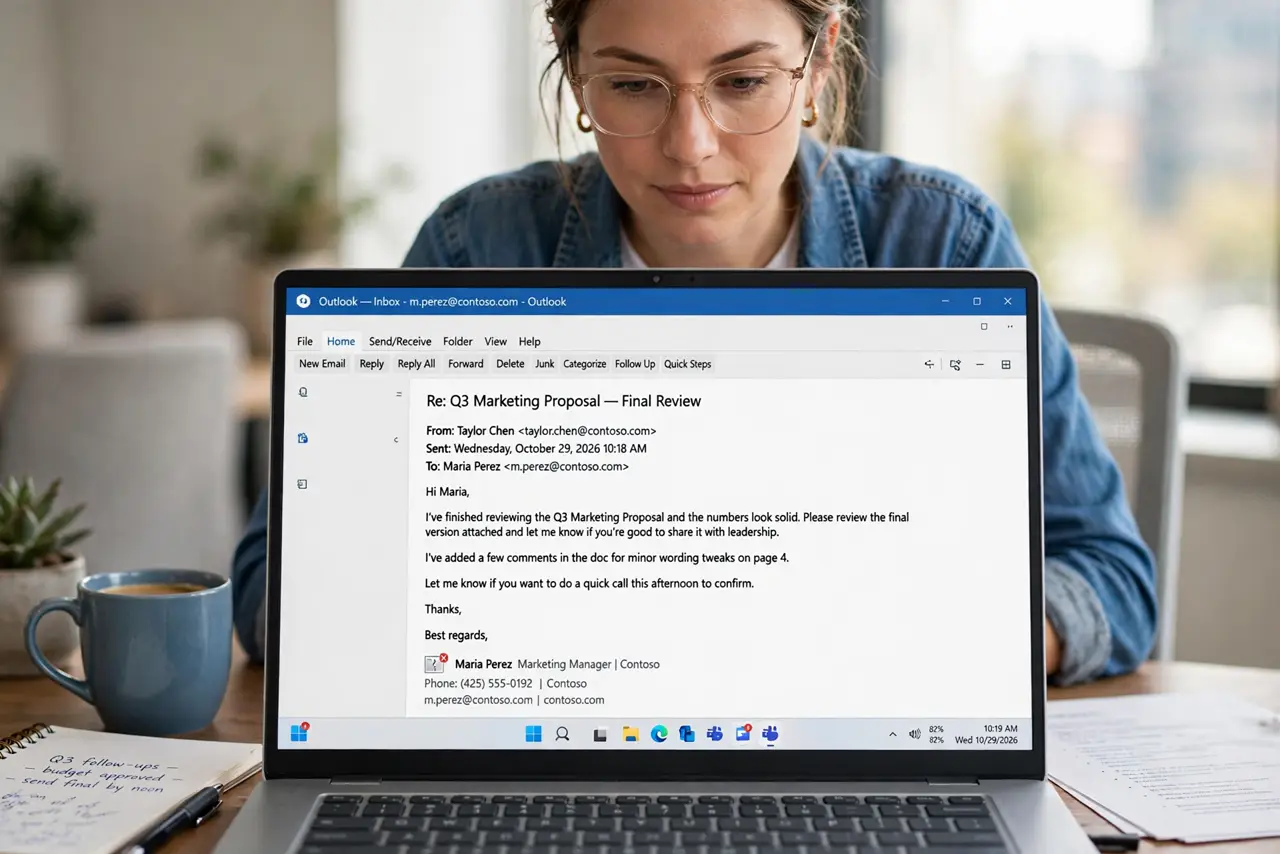
- Do not link the logo from your company website. One site redesign or hotlink block later, every email you ever sent shows a red X.
- Do not paste the image from a web page. Copy-paste often creates a link, not an embed — use Insert Pictures deliberately.
- Do not use a 5 MB photo as a logo. Oversized images trigger spam filters and bloat every email you send.
- Do not ignore the mobile view. A logo that looks fine on desktop can render huge on phones — test on mobile before calling it done.
Frequently asked questions
Why do recipients see a red X in my signature?
The image was linked, not embedded. Outlook shows it fine locally, but recipients cannot reach the linked file.
How do I embed an image in an Outlook signature?
Edit the signature and use Insert > Pictures to add the image file. That stores it inside the signature itself.
Will the image show for Gmail recipients?
Yes, if embedded and small. Linked or oversized images are what break or get blocked on the Gmail side.