Work Offline in Outlook
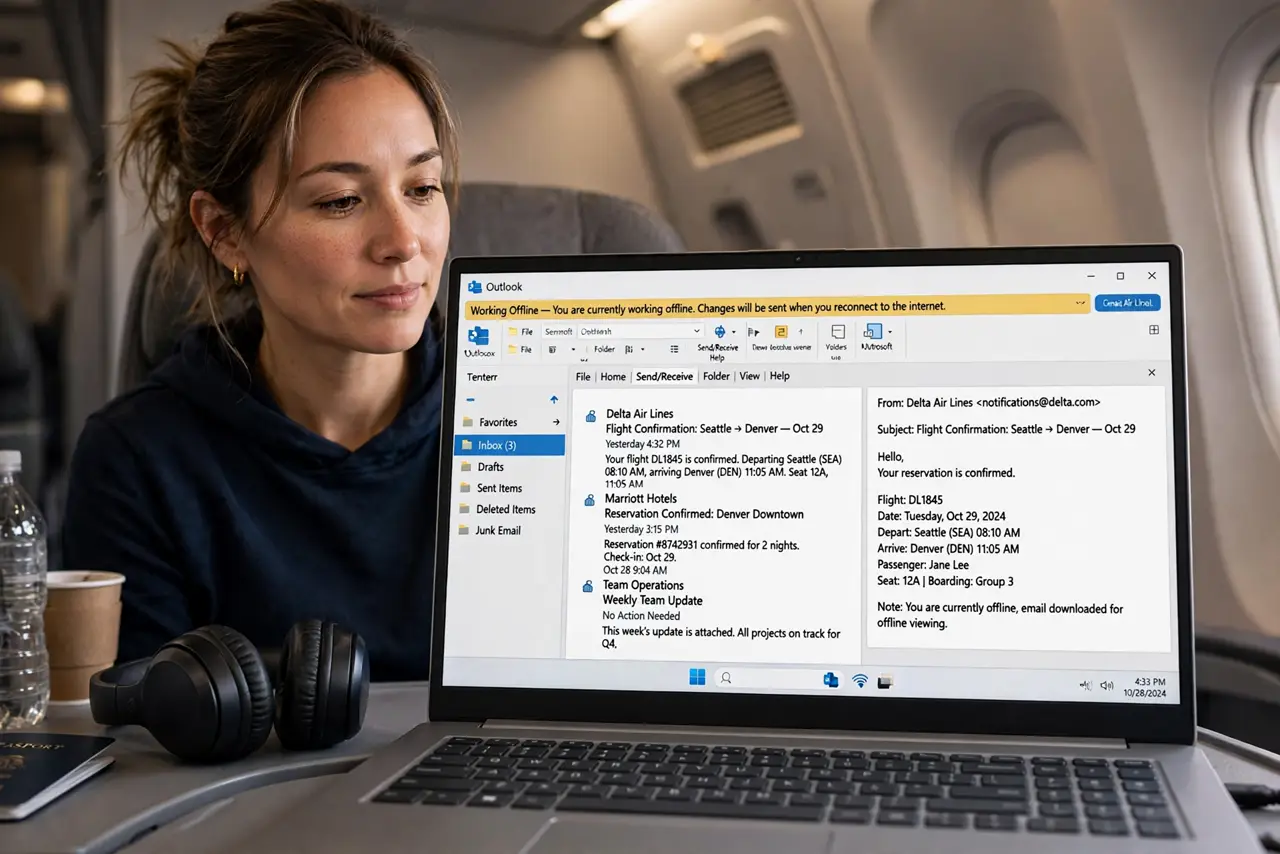
On a plane, a train, or a flaky hotel Wi-Fi, Outlook can keep working without a connection — drafting, filing, and queueing everything to send later. Work Offline is the switch that makes it graceful instead of glitchy. Here is how to use it.
TL;DR / Quick Fix
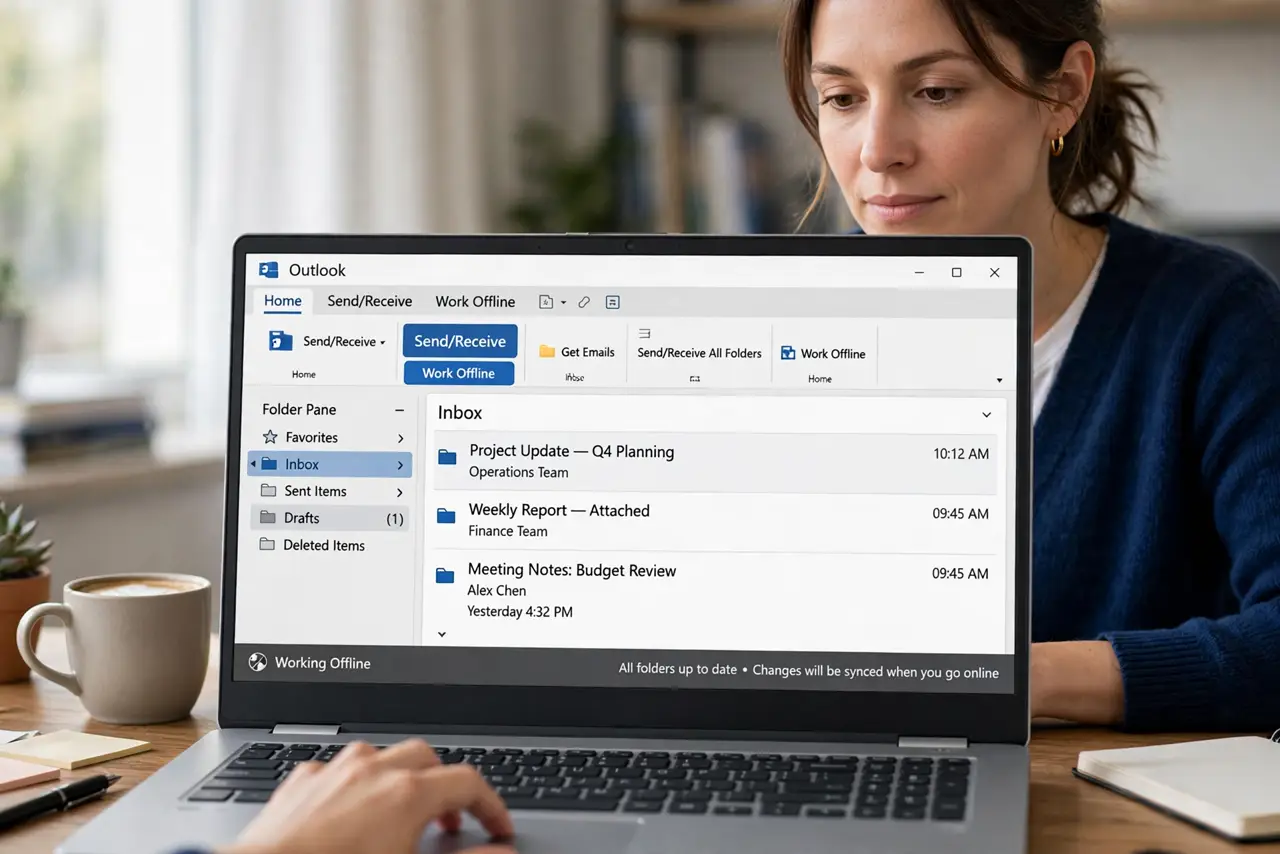
Quick fix: in Outlook go to Send/Receive > Work Offline — the status bar shows Working Offline and everything you do queues up. Drafts, moves, and deletes all sync when you reconnect. Turn it off to reconnect; Outlook syncs automatically. Download shared folders beforehand or offline has nothing to show.
Follow these steps
- Flip the Work Offline switch. Go to Send/Receive > Work Offline. The button highlights and the status bar confirms — Outlook stops trying to reach the server.
- Keep working normally. Read cached mail, draft replies, file messages, delete freely. Everything queues — sends wait in the Outbox.
- Watch the Outbox. Queued sends sit in the Outbox, visibly waiting. Do not panic at the count — it is a to-send list, not an error.
- Cache what you will need. Before going offline, open key folders so they cache. In account settings, raise the cached mail window — 12 months, say — for trips.
- Reconnect deliberately. Click Work Offline again to go back online. Outlook syncs the queue — watch the Outbox drain and the status bar clear.
- Handle conflicts calmly. If a message changed on two devices, Outlook keeps both or asks. Duplicates after a trip are normal — merge, do not panic.
What NOT to do
- Do not work offline without cached mail. With nothing cached, offline Outlook is an empty shell.
- Do not assume queued sends went out. Check the Outbox after reconnecting — one stuck message blocks the rest.
- Do not stay offline for weeks. Long offline stretches create sync conflicts that are tedious to untangle.
- Do not confuse Work Offline with a broken connection. If the switch is on by accident, nothing syncs — check it first.
Frequently asked questions
Where is Work Offline in the new Outlook?
The new Outlook handles offline more automatically, caching recent mail. The explicit Work Offline toggle is a classic Outlook feature.
Can I still search old mail offline?
Only what is cached. Raise the offline cache window before trips if you need deep history on the road.
Why are my sent mails stuck after reconnecting?
One oversized or blocked message can jam the Outbox. Delete or resize the stuck one and the queue flows.