The Browser Padlock Myth
For years, 'look for the padlock' was the internet safety advice — and it made sense when certificates cost money and effort. Today anyone gets a free certificate in minutes, including scammers. The padlock still means something, just not what most people think. Here is what it actually guarantees.
TL;DR / Quick Fix
Quick fix: the browser padlock only means the connection is encrypted — it says nothing about whether the site is honest. Scammers get free certificates in minutes, so fake login pages show padlocks too. Judge a site by its domain and reputation, never by the padlock alone.
Follow these steps
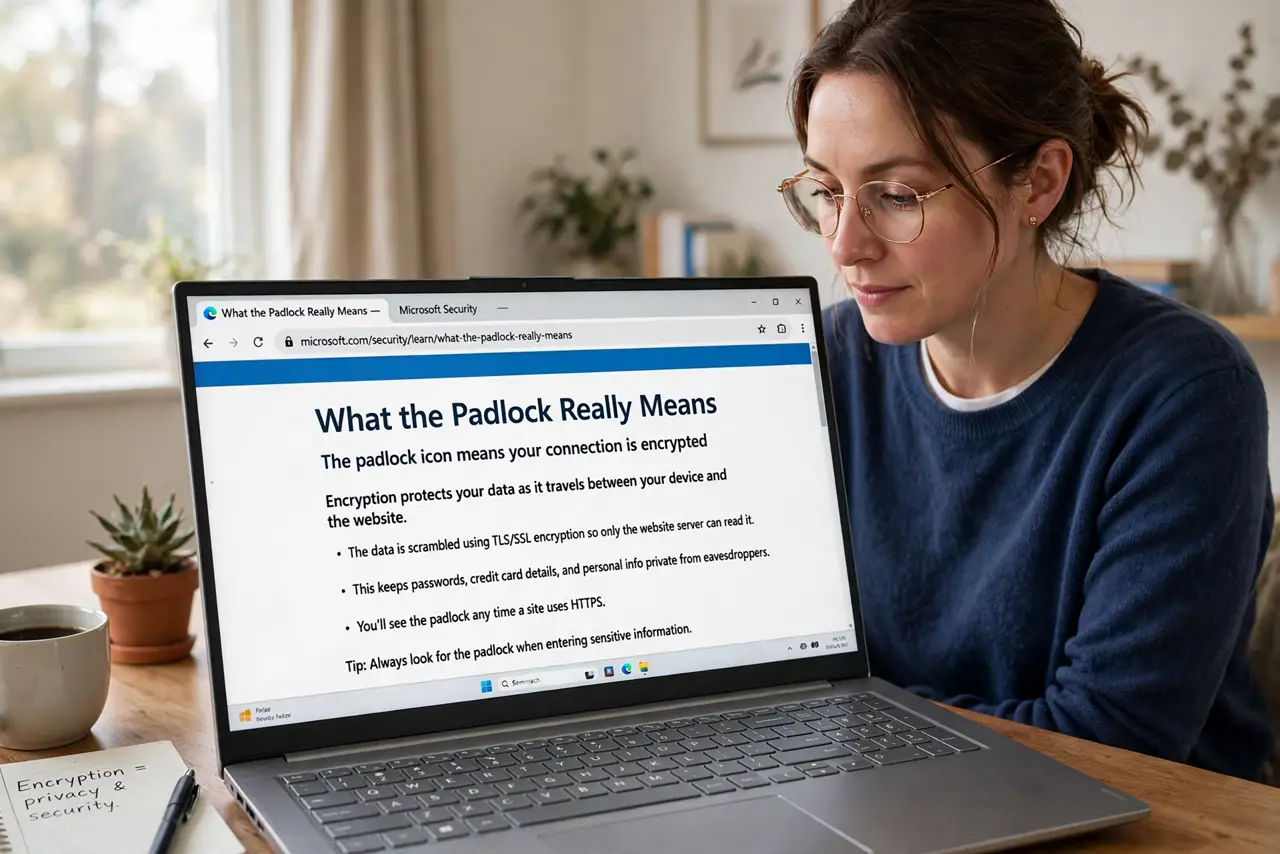
- Learn what the padlock really means. The padlock means your connection to that site is encrypted — nobody between you and the server can eavesdrop. That is it. It says nothing about who runs the site or whether they are honest.
- Understand why scammers have padlocks. Free certificate authorities issue HTTPS certificates automatically to anyone, including criminals. A fake bank login page gets its padlock in minutes — encryption is now table stakes, not a trust badge.
- Judge sites by domain, not icons. The real safety check is the address bar: the exact domain spelling. A padlock on a lookalike domain protects your connection to a scammer. Read the domain — the skill from spotting fake logins applies here too.
- Know what encryption does protect. On public Wi-Fi, HTTPS stops snoopers from reading your traffic — that part genuinely matters. The padlock's job is privacy from eavesdroppers, not vetting the site's owner. See HTTPS vs VPN for the full picture.
- Watch for the missing padlock. Its absence is still meaningful: a login or payment page without HTTPS in 2026 is either ancient or malicious. No padlock on a sensitive page — leave immediately.
- Use the rest of your toolkit. Padlock plus correct domain plus reputation plus your password manager's willingness to fill — that is a real safety check. No single icon carries the whole load anymore.
What NOT to do
- Do not trust a site because of the padlock. It is an encryption indicator wearing a trust costume — scammers exploit exactly this confusion.
- Do not ignore the full URL. The domain is the identity check; everything else is decoration.
- Do not assume 'secure' means safe. Browsers retired the word 'secure' next to the padlock precisely because it misled people.
- Do not enter credentials on any page you reached via surprise link, padlock or not. Navigation beats icons every time.
Frequently asked questions
So is the padlock useless now?
Not useless — just narrower than people think. It guarantees encryption, which matters on untrusted networks. It never guaranteed honesty.
What replaced 'look for the padlock'?
'Check the exact domain, and do not log in from links.' Less catchy, actually effective.
Do I need to worry about HTTP sites?
For reading public articles, no. For anything with a login, password, or payment — yes, leave. Unencrypted sensitive pages are unacceptable now.