Password Changed but Old One Saved? Fix It
Changing a password but having the old one saved means every login fills the wrong password, and you start doubting the new one. The saved entry simply was not updated, so the fix is updating it deliberately and testing the result.
TL;DR / Quick Fix
Quick fix: Open the saved entry for that site. Replace the old password with the new one. Clear any old autofill entry in the browser. Test the login with the saved entry. Check other devices for the old copy. Check the autofill behavior on the next login.
Follow these steps
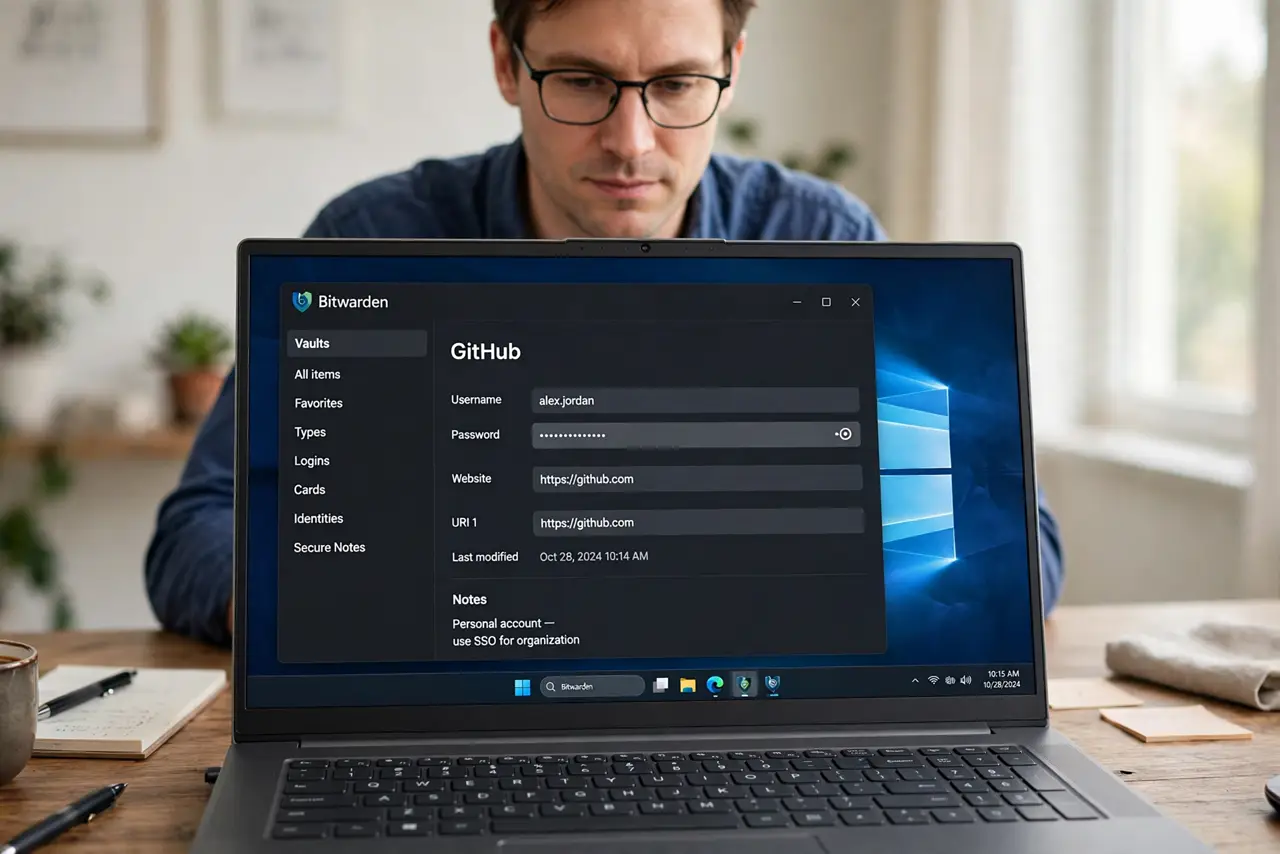
- Open the saved entry for that site. Find the entry in your manager or browser, and open it fully. Do not just retype the password at login and hope the prompt appears.
- Replace the old password with the new one. Paste or type the new password into the saved entry and save it. Confirm the save completed before closing the manager.
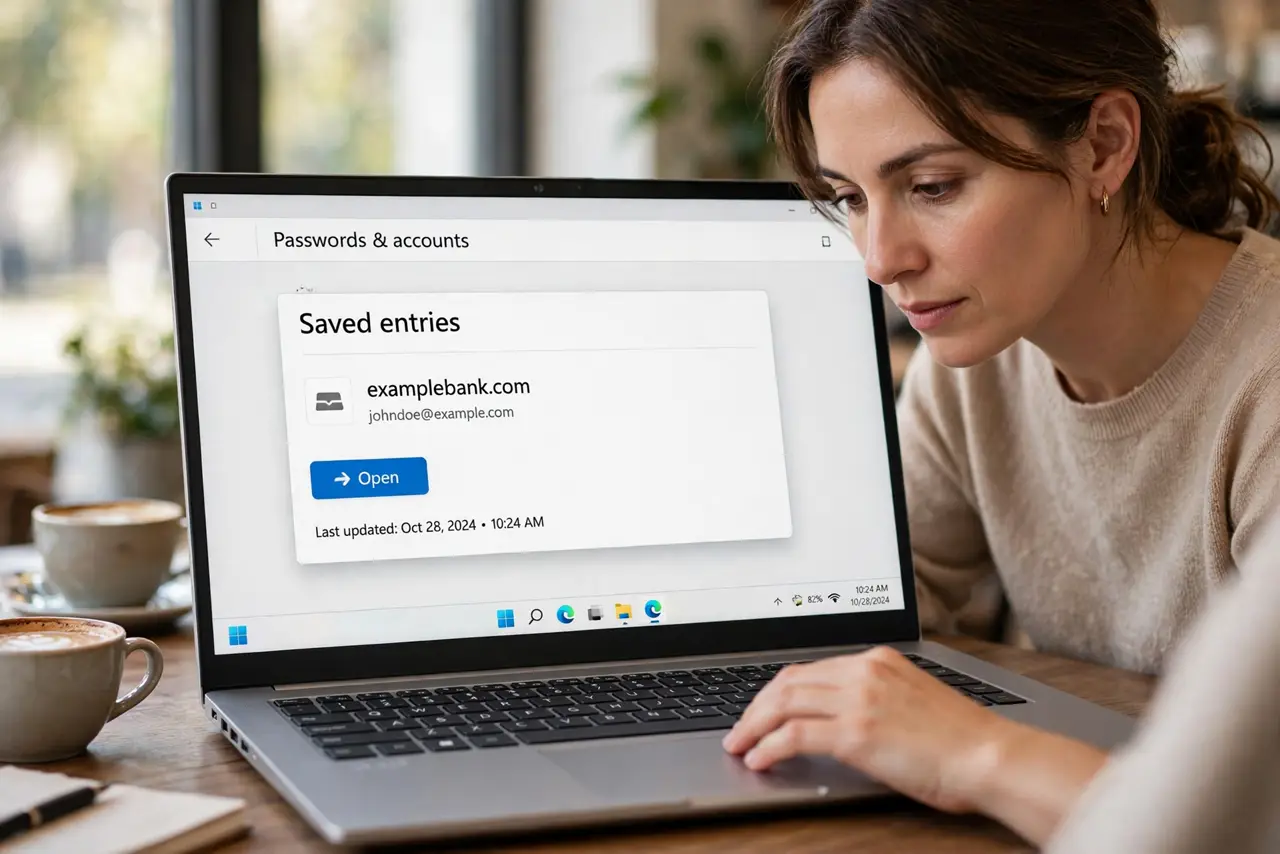
- Clear any old autofill entry in the browser. If the browser also saves passwords, update or delete its copy too. Two savers with different passwords fight on every login.
- Test the login with the saved entry. Sign out, then sign in using the saved password. A successful test proves the saved entry now matches the account.
- Check other devices for the old copy. Open the manager on your phone and other devices and confirm they synced the new entry. A stale device can push the old password back.
- Check the autofill behavior on the next login. Watch the next login fill the new password on the right site. If it fills elsewhere, the entry's site address needs correcting too.
What NOT to do
- Do not keep retyping the new password without updating the saved entry. The old entry will keep winning.
- Do not change the password again to fix the saver. A second change without updating the entry just adds confusion.
- Do not save passwords in both the browser and the manager with different values. Pick one saver and keep it current.
- Do not ignore other devices. An unsynced device is a reliable way to resurrect the old password.
Frequently asked questions
Why does the old password keep filling in?
Because the saved entry was never updated, so autofill faithfully fills the old value.
Should I use the browser or a manager?
Pick one as your main saver. Two savers with different entries conflict on every login.
What if the update prompt never appeared?
Update the entry manually in the manager. Prompts are convenient, but manual editing is reliable.