Emergency Password Access
If something happened to you tomorrow, could your family get into the accounts that matter — the bank, the bills, the photo archives? For most people the answer is an uncomfortable no. Emergency access in a password manager solves this gracefully: a trusted person can request your vault, you get a waiting period to approve or deny, and nobody needs your master password today. It is the digital equivalent of a spare house key. Pair it with family sharing for the complete setup.
TL;DR / Quick Fix
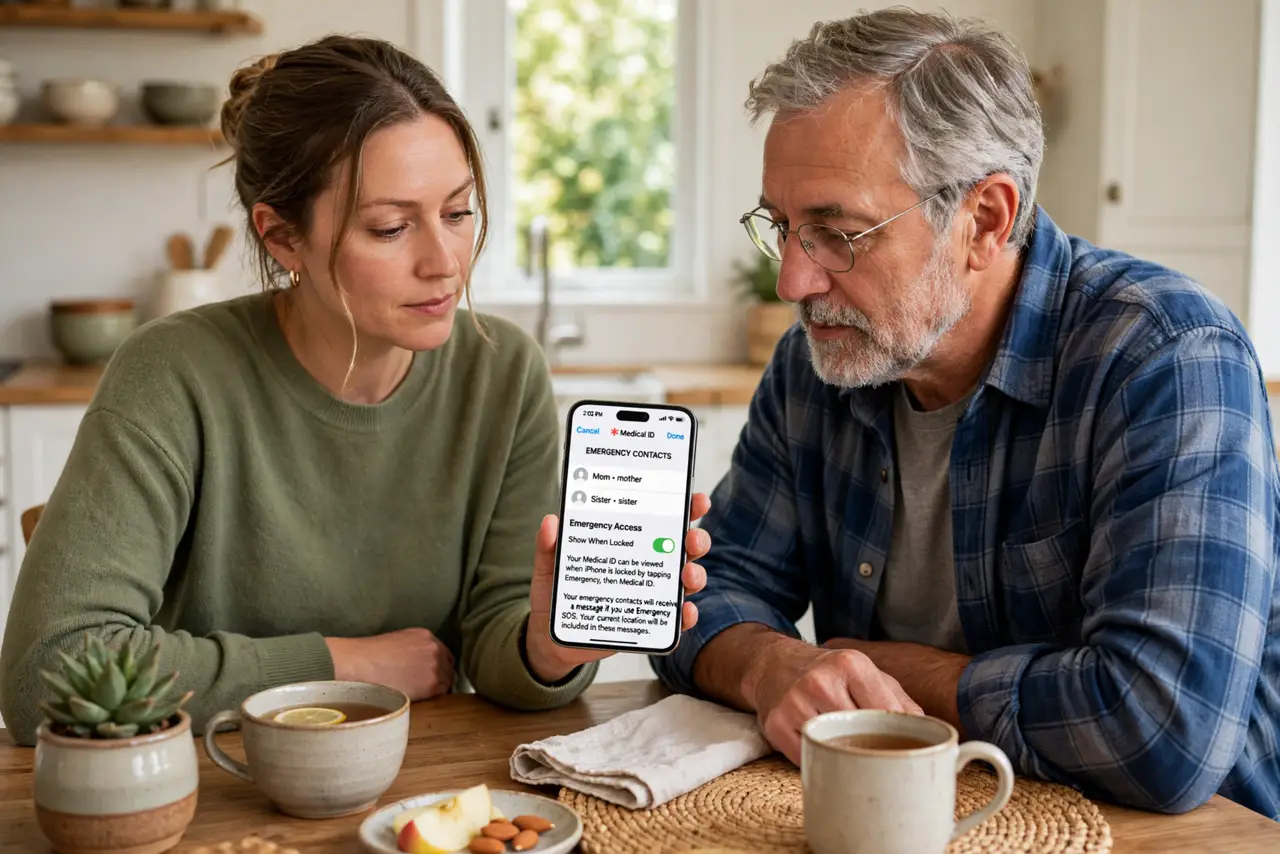
Quick fix: set up emergency access in your password manager — name a trusted person who can request your vault if something happens to you. It protects your family from lockout without sharing your master password today. Review the contact yearly and keep your own recovery codes somewhere safe.
Follow these steps
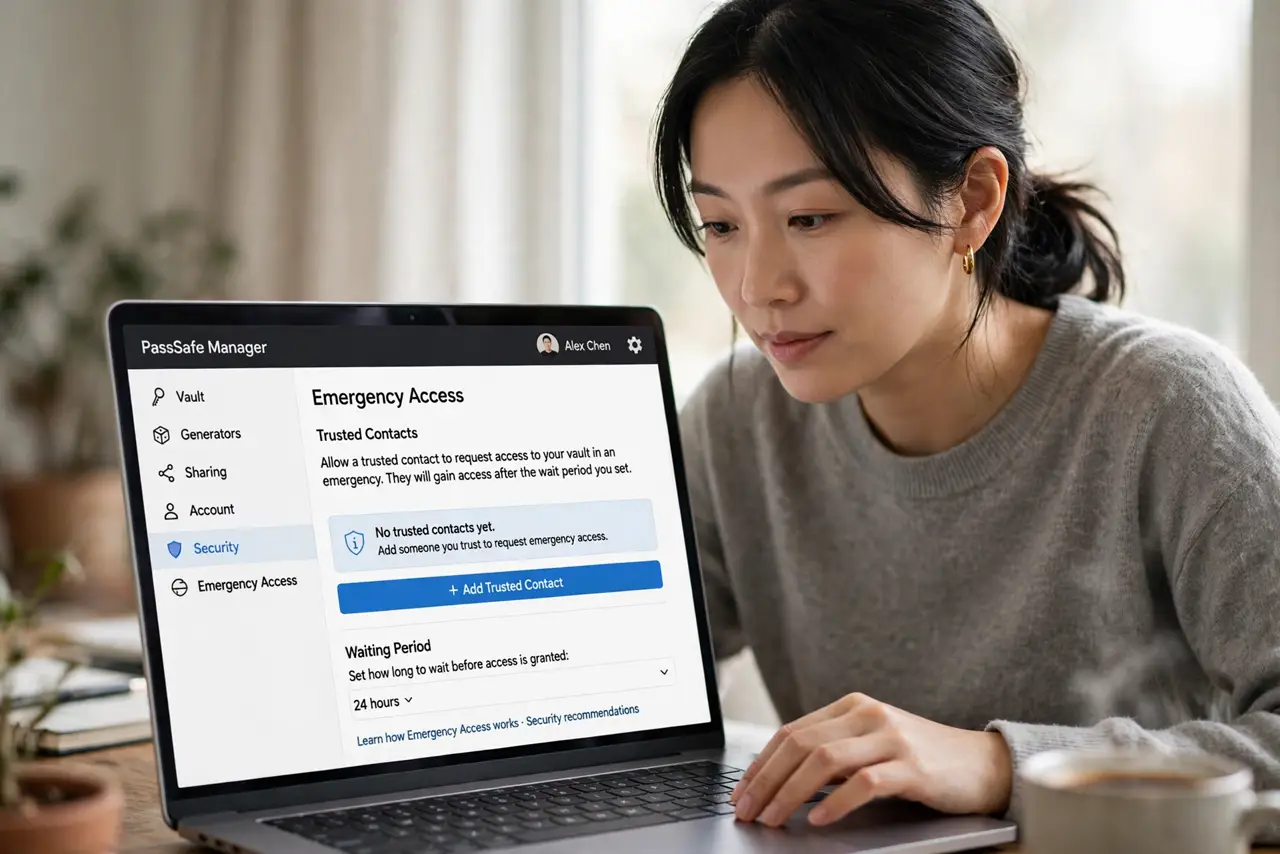
- Open your manager's emergency settings. Most major password managers include emergency access or a trusted contact feature. It is usually under account or security settings.
- Choose your trusted person carefully. Spouse, sibling, adult child — someone responsible and reachable. This person gets potential access to everything, so trust is the whole criteria.
- Understand the waiting period. Emergency requests trigger a delay — often days — during which you can deny them. This prevents both impulsive access and lockout abuse.
- Tell the person you named them. Surprising someone with vault access during a crisis is cruel. Have the conversation now: where things are, what matters most.
- Store your own recovery codes too. Keep the manager's recovery codes somewhere physically safe — a sealed envelope with important papers. Your future self may need them.
- Review the setup yearly. Relationships and circumstances change. An annual check that the right person is named takes two minutes — the two-factor backup deserves the same review.
What NOT to do
- Do not share your master password as the 'emergency plan.' That gives permanent, immediate, unrevocable access — the opposite of a plan.
- Do not name someone without telling them. Uninformed emergency contacts cannot act when it counts.
- Do not set it up and forget it for a decade. The trusted person, the waiting period, and your recovery codes all deserve yearly review.
- Do not skip this because it feels morbid. It is paperwork, like a will — responsible, not gloomy.
Frequently asked questions
What if my trusted person needs access while I am fine?
The waiting period protects you — you get notified and can deny the request. Emergency access is request-based, not standing access.
Does emergency access give them everything?
Typically yes, the full vault. That is why the trusted person choice and the waiting period both matter.
What if my password manager lacks this feature?
Switch to one that has it, or keep sealed written instructions with your important papers as a fallback — see the manager switching guide.