Set an Emergency Access Contact for Passwords
If something happens to you, your family may need your passwords — but handing over a master password today is risky. Emergency access in a password manager grants entry only after a waiting period, with a notification sent to you first.
TL;DR / Quick Fix
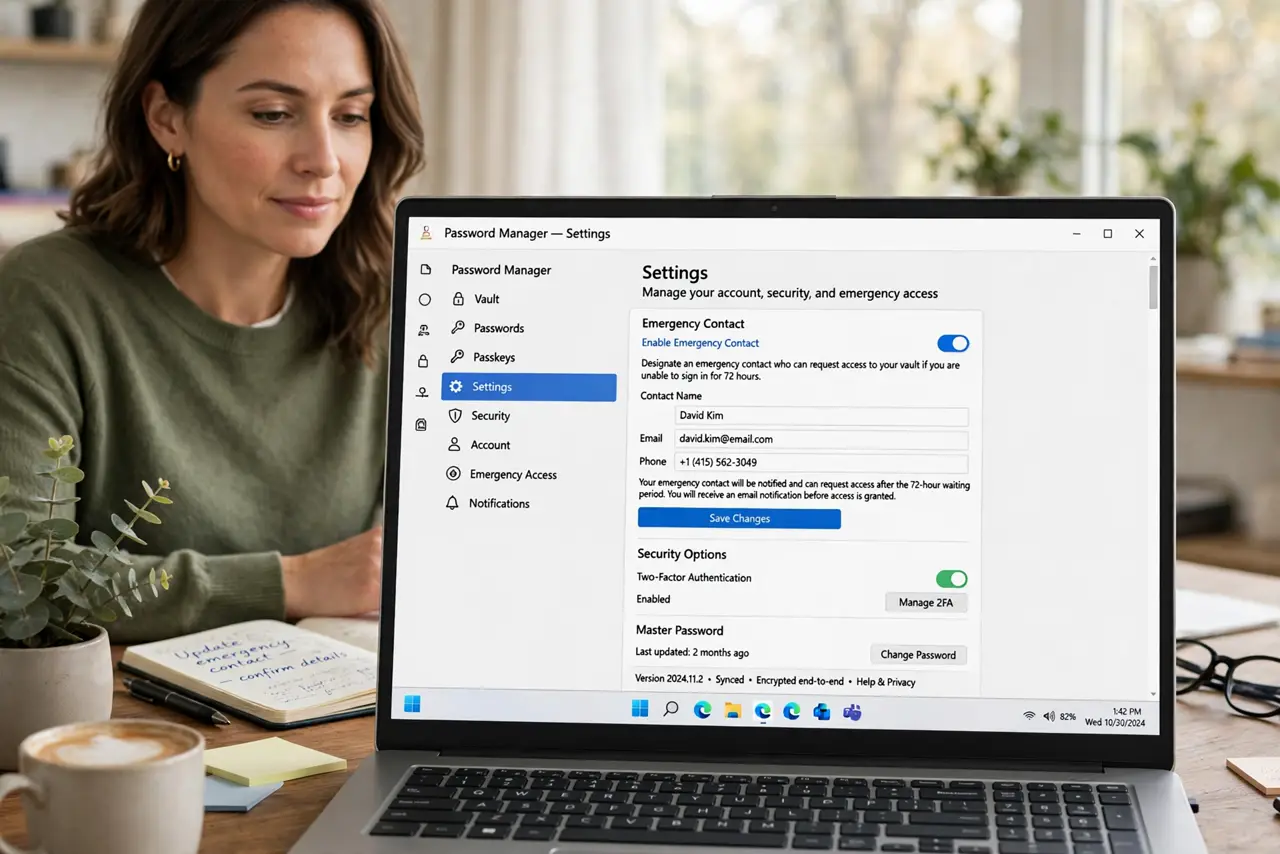
Quick fix: open your password manager settings, choose the emergency access or trusted contact feature, and invite one trusted person. Then set a sensible waiting period, tell that person where to find the invite, and test that the notification reaches you.
Follow these steps
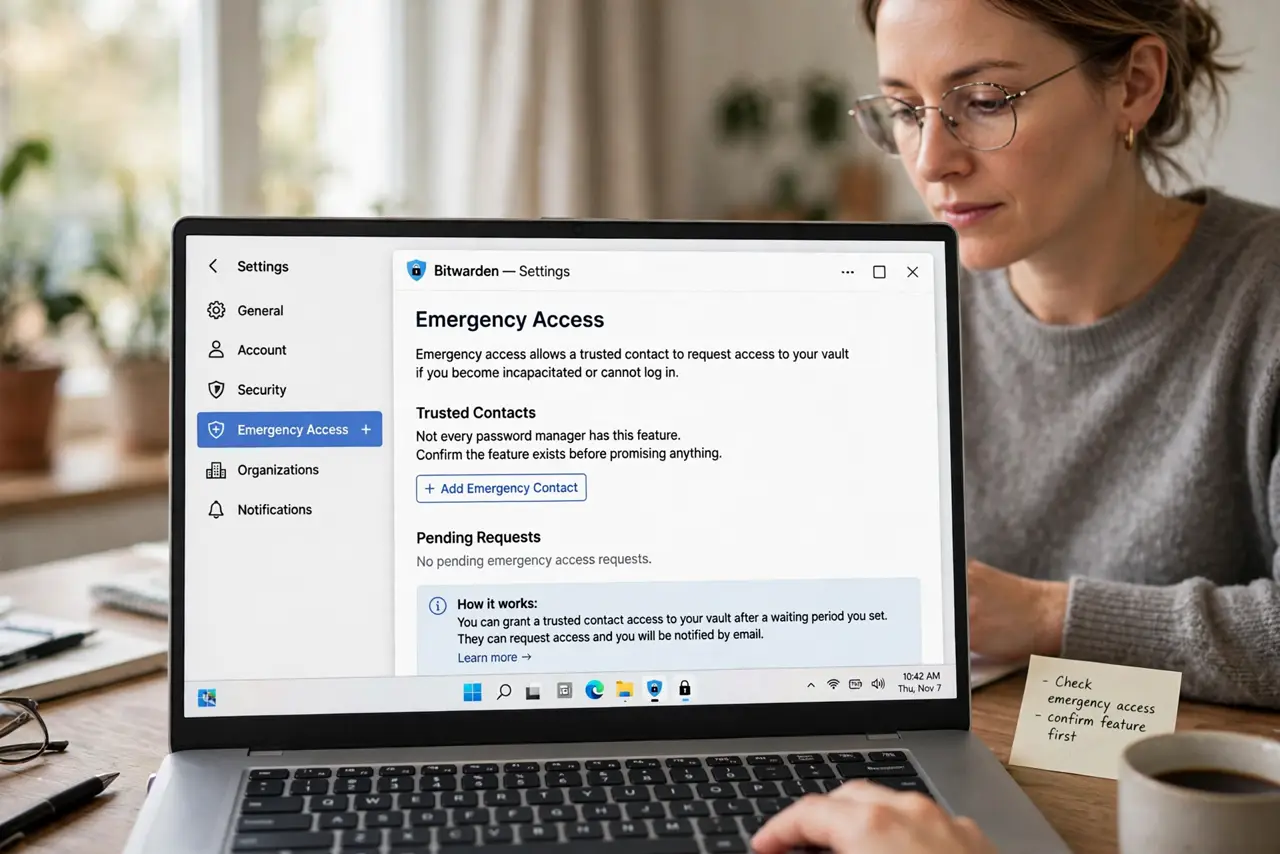
- Find the emergency access feature. Open your password manager's settings and look for emergency access, trusted contact, or legacy contact. Not every manager has it, so confirm the feature exists before promising anything to family.
- Invite one trusted person. Send the invite to someone you trust completely, like a spouse or sibling. One trusted contact is enough; a crowd of contacts multiplies the risk of misuse.
- Set a sensible waiting period. Choose the delay between the request and the access, such as several days. The wait gives you time to decline the request if you are fine and the request was a mistake or abuse.
- Tell the contact what to expect. Explain that they will get an email invite and must accept it now. An invite ignored today is useless in an emergency, so confirm they accepted it.
- Test that notifications reach you. Trigger a test request if the manager allows it, or at least confirm the notification email arrives. The whole safety net depends on you seeing a request you did not expect.
- Review the contact once a year. Revisit the choice yearly, alongside your backup codes storage. Relationships and trust change, and the contact should reflect your life today.
What NOT to do
- Do not share your master password as emergency access. The master password works instantly with no waiting period and no notification, which defeats the protection.
- Do not name several contacts to be safe. Each extra contact is another person who can request your vault, so one trusted person is the right balance.
- Do not set the waiting period to zero. A zero wait removes your chance to decline a mistaken or abusive request.
- Do not skip telling the contact. An invite sitting unopened in spam helps nobody when it is actually needed.
Frequently asked questions
What is emergency access in a password manager?
A feature that lets a chosen person request access to your vault, granted only after a waiting period during which you can decline.
Why not just share the master password?
Because it grants instant, silent, total access with no way to take it back short of changing it everywhere.
What if my manager has no such feature?
Use its secure sharing or write sealed instructions stored with your will, and switch managers if emergency access matters to you.