Switch Password Managers
Your password manager raised prices, got bought, or just annoys you daily — and your hundreds of logins feel trapped inside it. They are not. Every reputable manager exports to a standard format, and switching is a calm afternoon project, not a crisis. This guide walks the safe migration: export, import, verify, and clean up. Your family sharing moves along too.
TL;DR / Quick Fix
Quick fix: to switch password managers, export from the old one, import into the new one, then verify a few logins and delete the export file. Do the move on a trusted computer, and keep the old vault until the new one proves itself.
Follow these steps
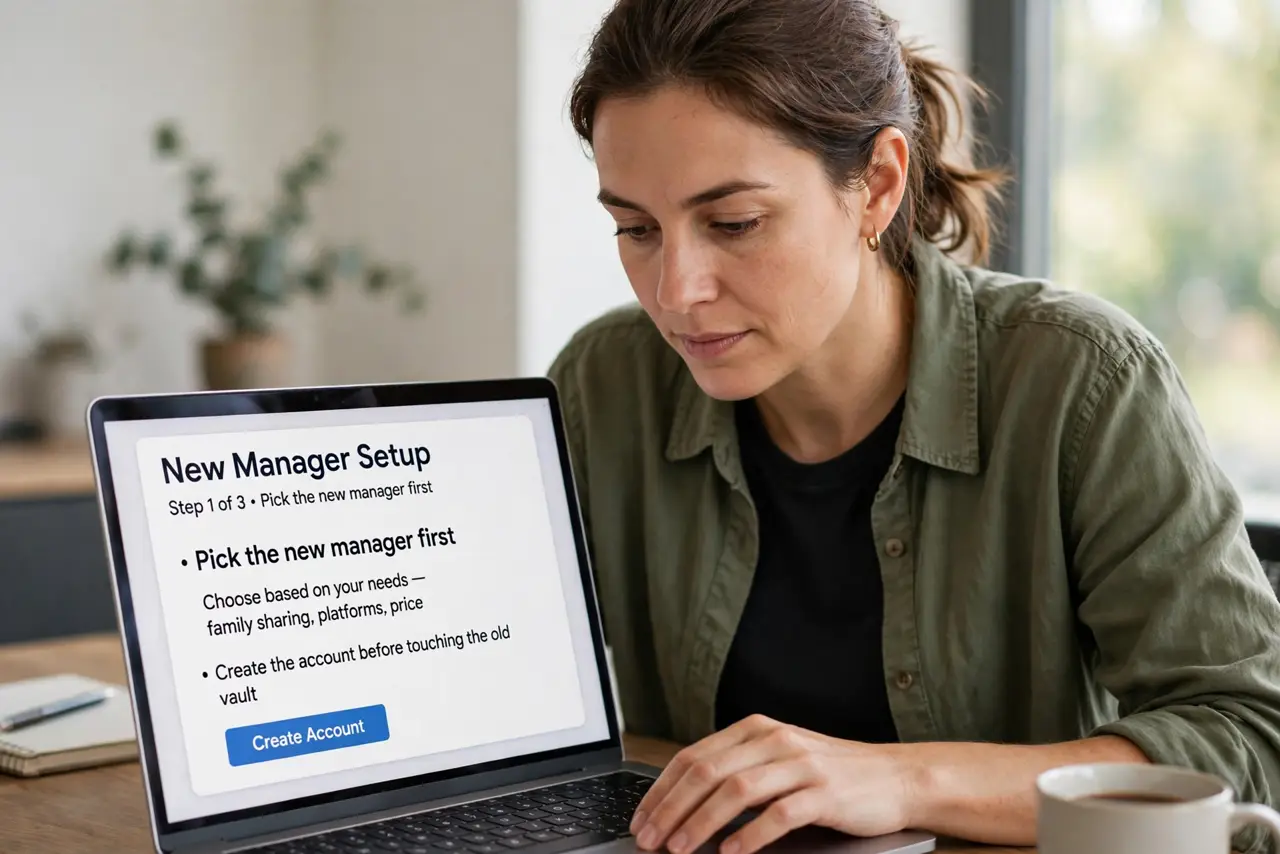
- Pick the new manager first. Choose based on your needs — family sharing, platforms, price — and create the account before touching the old vault.
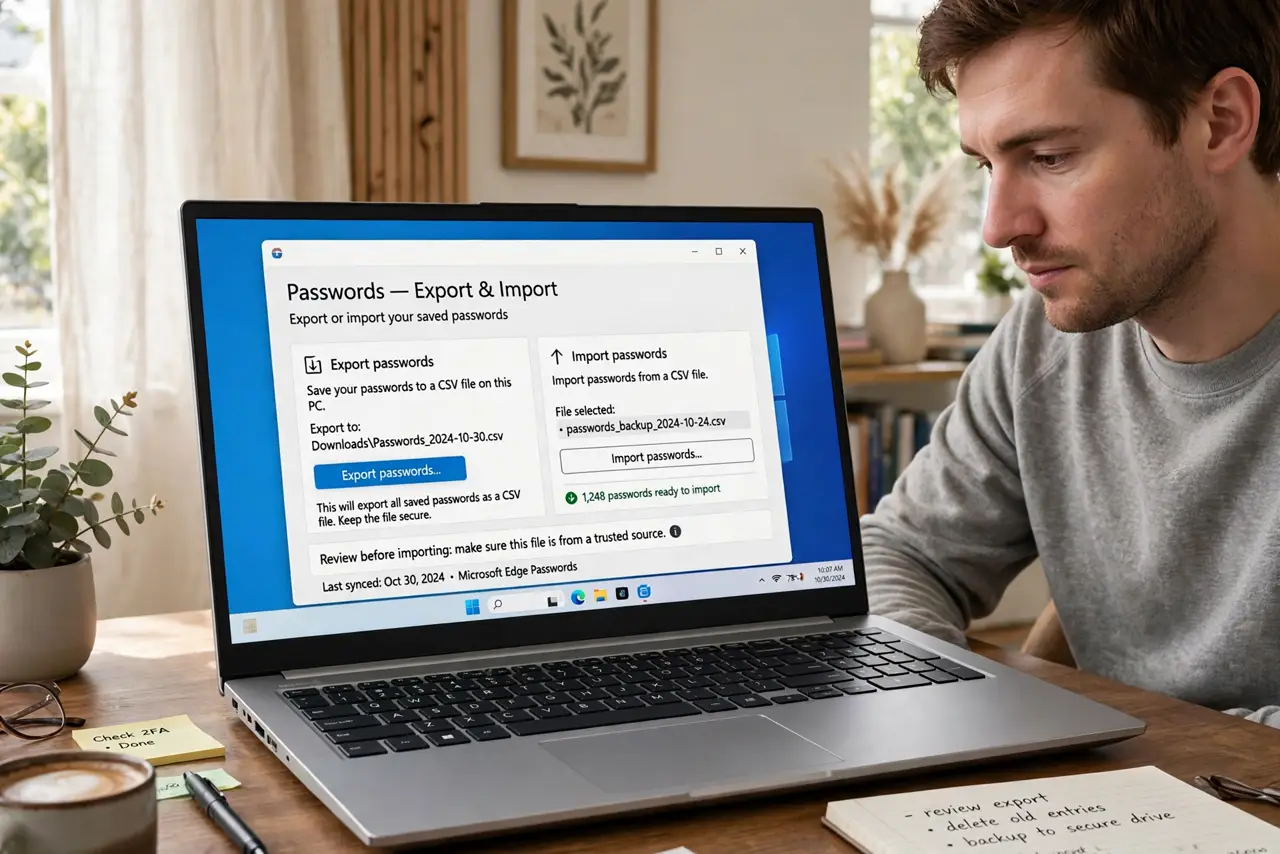
- Export from the old manager. Use its official export, usually to CSV. Do this on your own trusted computer — the export file is unencrypted and extremely sensitive.
- Import into the new manager. New managers all offer import from competitors' formats. Run it and watch the count — every login should arrive.
- Verify logins and folders. Spot-check important logins and confirm folders and shared vaults came over intact. Fix stragglers manually now.
- Delete the export file securely. The unencrypted CSV must not linger. Delete it and empty the trash — it is the most dangerous file you will ever handle.
- Keep the old vault briefly, then close it. Run both for a week or two while you confirm everything works, then downgrade or delete the old account.
What NOT to do
- Do not export on a shared or public computer. The unencrypted export on someone else's machine is a catastrophe.
- Do not email the export to yourself. Email is not secure storage for your entire digital life.
- Do not delete the old vault on day one. Keep it as backup until the new manager has proven itself for a couple of weeks.
- Do not forget shared vaults and emergency contacts. Rebuild family sharing and emergency access in the new manager.
Frequently asked questions
Will I lose passwords in the switch?
Not if you verify the import count and spot-check. The standard formats carry logins, notes, and folders reliably.
Is the export file dangerous?
Very — it is every password in plain text. Handle it like cash: create, use, destroy, all on a trusted machine.
Can I switch from a browser's built-in manager?
Yes — browsers export too, though sometimes clumsily. It is still far better than staying stuck.