Passwords While Traveling
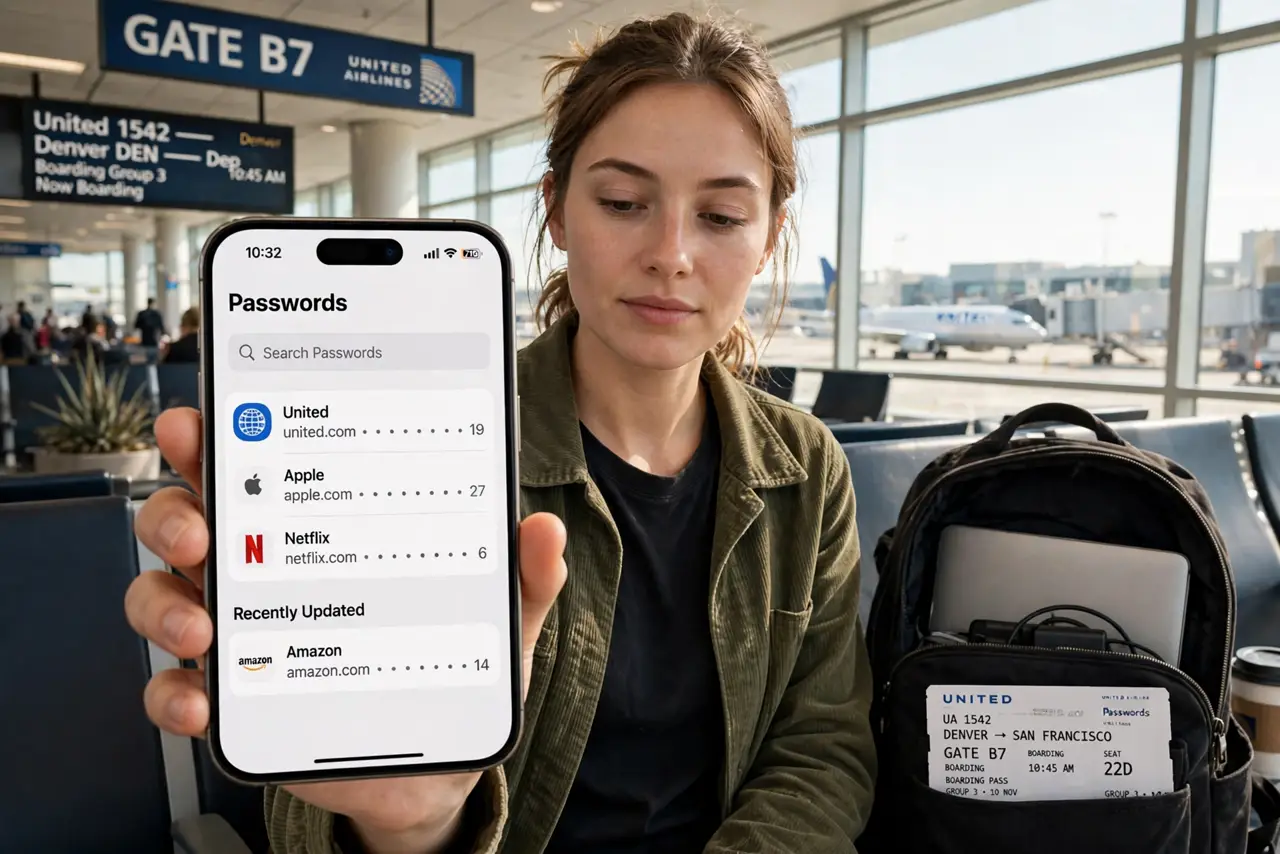
You land in a new country, your phone demands a verification code sent to a SIM you just swapped out, and the hotel Wi-Fi wants your email password — which is in the manager on the laptop in your bag. Travel breaks every password assumption you have. A little prep before departure keeps you logged in and safe across borders. The emergency access guide is the deeper what-if plan.
TL;DR / Quick Fix
Quick fix: before traveling, save offline copies of key passwords, set up your password manager on a second device, and enable two-factor backup codes. At borders, know that agents can ask to inspect devices — decide in advance what is on yours.
Follow these steps
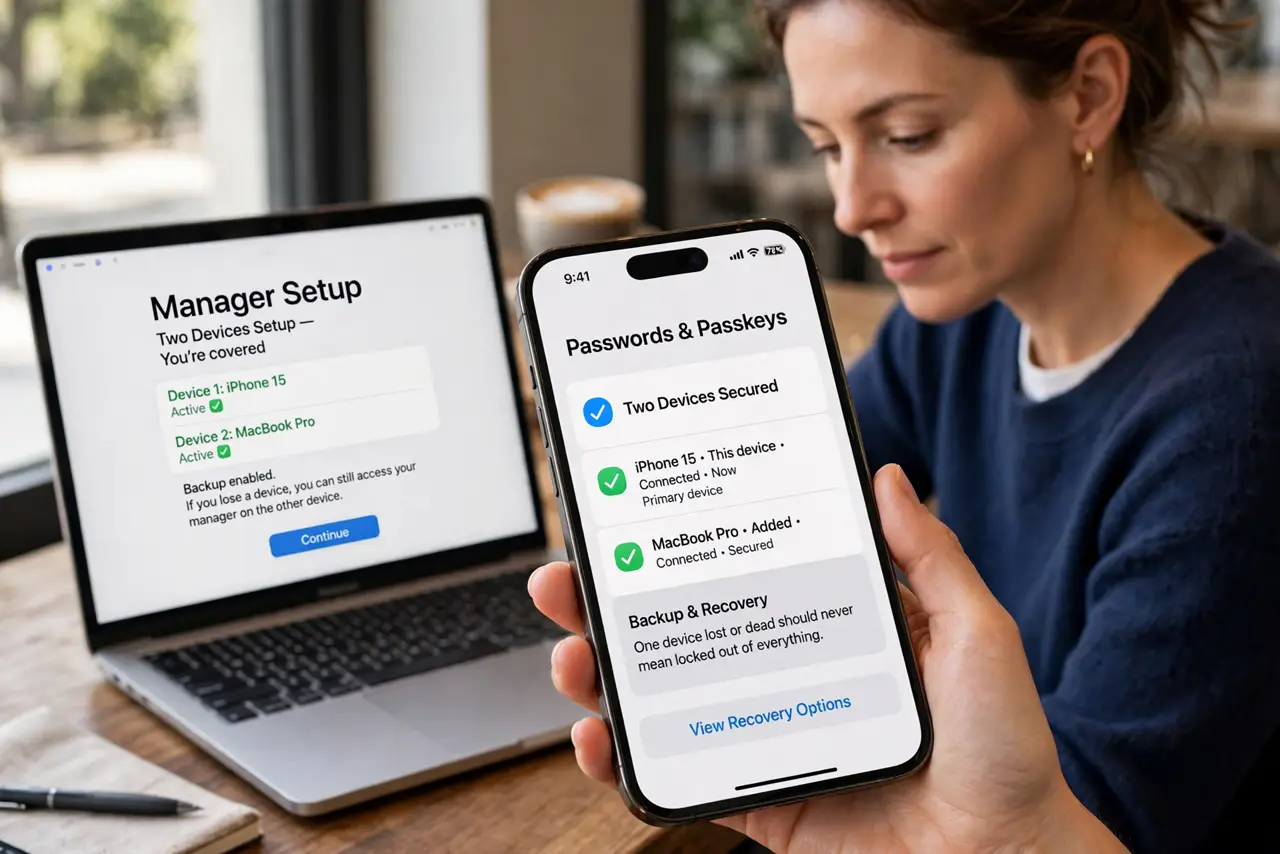
- Set up the manager on two devices. Phone and laptop both logged in before departure. One device lost or dead should never mean locked out of everything.
- Save offline copies of critical logins. Most managers offer offline access — enable it. Airplane mode and foreign SIM chaos should not block your hotel check-in.
- Print two-factor backup codes. Paper backup codes for email and the manager itself, kept separate from devices. If a phone dies abroad, these codes are your lifeline — see the backup codes guide.
- Decide your border strategy in advance. Some travelers use a clean travel profile with minimal data. Whatever your comfort level, decide before the border, not at it.
- Use a VPN on public Wi-Fi. Hotel and cafe networks are hunting grounds. A reputable VPN plus the site's own encryption keeps casual snooping out.
- Review logins when you return. Check account activity after the trip for unfamiliar sessions. Travel exposes credentials to more networks — a quick audit closes the loop.
What NOT to do
- Do not rely on SMS codes abroad. Swapped SIMs and dead phones break SMS two-factor at the worst moment — backup codes do not.
- Do not log into banking on hotel lobby computers. Assume public machines are compromised — use your own devices only.
- Do not leave devices unlocked at security. Lock screens on, and know your device PIN by heart, not by password manager.
- Do not post travel plans publicly in real time. 'Away for two weeks' plus your address is an invitation — share after you return.
Frequently asked questions
Can border agents force me to unlock my phone?
Rules vary by country — some can demand it, some cannot. Know the rules for your destination before you fly.
Should I travel with a burner phone?
For most trips, no — a prepared primary phone is enough. High-risk destinations are the exception, not the rule.
Is hotel Wi-Fi safe with a VPN?
Reasonably, yes. The VPN encrypts your traffic from local snoops; the site's HTTPS adds a second layer.