Separate Work Passwords
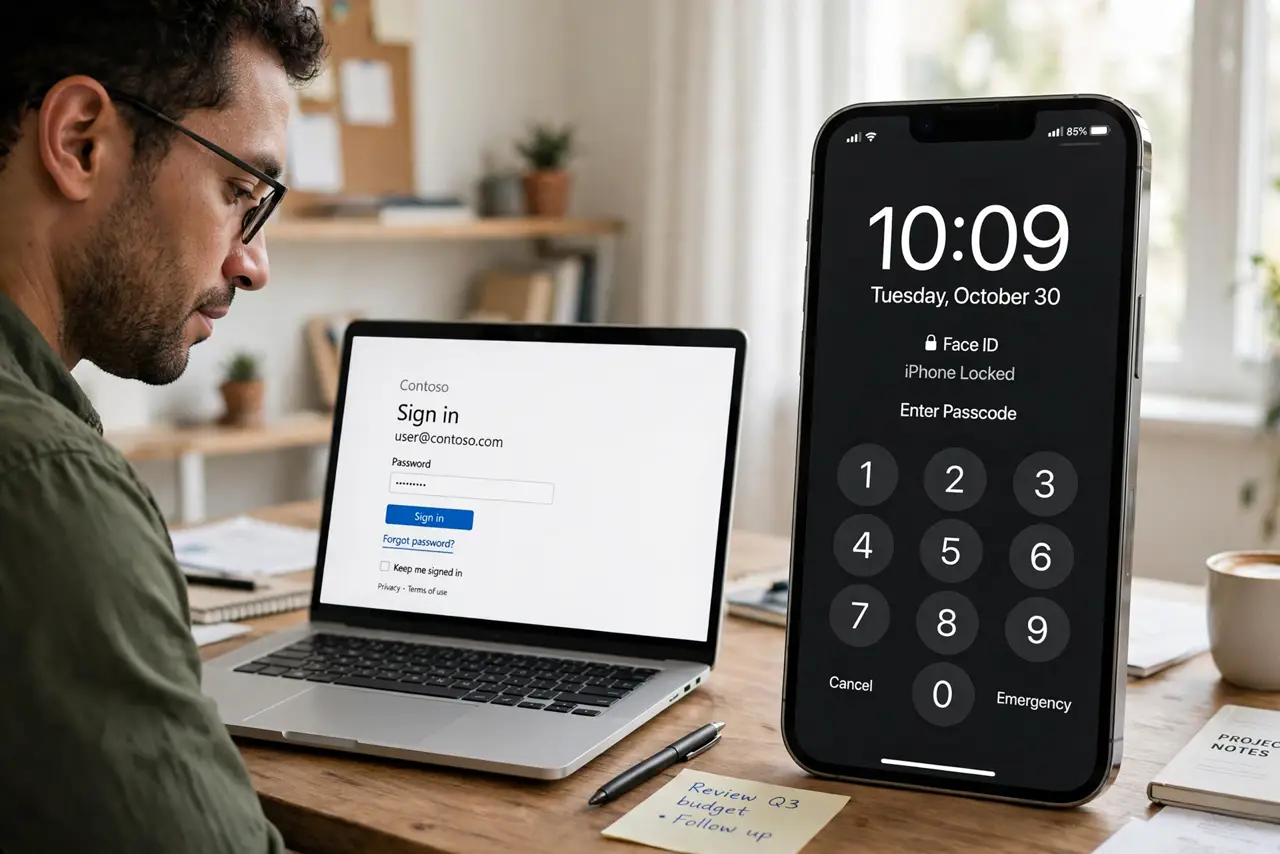
You used your personal email for the work accounts, your work laptop remembers your bank login, and now you are changing jobs — which passwords leave with you and which stay? Mixing work and personal credentials creates a mess at exactly the moments when clarity matters: job changes, device returns, and security incidents. Separation is simple and pays off forever. The travel tips cover the device side of the same idea.
TL;DR / Quick Fix
Quick fix: keep work and personal passwords in separate vaults or profiles, and never reuse credentials between them. When you change jobs, you hand back access cleanly without exposing your private accounts — or losing them. Turn off work account sync on personal devices where you can.
Follow these steps
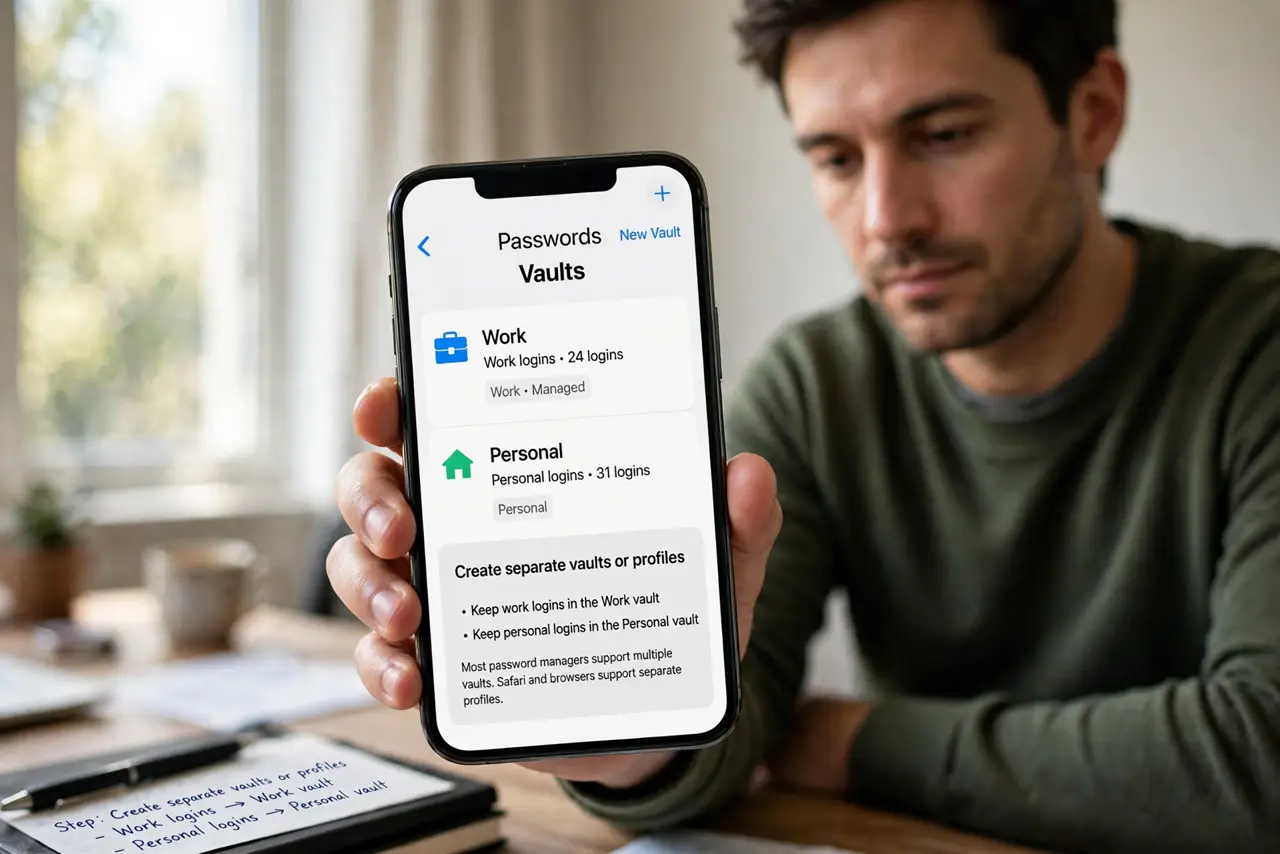
- Create separate vaults or profiles. Work logins in the work vault, personal in the personal one. Most managers support multiple vaults; browsers support separate profiles.
- Never reuse credentials across the line. The same password for work email and personal banking links your two lives in every breach database. Unique everywhere, especially across this boundary.
- Use a work email for work accounts. Every work service should tie to your work email. When you leave, password resets go to an address you no longer control — as they should.
- Document work credentials for handover. Keep a clean record of work logins your successor or IT will need. Professional departure beats a frantic last-day password hunt.
- Revoke access on exit day. Change shared passwords you knew, remove your devices from work accounts, and confirm IT disabled your access. Clean breaks protect both sides.
- Audit personal devices after. Remove work profiles, VPNs, and saved work logins from personal phones and laptops. Your devices become fully yours again.
What NOT to do
- Do not let the browser save work passwords in your personal profile. Sync will carry them to every personal device you own.
- Do not use personal accounts for work data. It creates ownership fights and security holes nobody can unwind later.
- Do not keep work access 'just in case' after leaving. Lingering access is a liability for you and your former employer.
- Do not mix two-factor methods. Work 2FA on a work device or app, personal 2FA separate — untangling them later is painful.
Frequently asked questions
Can my employer see my personal passwords?
Not from a separate vault or profile. But anything typed on a work-managed device could theoretically be monitored — keep personal logins off work hardware.
What happens to my work accounts when I leave?
They stay with the employer. That is why work services must never hold your only copy of anything personal.
Should I use my personal phone for work 2FA?
It is common, but a separate authenticator profile keeps the boundary clean. Decide based on your employer's policy.