Spot Payment App Scams
A text says your payment app account is locked — tap here to verify. A buyer overpays for your listing and asks you to refund the difference. A friend messages asking for emergency money, but the writing feels off. Payment app scams all run on the same fuel: urgency plus your own finger tapping 'send.' Here is how to spot them before the money moves.
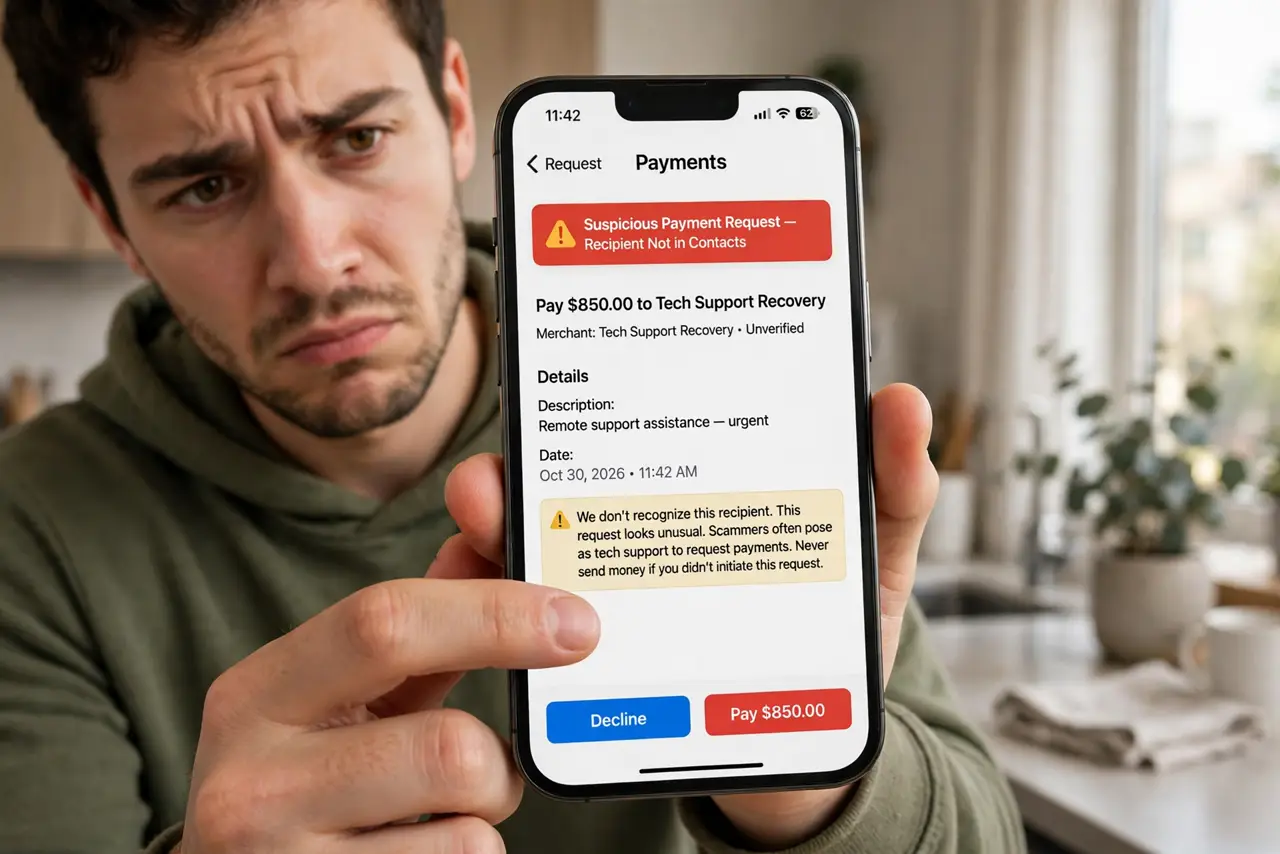
TL;DR / Quick Fix
Quick fix: payment app scams trick you into sending money — and sent money rarely comes back. Never pay strangers who contacted you first, never 'verify' by sending funds, and treat urgent payment requests as a flag. When in doubt, stop, call the person, and use the app's report tools.
Follow these steps
- Learn the golden rule: you sent it, it's gone. Payment apps move money instantly between people, and most transfers cannot be reversed. Scammers know this — every scam ends with you voluntarily tapping send. Treat every unexpected payment request as guilty until proven innocent.
- Spot the 'verify by paying' trick. No legitimate company verifies your account by asking you to send money — that is backwards. Real verification happens inside the app's official screens, never through a link in a text. See the related gift card demand scam for the same trick in another costume.
- Watch for overpayment refunds. A buyer 'accidentally' sends too much and asks you to return the difference — the original payment is fake or stolen and will bounce, but your refund is real money gone. Never refund overpayments; cancel the whole transaction instead.
- Verify the person through a second channel. Got an urgent money plea from a 'friend'? Call them — voice, known number — before sending anything. A thirty-second call defeats nearly every impersonation scam, including AI voice clones.
- Never move a conversation to the app's payment screen from a link. Scam texts link to fake login pages that harvest credentials. Open the payment app yourself from your home screen and check for alerts there — if the app shows nothing, the text was a lie.
- Report and document everything. Use the app's report or dispute flow immediately, screenshot the messages, and file a report with your bank too. Fast reporting rarely recovers money but it can freeze the scammer's account and protect the next target.
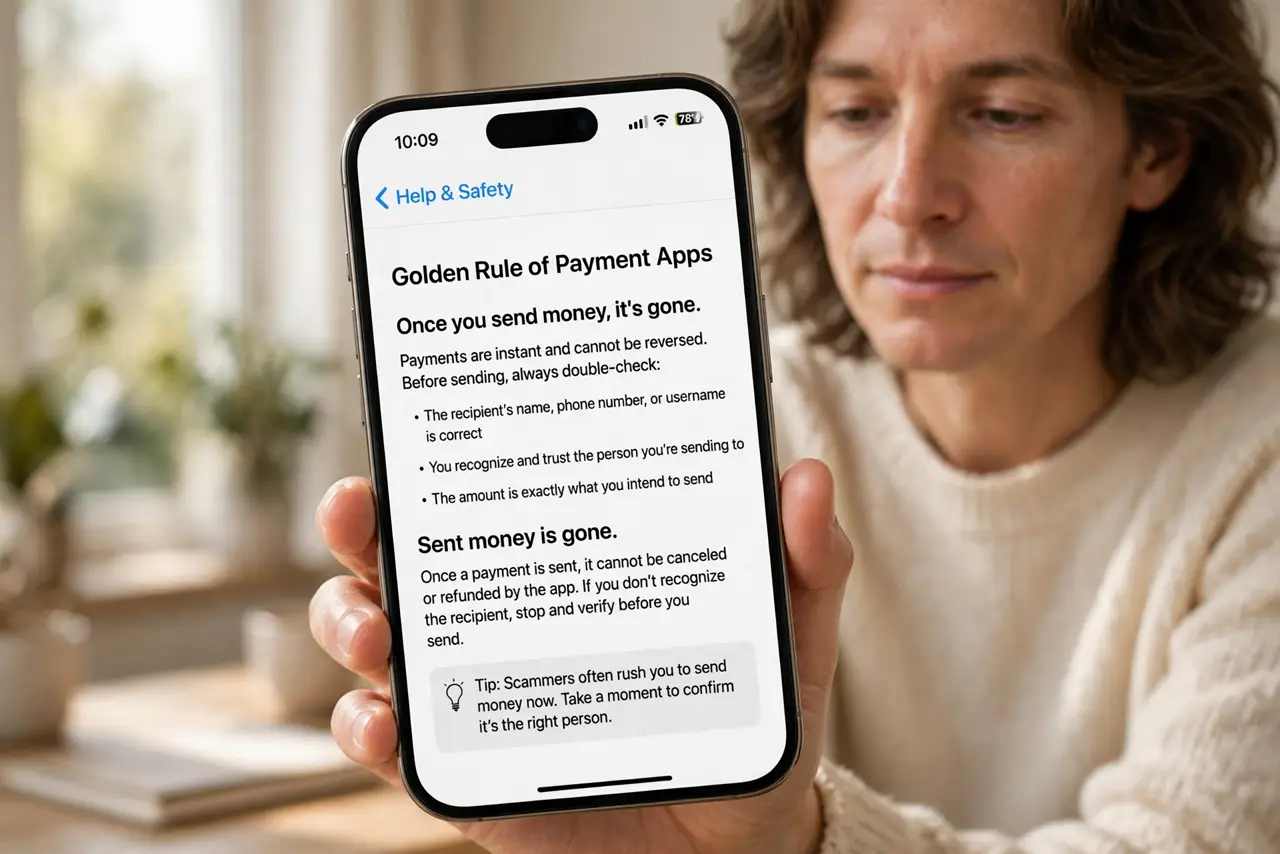
What NOT to do
- Do not send money to 'verify' anything. Verification never requires you to pay — that sentence alone kills half of all payment scams.
- Do not trust a payment request because it names someone you know. Names are free; scammers harvest them from social media and breaches.
- Do not let urgency rush you. 'Send it in the next 10 minutes or else' is the scammer's favorite sentence — real emergencies survive a phone call.
- Do not refund an overpayment with fresh money. If a payment looks wrong, reverse the whole thing through the app instead of sending your own funds.
Frequently asked questions
Can I get my money back after a scam?
Rarely. Person-to-person transfers are designed to be final. Report immediately anyway — speed is your only leverage, and banks occasionally intervene on same-day fraud.
Are payment requests from strangers always scams?
Not always — splitting a bill with a new acquaintance is normal. But a stranger who contacted you first, with urgency attached, should be treated as hostile until proven otherwise.
Should I link my bank account or a card?
A credit card gives you chargeback rights that bank transfers do not. For any payment to someone you have not met, the card-backed route is meaningfully safer.