Payroll Change Requests? Verify
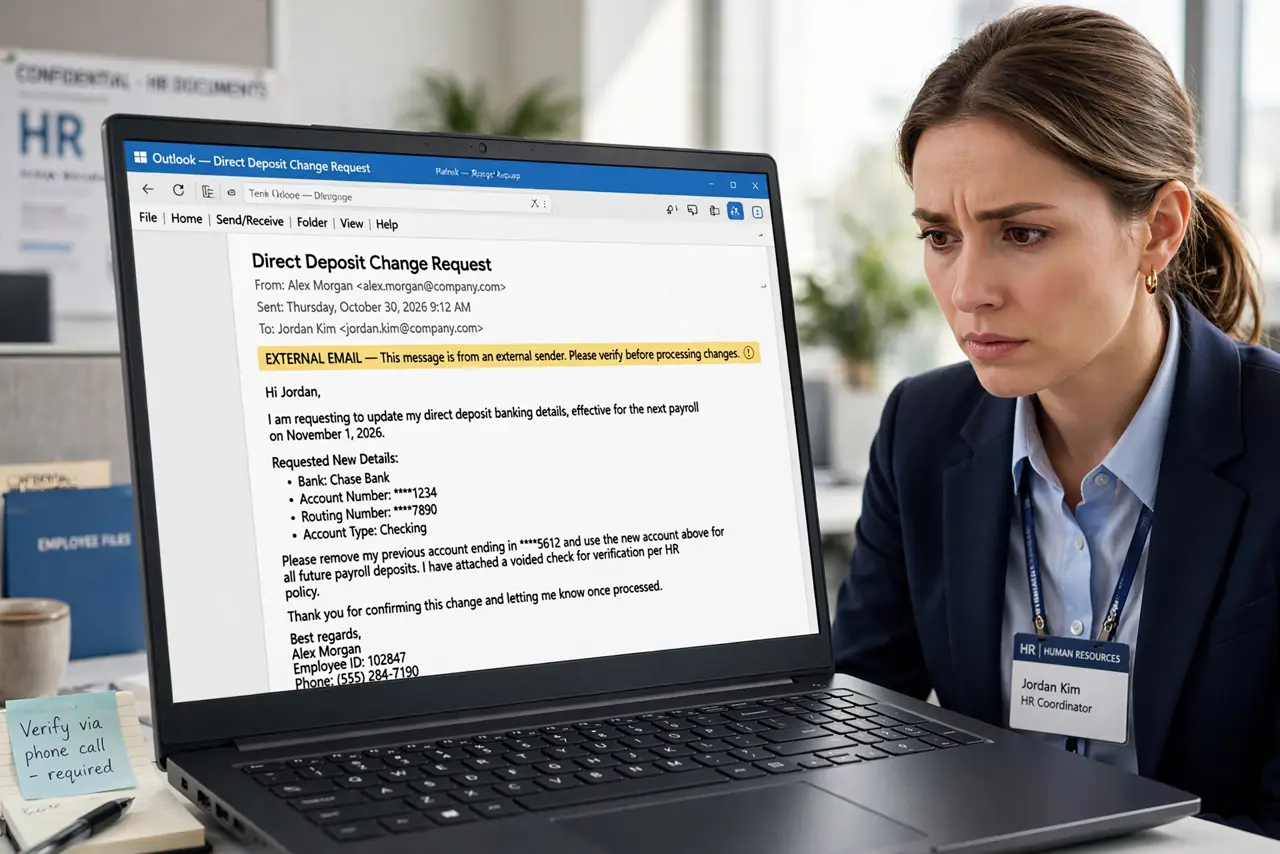
An email from an employee asks HR to update their direct deposit — new bank, effective immediately. It's not the employee; it's a scammer who compromised or spoofed their email. One processed change diverts real paychecks to criminals, and recovery is painful. Every payroll change needs voice verification.
TL;DR / Quick Fix
Emails asking HR to change an employee's direct deposit details are a top business scam — one reply can divert paychecks to criminals. Verify every payroll change request by calling the employee at a known number. Never act on email-only banking changes.
Follow these steps
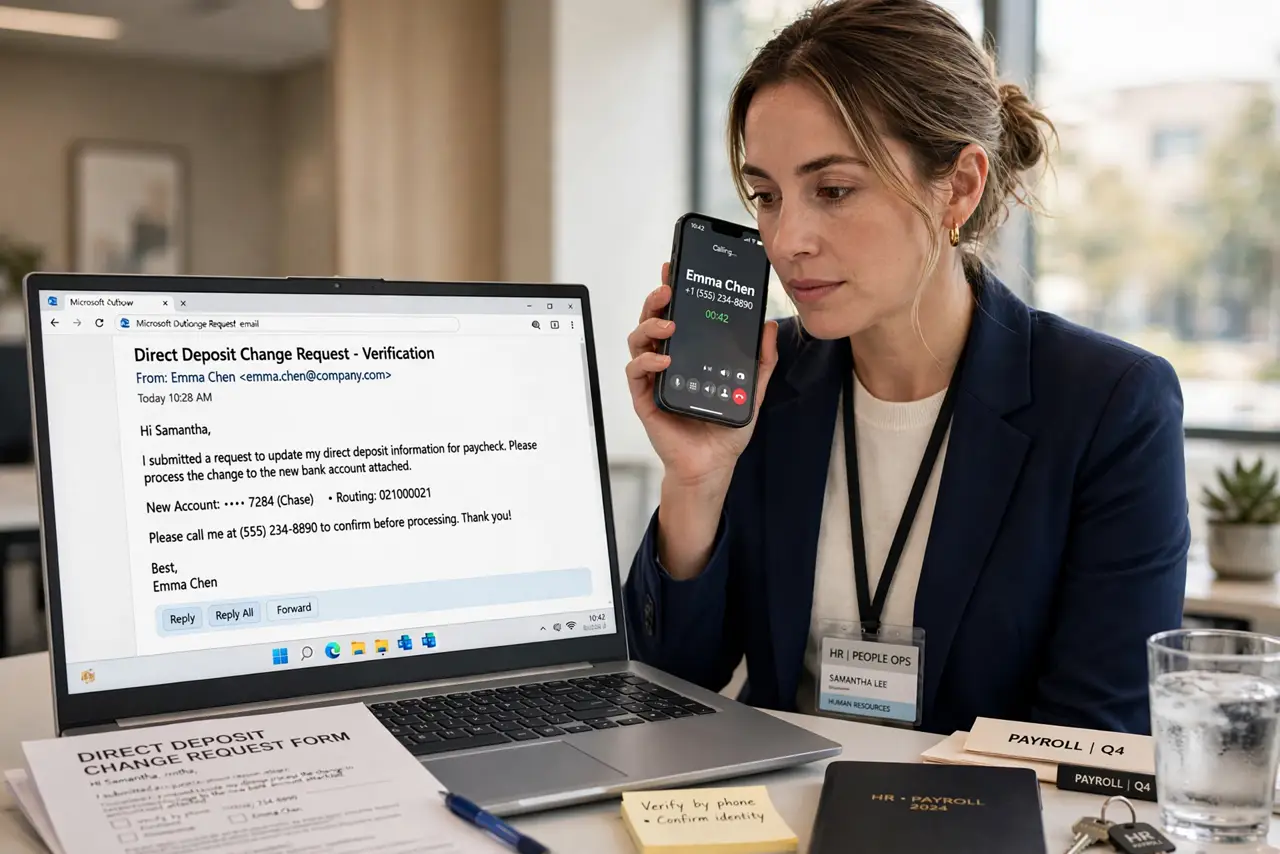
- Verify by voice, every time. Call the employee at the number HR already has on file — not the number in the email. Voice confirmation is the control — see the CEO fraud parallel.
- Never trust the email's phone number. Scammers include their own callback numbers. HR's own records are the only trusted source for contact details.
- Require in-person or portal changes. The safest policy: direct deposit changes happen in the HR portal or in person with ID — never by email request.
- Watch for timing patterns. Requests arriving before payroll runs, during holidays, or when the 'employee' is supposedly traveling are classic timing.
- Confirm the old account first. A quick check — 'is your old account still active?' — with the real employee exposes the fraud before anything moves.
- Report attempts to IT. Forward the message with headers. Payroll diversion attempts often come in waves across the company.
What NOT to do
- Do not process banking changes from email alone. This single rule, enforced always, defeats the entire scam category.
- Do not let urgency override verification. 'Payroll closes today' is the pressure script — real employees accept the process.
- Do not accept new-hire banking details by email either. Onboarding is a known attack window — verify through the hiring manager.
- Do not assume the employee's email is safe because it looks internal. Spoofed and compromised accounts both send these requests.
Frequently asked questions
How do scammers know payroll timing?
They don't need to — they blast requests continuously and the ones landing near payroll day succeed. Volume beats precision.
What if the employee confirms but sounds odd?
Trust the process over the voice — call back on the known number. AI voice cloning now fakes confirmations too.
We already changed it — can we reverse?
Contact the bank immediately about recalling the transfer and report to law enforcement. Speed is everything; delays are usually fatal.