Clean Your PC's Dust Filters
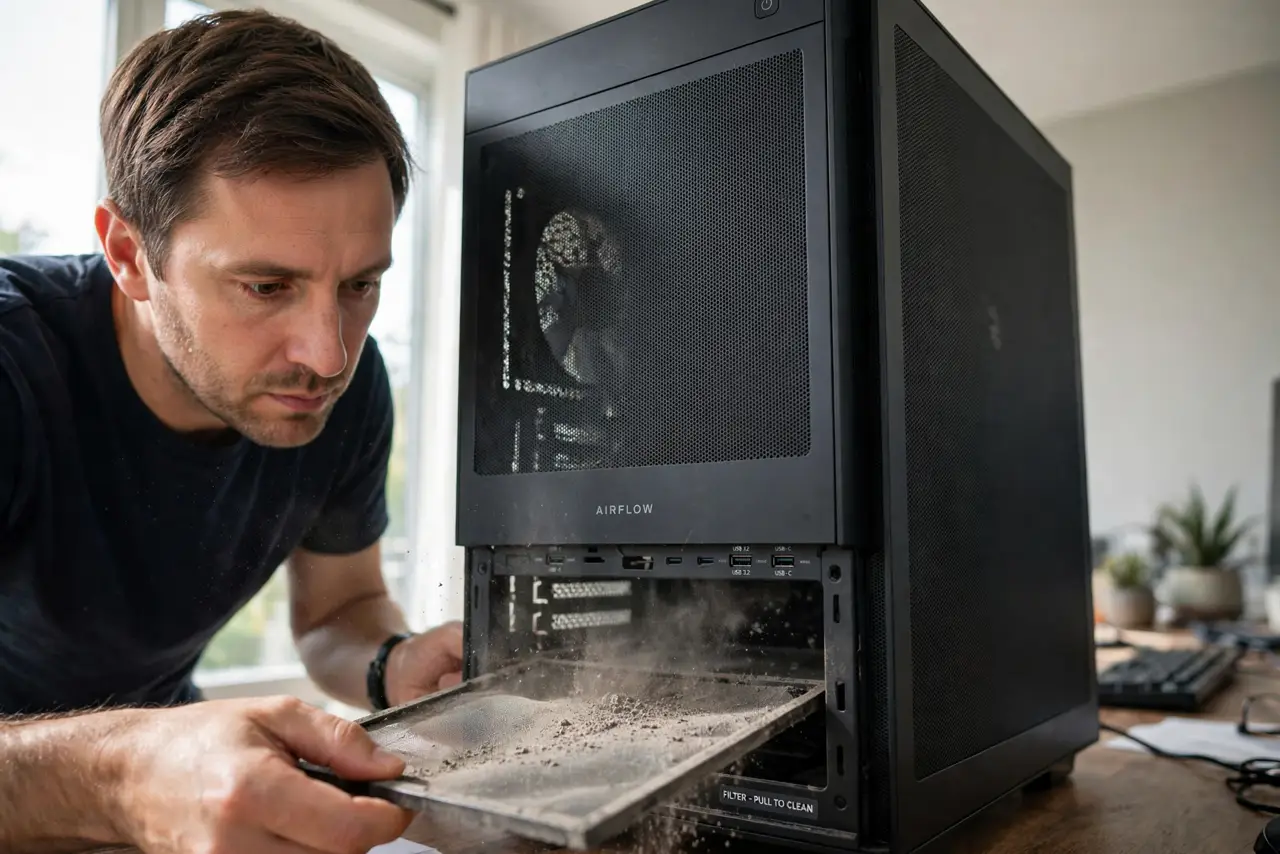
Your PC's dust filters are the unsung heroes of cool, quiet operation — and when they clog, temperatures climb and fans scream for no apparent reason. Cleaning them takes two minutes and no tools. Here is where they hide and how to wash them properly.
TL;DR / Quick Fix
Quick fix: slide out the mesh filters — usually under the case and behind the front panel — rinse them with water, let them dry fully, and slide them back. Do this every few months. A clogged filter chokes airflow exactly like a blocked vent.
Follow these steps
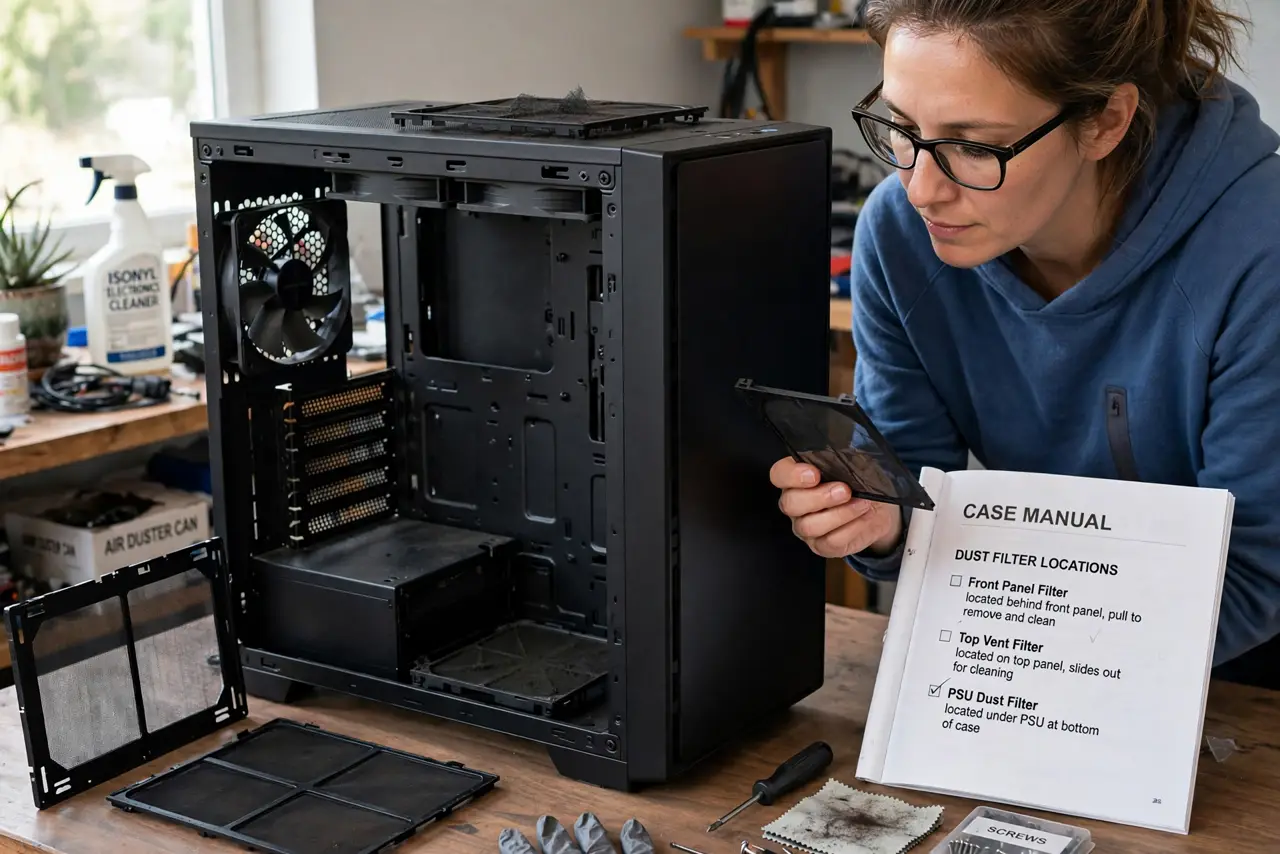
- Find every filter. Common spots: under the PSU, behind the front panel, and on top vents. Check your case manual — missed filters keep clogging silently.
- Power down first. Shut the PC off before removing filters. It takes ten seconds and removes any risk of nudging something live.
- Slide or pop them out. Most filters slide out or snap off magnetically. Note the orientation so they go back the same way.
- Rinse with water, no soap needed. Plain water washes dust out of mesh fine. Shake off the excess — soap residue can gum up fine mesh.
- Dry completely before reinstalling. A damp filter plus electronics is a bad combination. Air-dry fully; a few hours or overnight is safe.
- Set a cleaning rhythm. Every few months in normal homes, monthly with pets. Pair it with the compressed-air routine for a full clean.
What NOT to do
- Do not vacuum filters while installed. Static from vacuum nozzles near components is a needless risk — remove them first.
- Do not reinstall a damp filter. Water and powered electronics never mix, even in small amounts.
- Do not remove filters permanently 'for airflow.' They exist to keep dust off the heatsinks — removing them trades a rinse for deep cleaning.
- Do not use compressed air as the only clean. Air blows surface dust off; rinsing actually clears the mesh.
Frequently asked questions
How often should I clean dust filters?
Every few months normally, monthly with pets or in dusty rooms. When in doubt, look — a gray filter is a clogged filter.
Can I run the PC without the filters while they dry?
Briefly, yes — an hour filterless will not kill anything. Just do not forget to put them back.
Do all cases have dust filters?
Most modern ones do, at least under the PSU. Budget cases may skip them — a good airflow setup matters even more then.