Merge PDFs in the Right Order? How To
Merging PDFs is simple until the pages come out scrambled — the cover lands in the middle and page 7 precedes page 2. Order problems come from adding files in the wrong sequence or tools that sort alphabetically. This guide shows how to merge once, in the right order.
TL;DR / Quick Fix
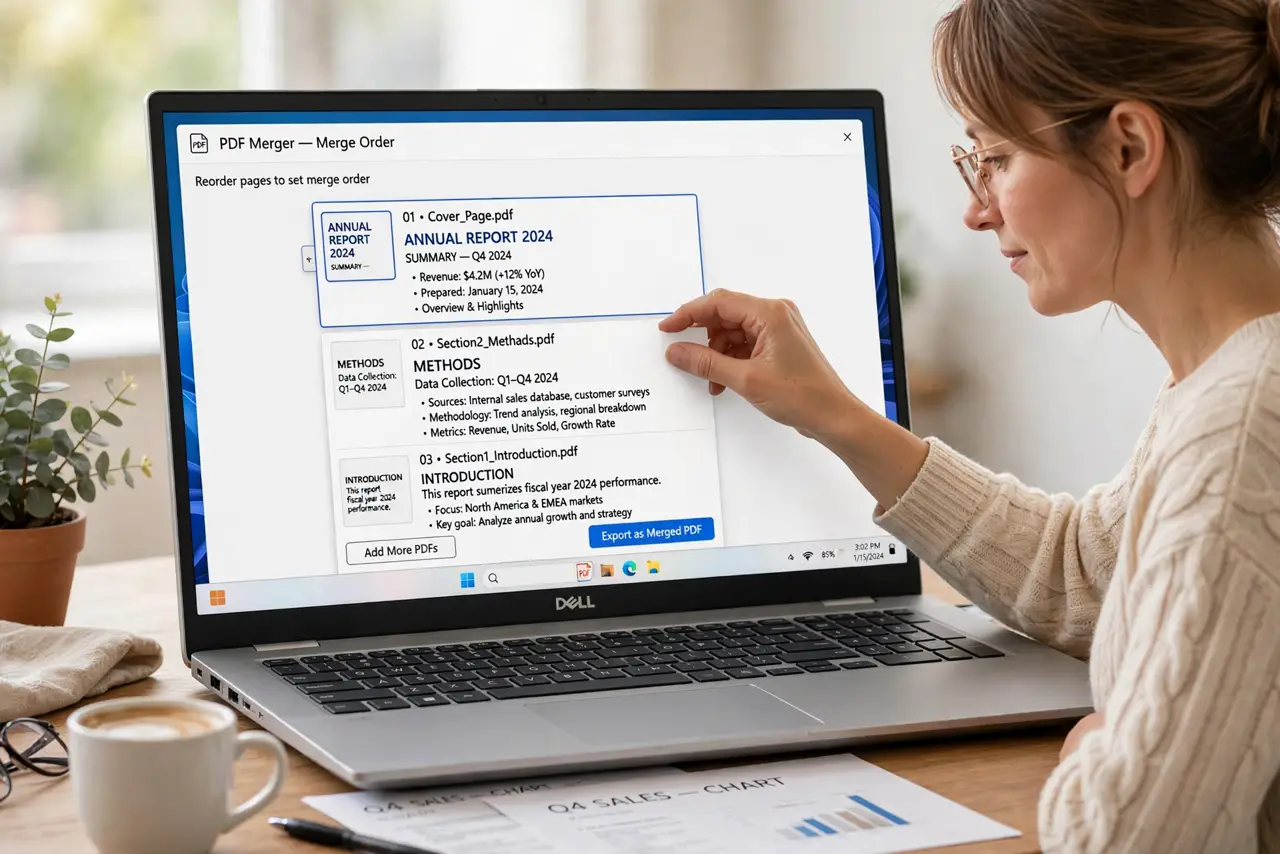
Add the files to the merger in the exact final order, then drag pages into place before merging. Preview the combined page order and fix stragglers now. Save the merged file under a new name so the originals stay intact.
Follow these steps
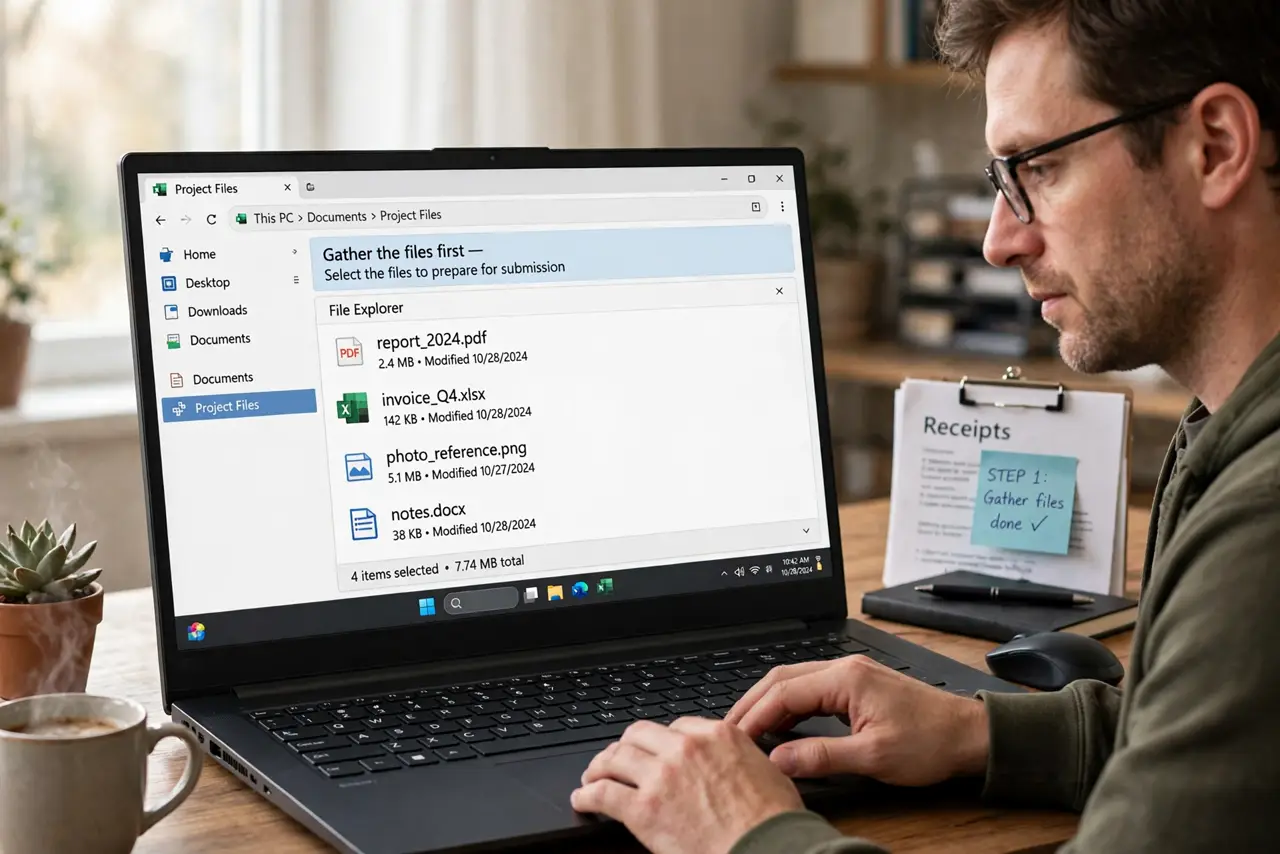
- Gather the files first. Collect every PDF into one folder and rename them in merge order, like 01-cover, 02-body. Ordered filenames prevent alphabetical surprises.
- Add them in final order. Add the files to the merge tool in the exact sequence the finished document needs. Most tools merge top-to-bottom exactly as listed.
- Extract single pages beforehand. If you need just one page from a big file, extract the single page first and merge the small file. Merging whole documents to use one page wastes everyone's time.
- Drag pages into place. Use the merger's thumbnail view to drag any out-of-order pages where they belong. Thumbnails make ordering mistakes visible instantly.
- Preview the full sequence. Scroll the merged preview from first page to last. Check that covers, chapters, and appendices land where they should.
- Save under a new name. Save the merged PDF as a new file and keep the originals. If the order is wrong, you re-merge — you do not rebuild.
What NOT to do
- Do not trust alphabetical order blindly. File 10 sorts before file 2 alphabetically, which scrambles numbered sequences.
- Do not merge without previewing. One drag-and-drop mistake hides in a 50-page file.
- Do not overwrite an original with the merged file. Keep the sources until the merged result is verified.
- Do not merge scanned and digital pages without checking. Mixed sources can produce inconsistent page sizes.
Frequently asked questions
How do I merge PDFs in a specific order?
Add the files to the merge tool in your desired order, then drag thumbnails into place before merging.
Why did my merged PDF come out in the wrong order?
The tool sorted alphabetically or you added files out of sequence. Rename files with number prefixes and reorder the thumbnails.
Can I merge just one page from a PDF?
Yes. Extract the single page first, then merge the small file with the others.