PDF Page Order Is Wrong After Scanning
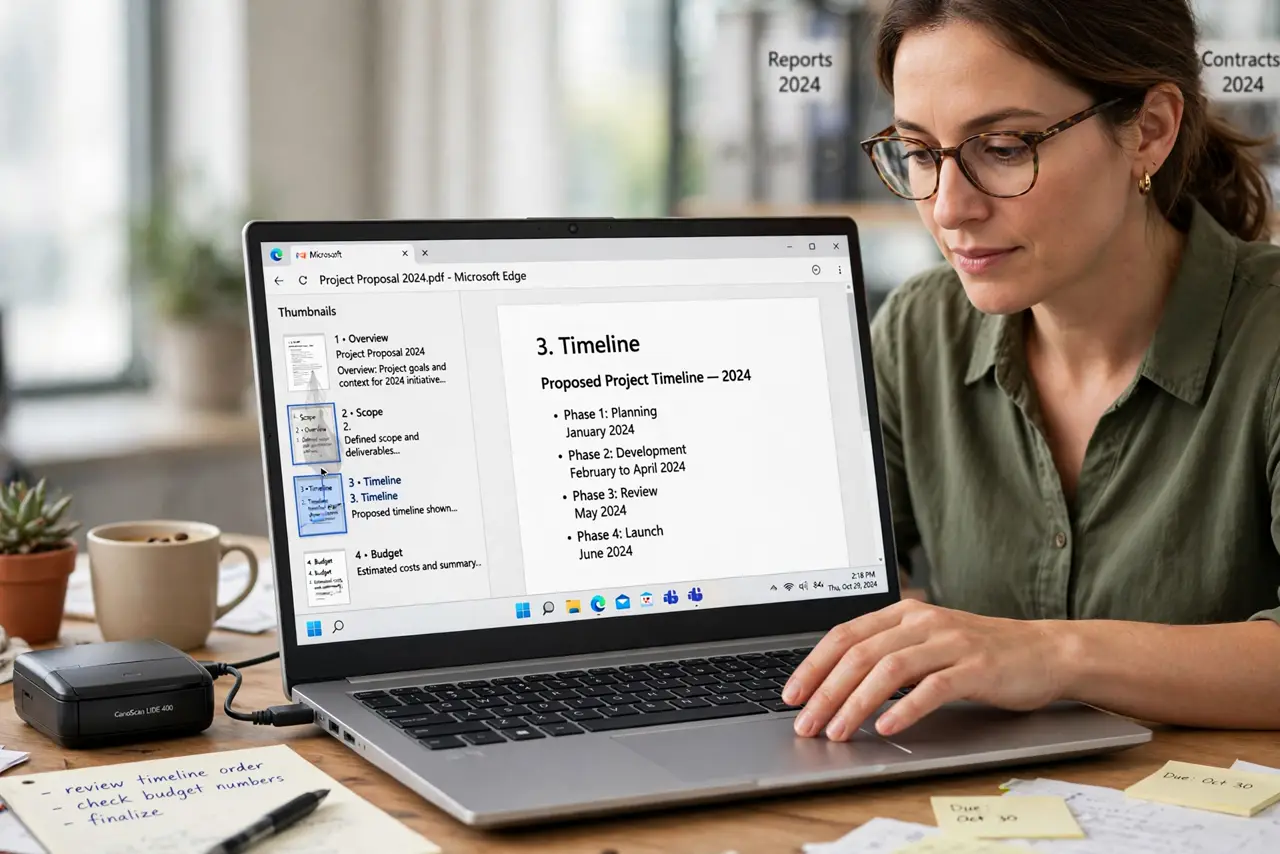
The scanner ate the stack and the PDF came out with pages shuffled: page five first, page two last. Scanners order pages by feed sequence, not by your stack's logic, so a little thumbnail dragging puts the document right.
TL;DR / Quick Fix
Quick fix: open the scanned PDF in a reader with page thumbnails, drag the pages into the right order, and save a new copy. Scan in smaller batches next time and number the stacks, so the order never scrambles again.
Follow these steps
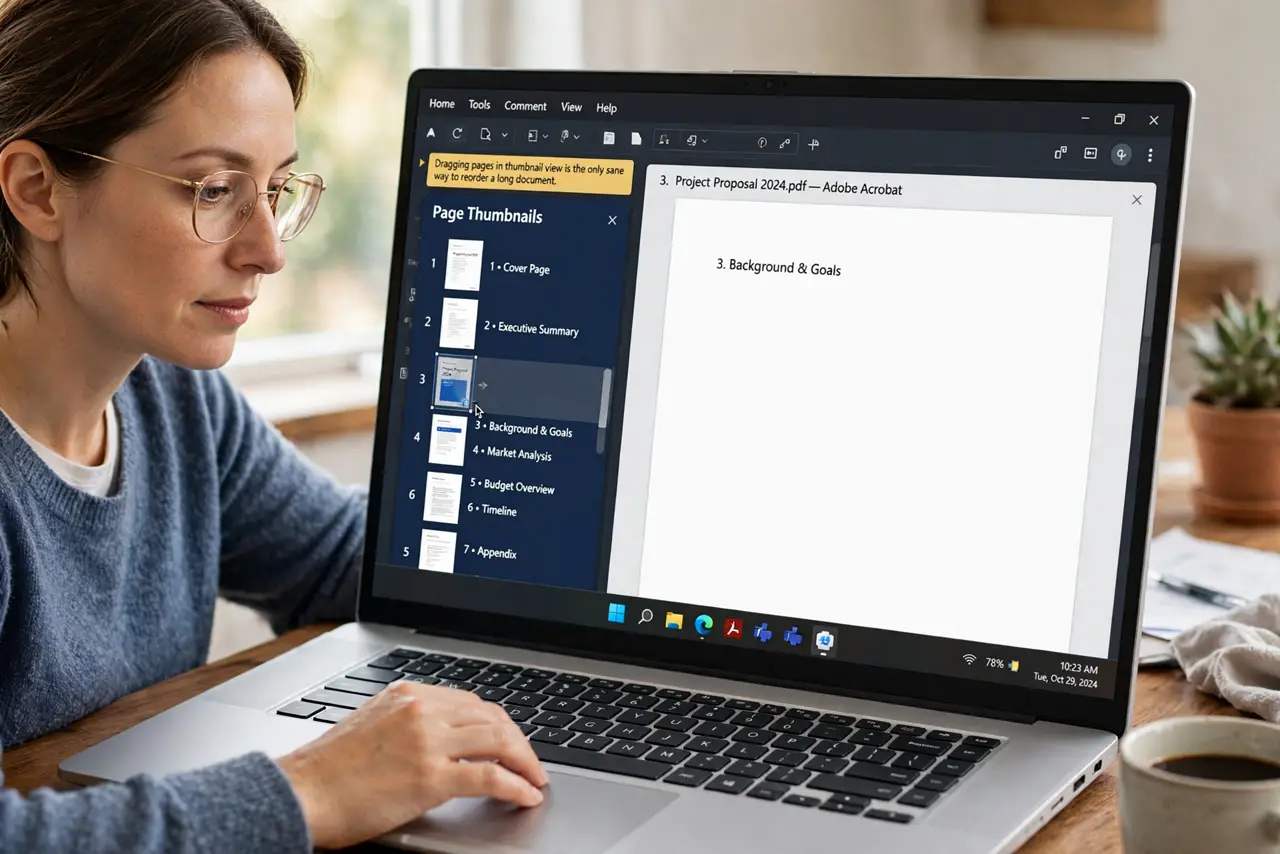
- Open the thumbnail view. Show the page thumbnails sidebar. Dragging pages in thumbnail view is the only sane way to reorder a long document.
- Find the page numbers on the scans. Look for printed page numbers or headers on each thumbnail. Numbered pages tell you the true order when the scan sequence lies.
- Drag pages into the correct order. Drag each thumbnail to its proper place, working from first to last. Move slowly, since a dropped page between two others can vanish from sight.
- Delete duplicates and blank scans. Remove any page the scanner fed twice and any accidental blank pages. Duplicates hide in long thumbnail strips.
- Save as a new ordered copy. Save the reordered file under a new name. The original keeps the scrambled order as backup until the new file is confirmed.
- Check for [[sideways pages|pdf-rotate-one-page-only]] too. While reordering, note any page that scanned sideways and rotate it now. One thumbnail session fixes order and orientation together.
What NOT to do
- Do not rescan the whole stack to fix the order. Dragging thumbnails takes minutes, while rescanning risks a new shuffle.
- Do not guess the order from memory for long documents. Use the printed page numbers on the scans, since memory fails around page twenty.
- Do not overwrite the original scan before verifying. Keep the scrambled original until the reordered copy opens correctly.
- Do not scan huge stacks in one go next time. Smaller numbered batches keep their order, and a jam only ruins one batch.
Frequently asked questions
Why did my scan come out in the wrong order?
Because the scanner ordered pages by feed sequence, and a misfeed, double-feed, or restack scrambled that sequence.
Can I reorder pages without special software?
Yes. Most PDF readers let you drag thumbnails into a new order and save the result.
How do I prevent this next time?
Scan in smaller batches, number each stack lightly, and check the thumbnail order before saving.