Can't Copy Text From a PDF? It's Scanned
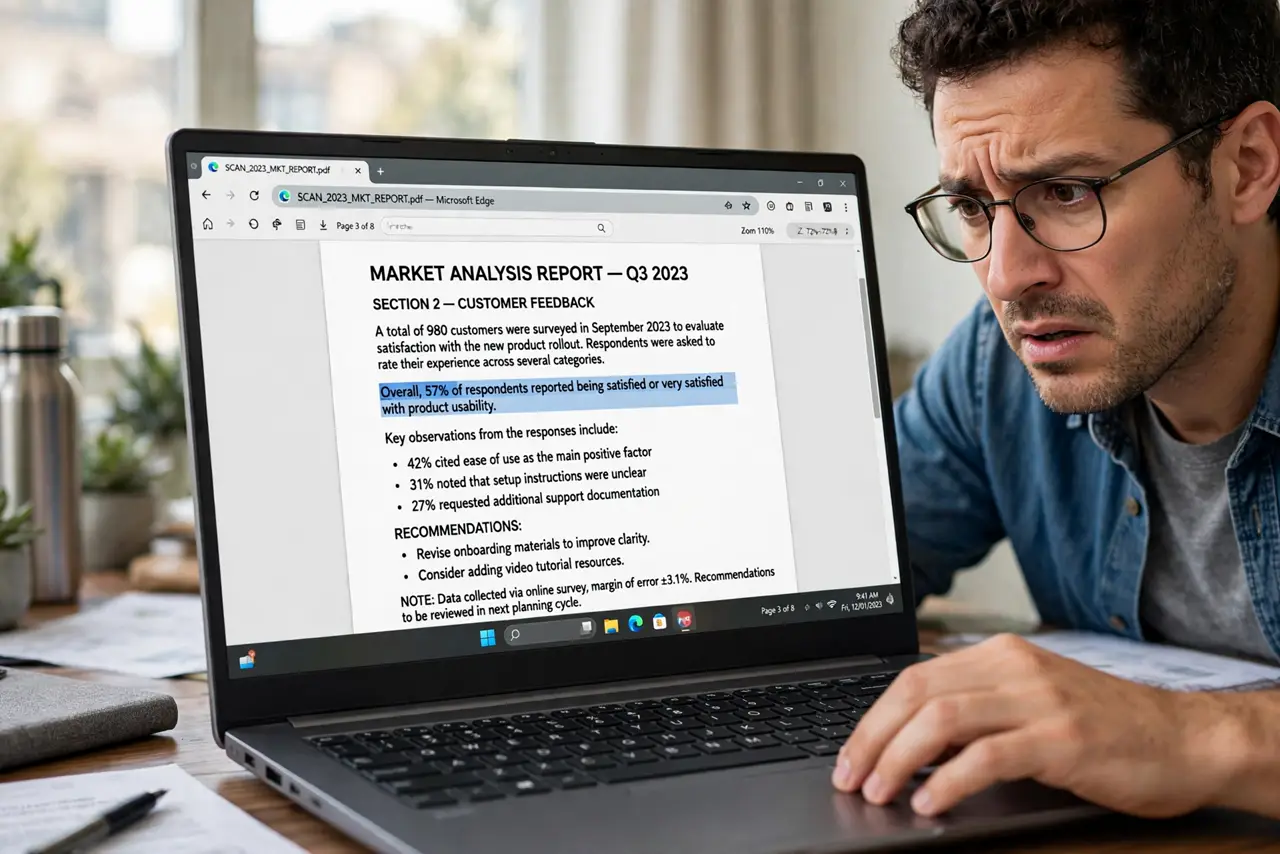
You drag across the text and nothing selects — the text is actually a photograph of a page. Scanned PDFs store images, not characters, so copying needs an extra OCR step. This guide shows how to tell and how to get real text.
TL;DR / Quick Fix
Try selecting the text: if nothing highlights, the PDF is a scanned image. Run OCR in a PDF tool to convert the images to selectable text. Check the OCR result for errors, since character recognition misreads smudges and unusual fonts.
Follow these steps
- Test whether the text selects. Drag across a sentence. If it highlights, you have real text and a different problem; if nothing selects, the page is a scanned image — the same situation as digitizing paper notes.
- Zoom in to confirm. Zoom to 300 percent. Scanned text gets blurry and pixelated; real text stays razor sharp at any zoom.
- Run OCR on the file. Open the PDF in a tool with OCR — often labeled Recognize Text or Searchable PDF — and process the pages. The tool adds an invisible text layer over the images.
- Choose the right language. Set the OCR language to match the document. Wrong-language OCR produces confident garbage.
- Proofread the result. Copy a few paragraphs and read them. OCR misreads similar characters, smudges, and unusual fonts, so verify anything important.
- Save the searchable version. Save the OCR'd file as a new copy and keep the original scan. The searchable version is bigger but infinitely more useful.
What NOT to do
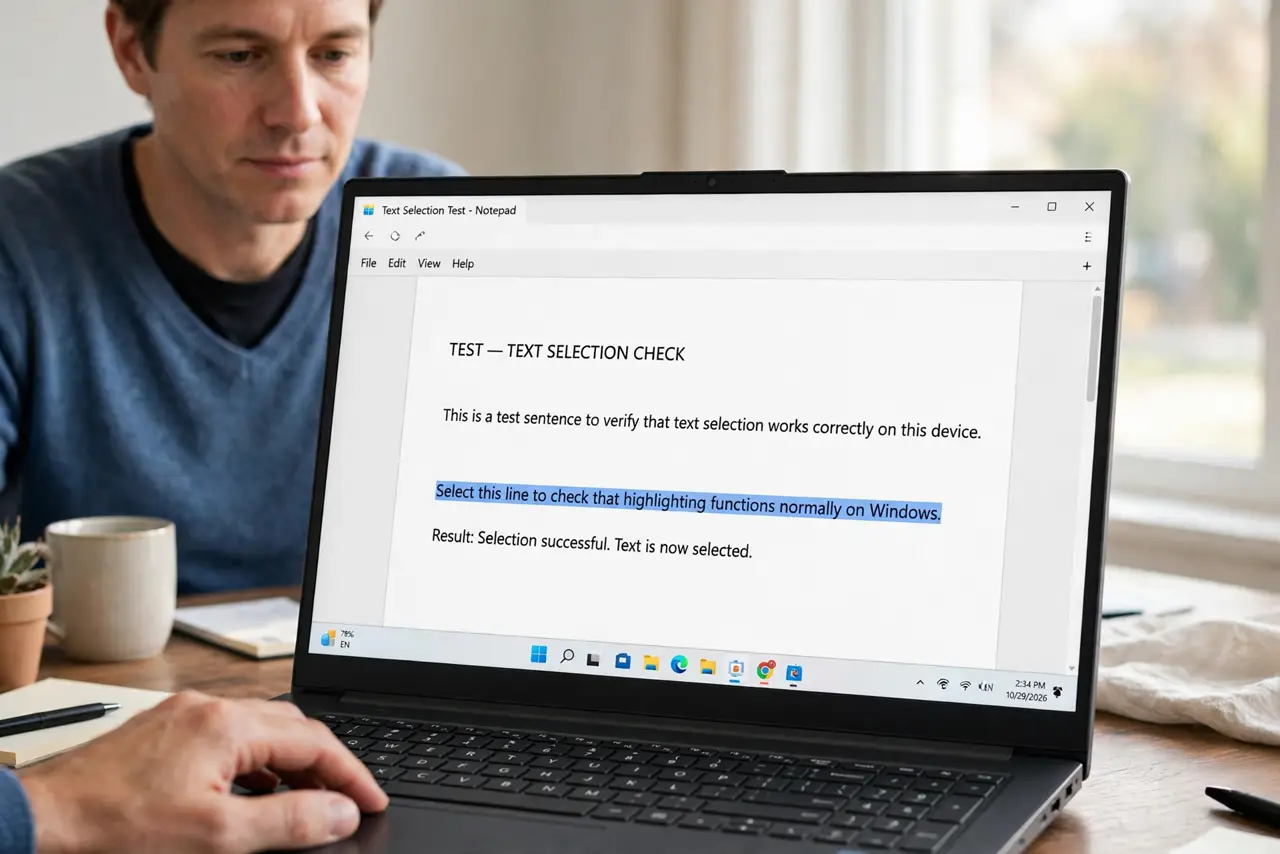
- Do not retype a 50-page scan by hand. OCR does in minutes what typing does in days.
- Do not trust OCR on critical numbers. Verify figures, dates, and names character by character.
- Do not OCR a photo of a screen at an angle. Straight, well-lit scans recognize far better than crooked photos.
- Do not expect handwriting to convert. OCR handles printed text; handwriting needs manual transcription.
Frequently asked questions
Why can't I select text in my PDF?
Because the pages are scanned images, not real text. Run OCR to add a selectable text layer.
What is OCR?
Optical character recognition: software that reads text from images and converts it into selectable, searchable characters.
Is OCR accurate?
Very good on clean printed pages, shaky on smudges, unusual fonts, and handwriting. Always proofread important results.