Action Mode Video? The Basics
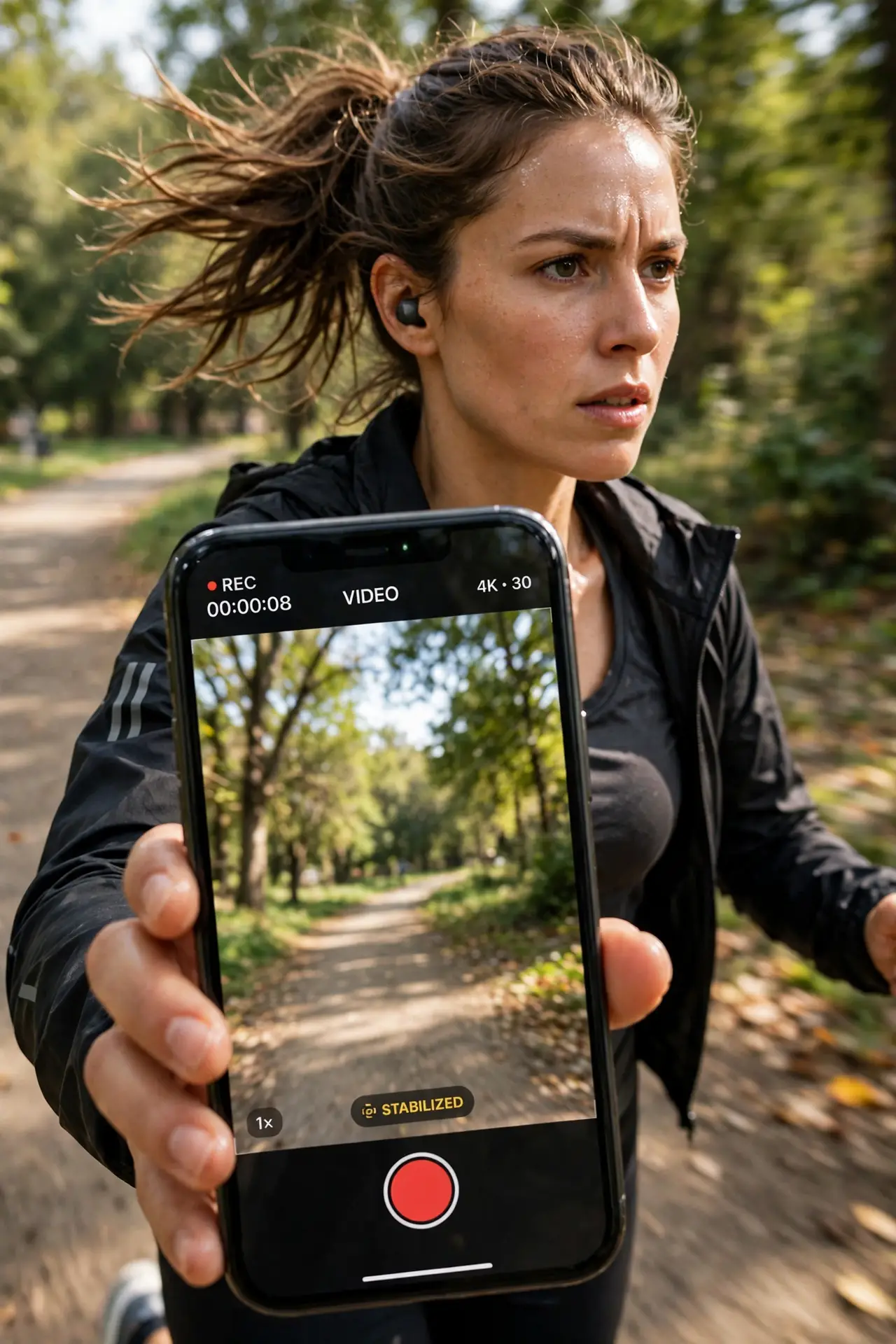
Phone video of anything moving — kids, hikes, the dog — usually comes out as seasickness in a file. Action mode is the phone's heavy-duty stabilization: it crops slightly and works the sensor overtime to produce gimbal-smooth footage while you walk, run, or bounce. Here is when to use it and what it costs.
TL;DR / Quick Fix
Quick fix: action mode gives dramatically smoother handheld video by cropping the frame and stabilizing hard. On iPhone, tap the running-person icon in Video mode; on Android, look for Super Steady or Action Cam in video settings. It needs good light — use it for motion, not dim static scenes.
Follow these steps
- Understand the tradeoff. Action mode crops into the sensor — roughly a tighter field of view — and uses the margin to counteract your shake. Smoother video costs you the edges of the frame.
- Turn it on for iPhone video. In the Camera app's Video mode, tap the action mode icon (a running figure). A yellow indicator confirms it is active. Toggle it off the same way when the action stops.
- Find it on Android. Look in video settings for Super Steady, Steady Video, or Action Cam depending on maker. Some phones offer standard and 'super' levels — super crops more and steadies more.
- Feed it good light. Heavy stabilization plus dim light equals mushy footage — the system needs fast shutter speeds to work. Action mode shines outdoors and in bright rooms; indoors at night, expect softness.
- Frame wider than usual. Because of the crop, frame looser than you think you need. What looks perfect in preview is tighter than the lens's true view — leave headroom.
- Turn it off for static shots. On a tripod or a still scene, action mode's crop just throws away resolution. It is a motion tool — for locked-off shots, standard video is sharper. For still photos of fast action rather than video, use burst mode instead.

What NOT to do
- Do not use action mode in the dark. The stabilization needs light; dim action footage turns to smeared mush.
- Do not forget the crop. Faces at the frame edge get cut — reframe wider whenever action mode is on.
- Do not leave it on permanently. Every static video pays the crop tax for stabilization it does not need.
- Do not expect gimbal quality. Action mode is remarkable for a phone, but a real gimbal still wins for serious work.
Frequently asked questions
What's the difference between action mode and regular stabilization?
Regular stabilization is always on and subtle. Action mode is the aggressive tier — much smoother, but with a visible crop and higher light demands.
Why is my action mode video darker?
The crop plus fast shutter speeds starve the sensor of light. Bright scenes only — this mode is not for evening interiors.
Can I use it with the front camera?
Usually not — action mode is typically rear-camera only, where the sensor and processing budget live.