Slow-Mo Settings? How To
Slow motion turns the ordinary cinematic — a splash, a swing, a laugh — but the settings hide a real choice: how slow, and at what quality. Higher frame rates mean dreamier slow-mo and bigger files; lower rates look smoother in dim light. Here is how to pick the right slow-mo setting for the shot.
TL;DR / Quick Fix
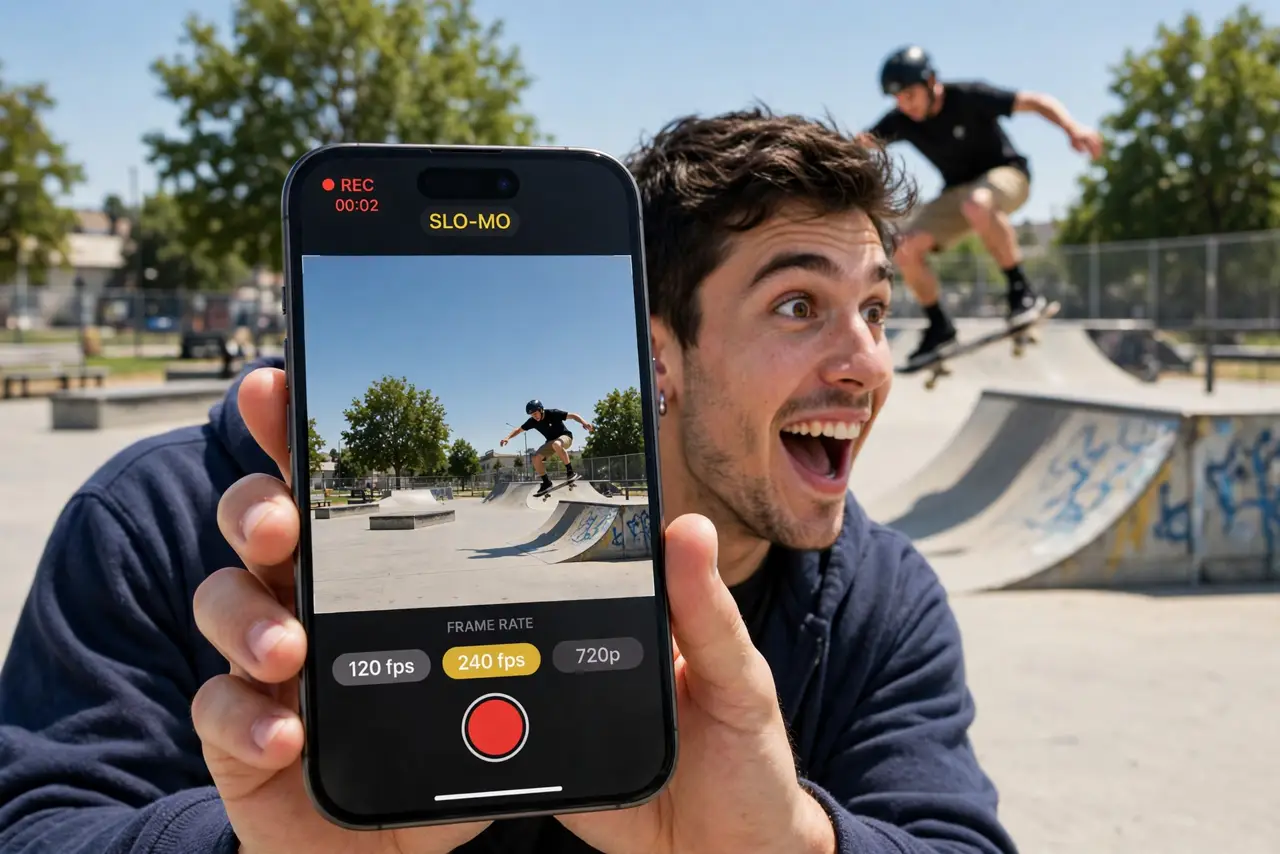
Quick fix: slow-mo records at high frame rates and plays back slowed down. On iPhone, open Camera > Slo-mo and tap the frame rate to switch between 120 and 240 fps. On Android, find the fps selector in slow-motion mode. Use 240 fps for bright-light drama, 120 for dimmer scenes.
Follow these steps
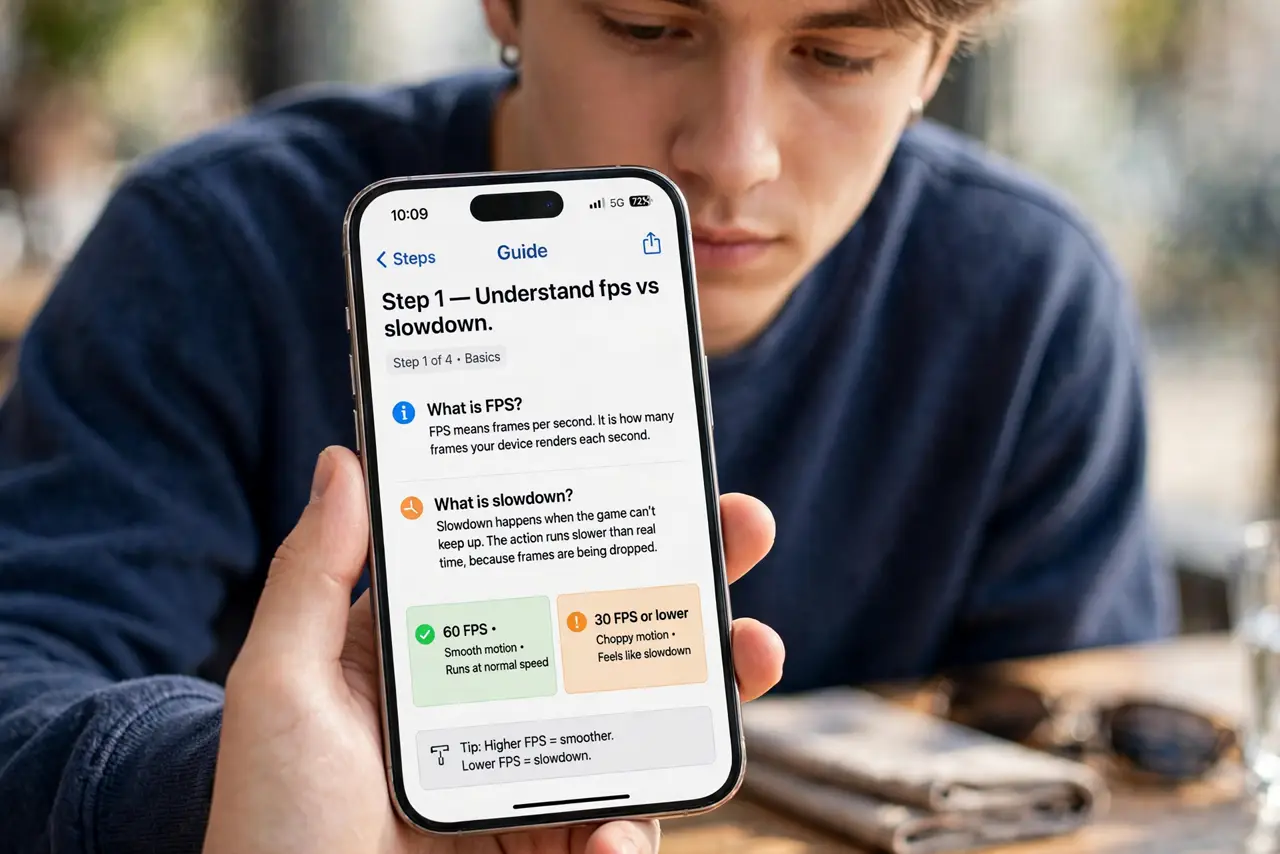
- Understand fps vs slowdown. 120 fps played at 30 fps = 4x slow motion. 240 fps = 8x. Higher numbers mean slower, dreamier footage — and much bigger files.
- Switch frame rates on iPhone. In Slo-mo mode, tap the fps indicator (usually top-right) to toggle between 120 and 240. The setting sticks until you change it.
- Find the selector on Android. Slow-motion or Super Slow-mo modes carry an fps or speed selector — sometimes labeled 2x, 4x, 8x instead of frame numbers. Same choice, different label.
- Match the rate to the light. 240 fps needs abundant light — each frame gets a tiny slice of time. Indoors or at dusk, 120 fps looks dramatically cleaner. Bright sun: go 240.
- Keep the clip short. Slow-mo files balloon fast — a few real seconds become a long, heavy clip. Record only the moment; trim the dead air afterward.
- Edit the slow section. Both phones let you drag the slow-motion region within the clip in the editor. Full-clip slow-mo gets boring — ramp into it and out for the cinematic feel.
What NOT to do
- Do not shoot 240 fps in dim light. The footage goes dark and noisy — 120 fps is the dim-light choice.
- Do not slow-mo everything. A whole event in slow motion is unwatchable — reserve it for the two or three peak moments.
- Do not forget audio. Slow-mo stretches audio into a deep rumble — plan to mute it or replace it with music.
- Do not ignore the file sizes. A minute of 240 fps can be enormous — offload clips promptly or they will eat your storage.
Frequently asked questions
Which is better, 120 or 240 fps?
240 for maximum drama in bright light; 120 for dimmer scenes, smaller files, and smoother-looking motion. There is no universal winner.
Why is my slow-mo dark indoors?
High frame rates need lots of light. Each frame's exposure time shrinks as fps rises — dim rooms simply cannot feed 240 fps.
Can I change the speed after recording?
Partially — you can adjust which portion plays in slow motion, but you cannot exceed the frame rate you recorded at.