Call Audio Routes to Speaker by Itself
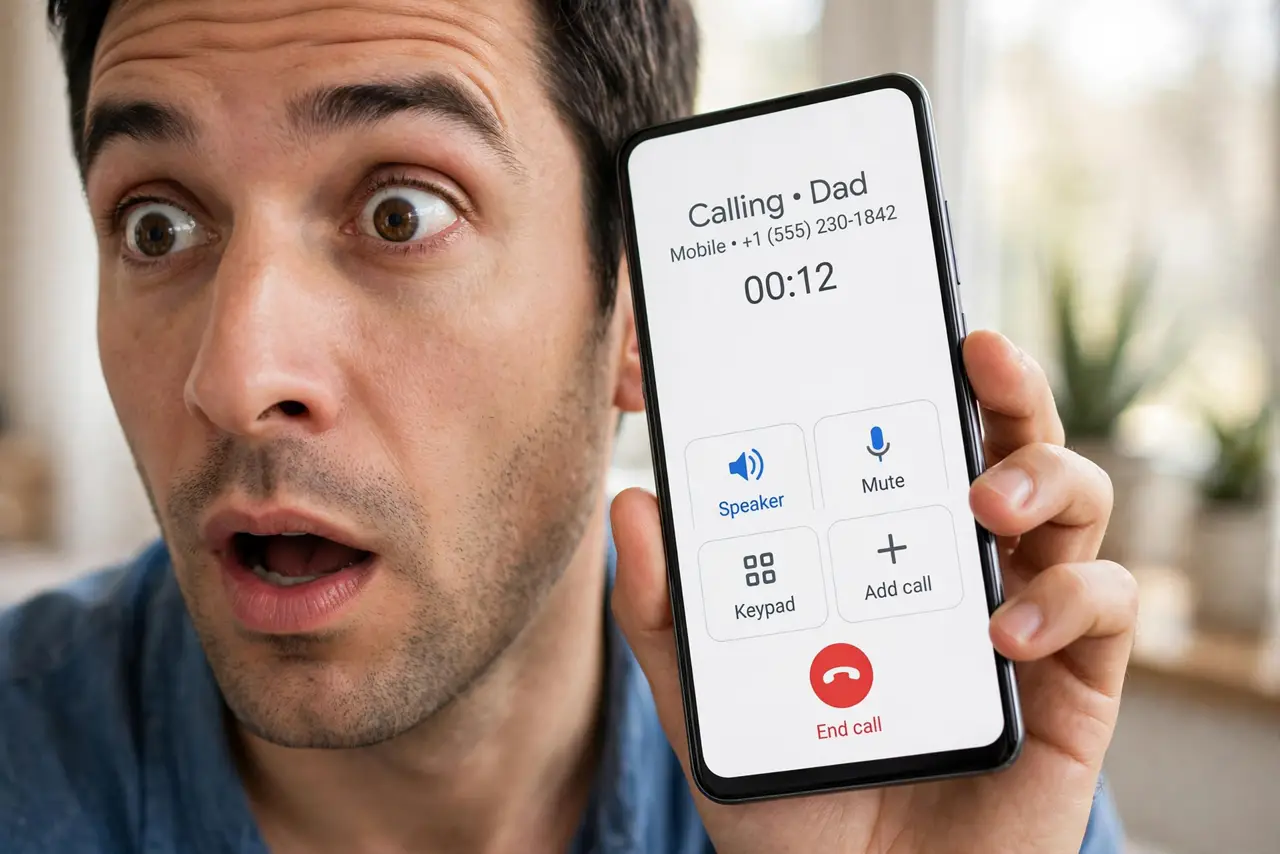
You answer a call and it blasts on speakerphone without you touching anything. A stuck routing setting — or a car Bluetooth that grabbed the call — is choosing the speaker for you.
TL;DR / Quick Fix
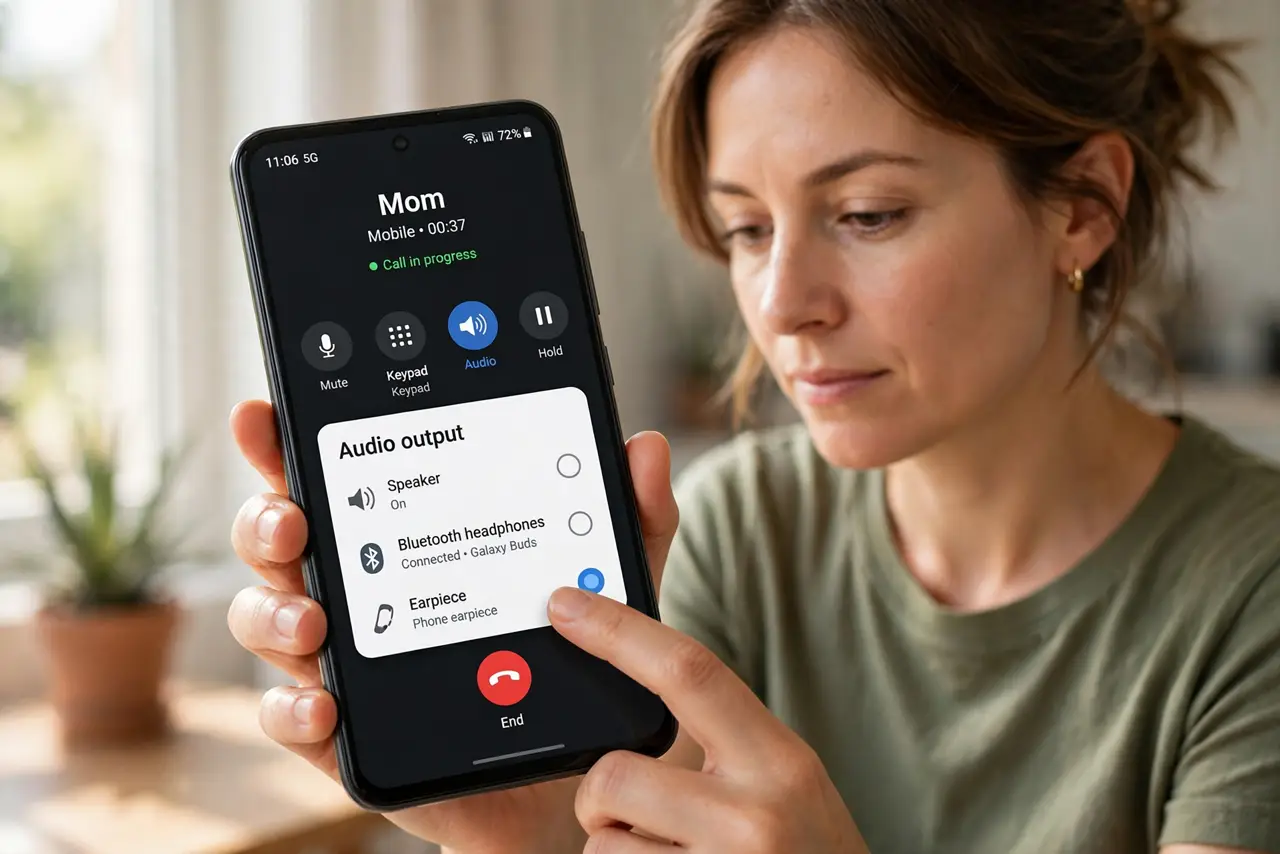
Quick fix: during a call, tap the audio button and switch back to the phone earpiece. Then open Settings, then Accessibility, then Touch, then Call Audio Routing, and set it to Automatic. Disconnect car Bluetooth to stop it hijacking calls.
Follow these steps
- Switch the audio mid-call. Tap the audio or speaker button on the call screen and choose the earpiece. This fixes the current call immediately while you hunt the setting.
- Set Call Audio Routing to Automatic. On iPhone: Settings, Accessibility, Touch, Call Audio Routing, then Automatic. A stuck Speaker choice here routes every call to speaker by design.
- Check Android's equivalent setting. On Android, look in Accessibility or Call settings for a default audio route. Some makers bury a speaker-default toggle there.
- Disconnect the car's Bluetooth. A car system that grabs calls can force speaker-like routing. Turn off the car's Bluetooth or forget it temporarily to test.
- Check connected earbuds or watches. A connected Bluetooth device can reroute call audio unexpectedly. Disconnect wearables one by one to find the hijacker.
- Restart if the setting will not stick. If routing resets to speaker after every change, restart the phone. A stuck audio service is the usual cause of a setting that refuses to hold.
What NOT to do
- Do not answer sensitive calls on speaker in public. Until the routing is fixed, check the audio button every time you answer — privacy first.
- Do not blame the caller for the speaker blast. The routing choice is entirely on your phone, not on their end.
- Do not disable Bluetooth forever to fix this. Find the grabbing device instead — Bluetooth is too useful to sacrifice for one bad pairing.
- Do not ignore it because speaker is 'fine.' Accidental speaker calls in meetings and public places are embarrassing and avoidable.
Frequently asked questions
Why did this start suddenly?
A car Bluetooth pairing, an accessibility change, or an update can flip the default route without telling you.
Does this affect FaceTime or WhatsApp calls too?
It can. The routing setting applies to phone calls, but connected Bluetooth devices hijack all call audio equally.
Will a headset fix it?
Plugging in or connecting a headset gives calls a defined destination, which usually stops the random speaker jumps. If callers sound too quiet rather than misrouted, check call volume.