Do Not Disturb Exceptions? Setup
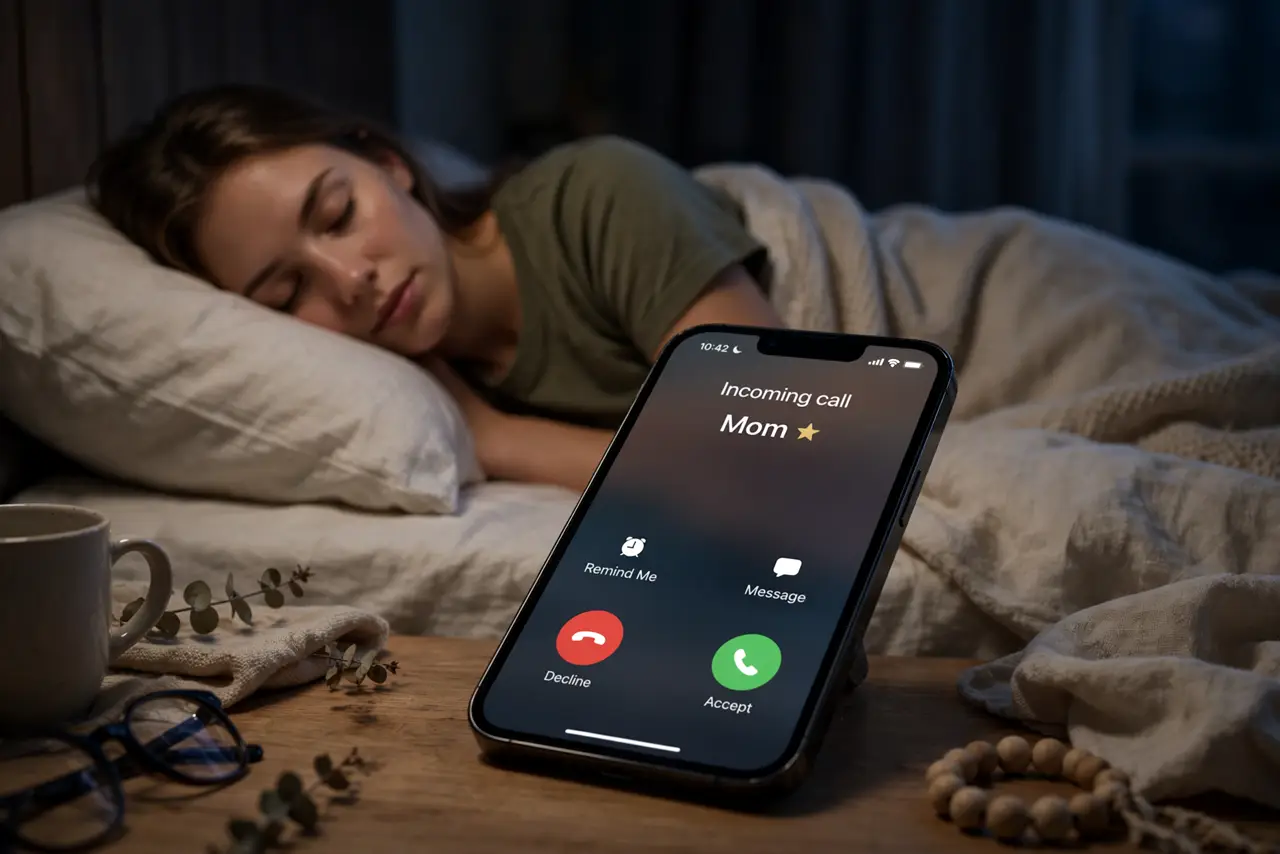
Do Not Disturb is blissful until it blocks the call that mattered — the kid's school, the on-call shift, the 2 a.m. emergency. Exceptions are the answer: DND stays on, but chosen people and apps punch through. Set them once, and silence stops being scary. Here is how on iPhone and Android.
TL;DR / Quick Fix
Quick fix: DND exceptions let people and apps reach you while the rest stays silent. On iPhone: Settings > Focus > Do Not Disturb > People and Apps. On Android: Settings > Sound > Do Not Disturb > People or Apps. Allow repeated callers — a second call breaks through.
Follow these steps
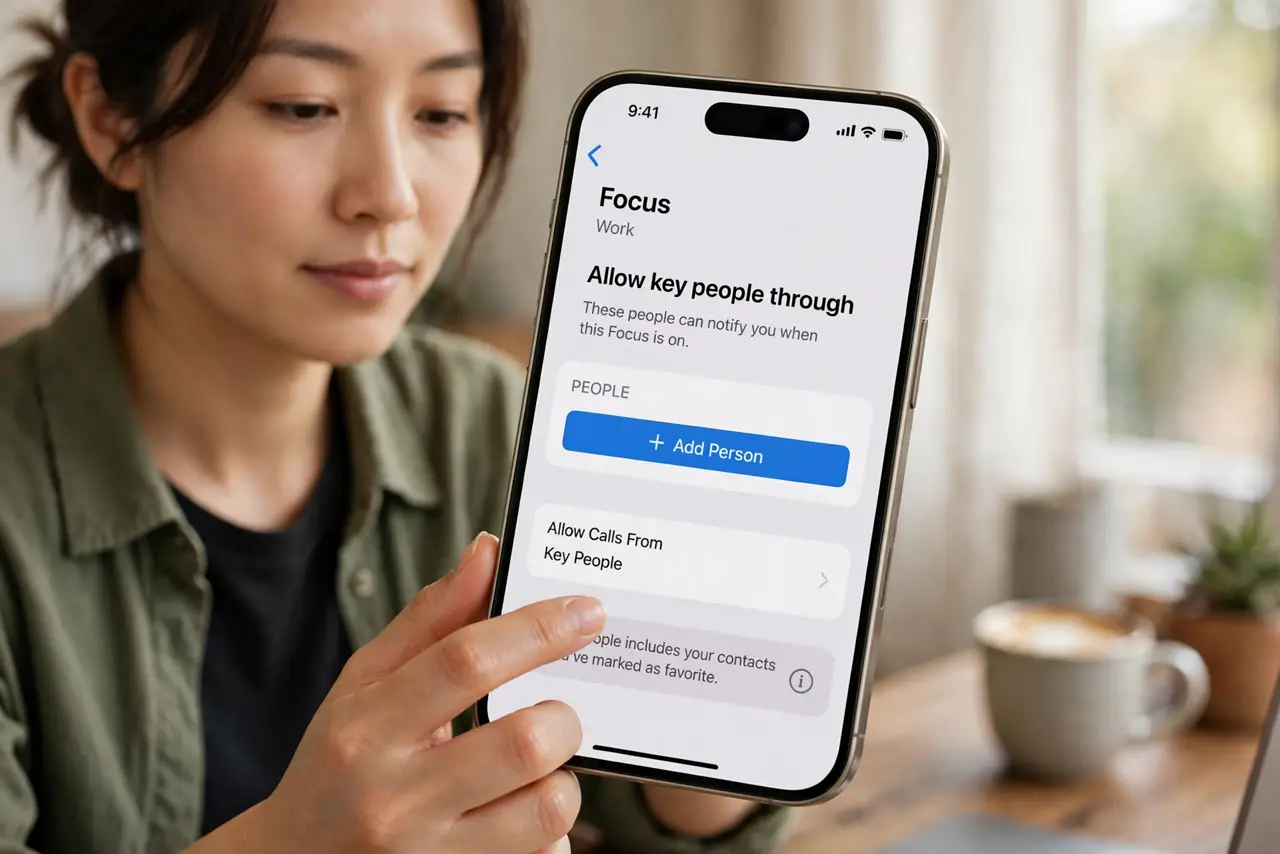
- Allow key people through on iPhone. Open Settings > Focus > Do Not Disturb > People, and add favorites or specific contacts. Calls and messages from them sound normally while the rest of the world waits.
- Allow key people on Android. Go to Settings > Sound (or Notifications) > Do Not Disturb > People. Choose starred contacts, or calls from anyone twice in a row — the repeat-call rule catches genuine emergencies from unknown numbers.
- Exempt critical apps. Alarms always punch through DND — by design. Add your security camera app, the on-call pager, or the smart doorbell under the Apps exception list so their alerts sound.
- Enable the repeat-caller rule. Both platforms offer 'allow repeated calls': a second call from the same number within a few minutes breaks through. It is the single best emergency backstop — turn it on.
- Schedule DND instead of toggling. Set a nightly schedule — 10 p.m. to 7 a.m., say — so exceptions protect you automatically. Manual toggling gets forgotten; schedules do not.
- Test before trusting. Have your exempted contact call while DND is on. Confirm it rings. An untested exception list is a hope, not a plan — especially for alarms and on-call duties.
What NOT to do
- Do not run DND with zero exceptions. Total silence blocks emergencies — exceptions are what make DND safe, not weak.
- Do not exempt chatty group threads. One exception for a noisy group chat defeats the entire purpose — exempt people, not groups.
- Do not forget the schedule after travel. A DND schedule follows your home time zone — adjust it when you travel or it fires at odd hours.
- Do not assume DND silences alarms. Alarms bypass DND by design — which is good, but surprises people who expected total silence.
Frequently asked questions
Will my alarm still work with Do Not Disturb on?
Yes. Alarms are exempt from DND on both platforms, always. Your wake-up is safe.
What's the difference between DND and silent mode?
Silent mode mutes sounds but notifications still light up and vibrate. DND suppresses the notifications themselves, with exceptions you define.
Can apps break through DND?
Only ones you explicitly allow in the Apps exception list — plus alarms, which are always exempt. Everything else waits quietly.