Dual eSIM? How It Works
Two numbers, one phone: work and personal, or home and travel SIM, both active without swapping anything. Modern iPhones and many Android phones hold two or more eSIMs and keep two lines live at once. The setup is straightforward — the part people fumble is telling the phone which line does what. Here is the full tour.
TL;DR / Quick Fix
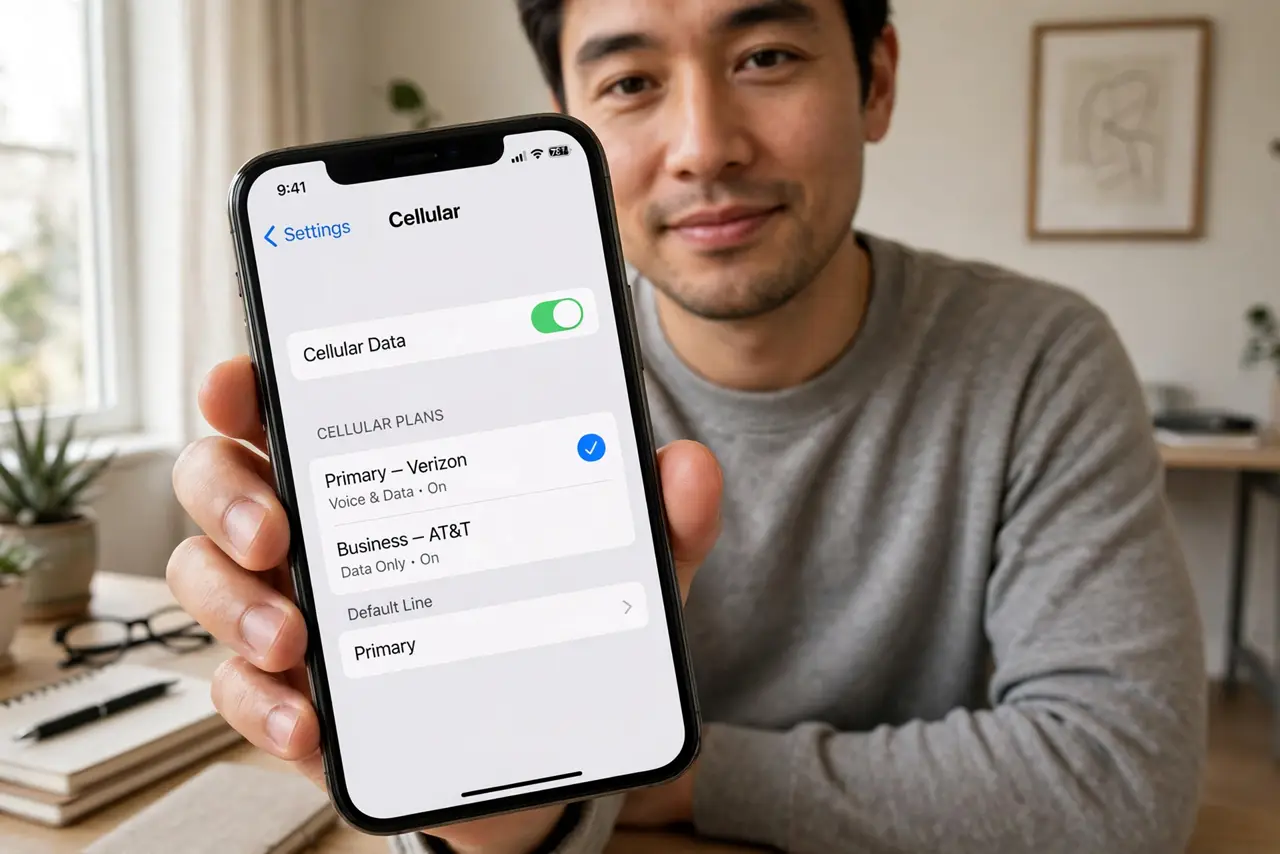
Quick fix: add a second eSIM under Settings, Cellular (iPhone) or Settings, Network, SIMs (Android) with your carrier's QR code. Label each line — Work, Personal — and set defaults for calls, texts, and data. Switch the data line anytime from control center.
Follow these steps
- Check your phone supports two active lines. Most recent iPhones and flagship Androids do; budget phones may store two eSIMs but keep only one active. Your maker's spec page settles it.
- Add the second eSIM. Use the carrier's QR code or app under Add eSIM. The second line provisions alongside the first — nothing about line one changes.
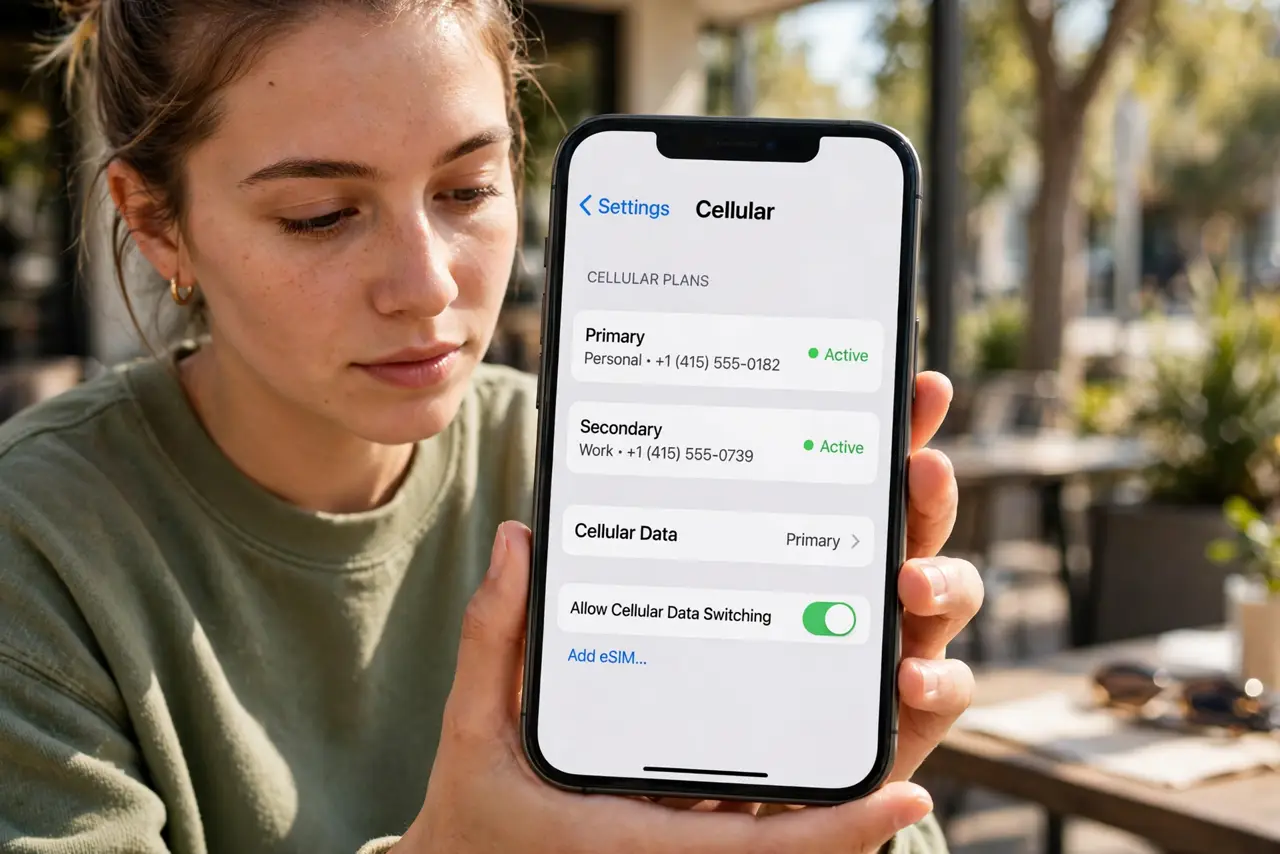
- Label both lines clearly. Name them Work and Personal, or Home and Travel. Clear labels prevent the classic mistake of calling the boss from the wrong number — see label confusion for the fallout.
- Set the default voice line. Choose which line makes calls and sends texts by default. Per-contact overrides let exceptions (always call Mom from Personal) stick.
- Choose the data line deliberately. Only one line provides cellular data at a time. Set the line with the bigger data plan — and watch which line is active when roaming abroad.
- Learn the quick-switch gesture. The control center cellular toggle (iPhone) or SIM manager (Android) switches the data line in seconds — no settings spelunking needed.
What NOT to do
- Do not leave both lines on the same default for everything. Unlabeled defaults are how work calls go out from the personal number.
- Do not forget which line is set for data when traveling. Roaming on the wrong line is the most expensive dual-SIM mistake.
- Do not assume both lines ring identically. Check that calls to line two actually reach you — some setups need the second line's calls forwarded or enabled.
- Do not delete an eSIM profile casually. Removing the profile kills the line until the carrier reissues it — label, don't delete.
Frequently asked questions
Can both numbers receive calls at once?
One call is active at a time; the other line's incoming call typically goes to voicemail or waits, depending on your carrier.
Do I need two carriers?
No — both eSIMs can be from the same carrier, or different ones. Travelers often pair home carrier plus local travel eSIM.
Will dual SIM drain the battery faster?
Slightly — the radio maintains two network registrations. The difference is small on modern phones.