An Earbuds Case Charges Only One Side
You drop both buds in the case, but one never charges — its light stays red or dark. The charging contacts are the usual suspects: dirty, misaligned, or blocked by a skin on the bud.
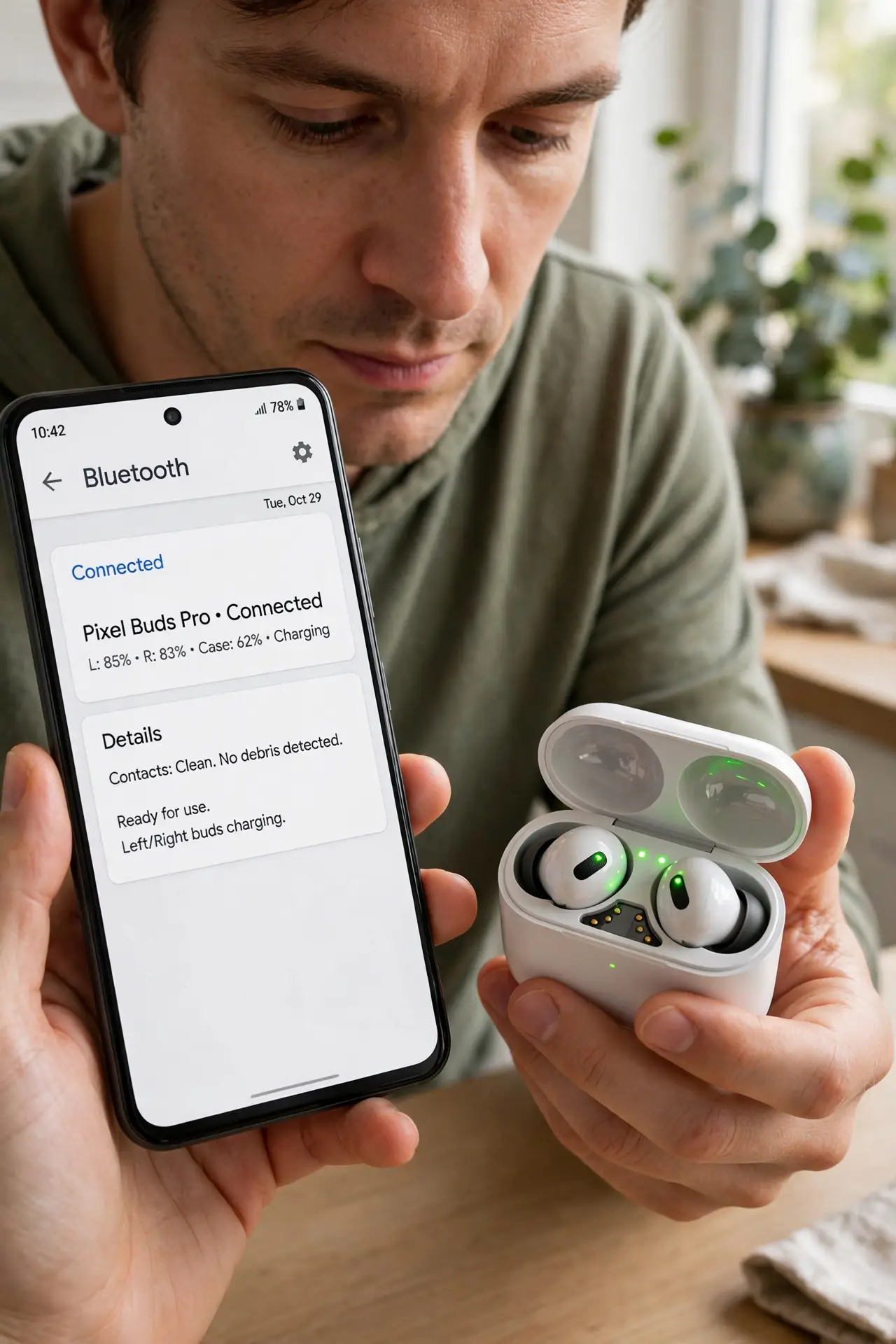
TL;DR / Quick Fix
Quick fix: take both buds out, wipe the metal charging contacts on the buds and in the case with a dry cloth, and reseat the stubborn bud firmly. If it still will not charge, reset the earbuds per the maker's instructions and try again.
Follow these steps
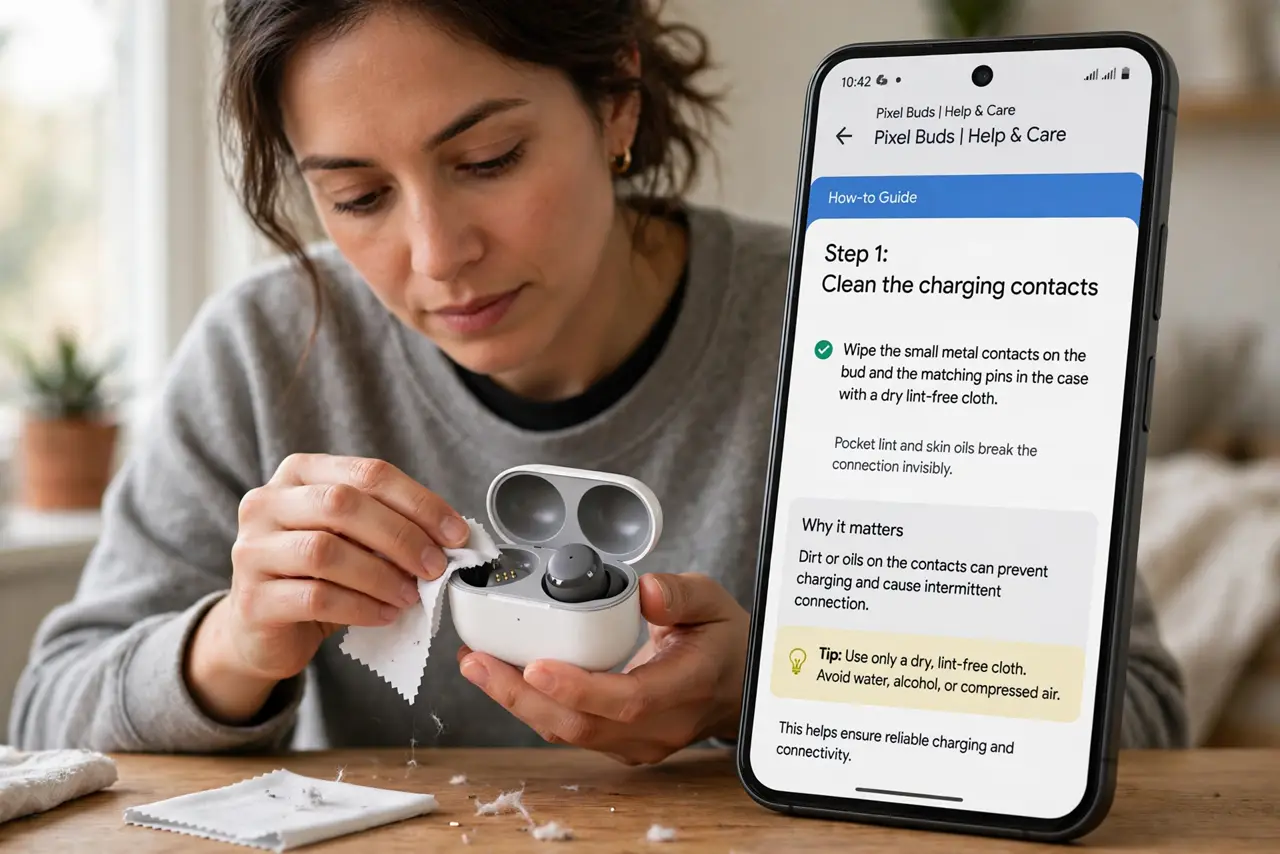
- Clean the charging contacts. Wipe the small metal contacts on the bud and the matching pins in the case with a dry lint-free cloth. Pocket lint and skin oils break the connection invisibly.
- Reseat the bud firmly. Drop the bud in and press gently until it clicks or sits flush. A bud resting a millimeter high charges nothing while looking docked.
- Remove skins or stickers from the bud. Decorative skins and stickers add thickness that lifts the contacts apart. Peel them off the charging area and test again.
- Check the case itself has charge. A dead case charges nothing. Plug the case in and confirm its own light shows charging before blaming the bud.
- Reset the earbuds. Hold the case button per the maker's instructions until the light flashes the reset pattern. Resetting clears pairing and charging glitches together.
- Test the bud in the other slot. If the case has identical slots, try the stubborn bud in the other side. Charging there points to a bad slot; failing in both points to the bud.
What NOT to do
- Do not use water or alcohol on the contacts routinely. A dry cloth handles oils and lint; liquids risk seeping into the case electronics.
- Do not force the bud down hard. The pins are spring-loaded and delicate — firm seating, not force, makes the connection.
- Do not assume the bud's battery is dead. A bud that 'will not hold charge' usually never received charge because of dirty contacts.
- Do not buy a new case before cleaning. Contact grime is free to fix and explains most one-sided charging failures.
Frequently asked questions
Why does only one side fail?
Each bud has its own contacts and pins. Grime or misalignment affects one side independently of the other.
The light blinks red on one bud. What does that mean?
Usually a charging error or poor contact. Clean, reseat, and reset before assuming hardware failure. If the buds never appear on the phone at all, check headphones not detected.
Can I charge the bud without the case?
No. The case is the charger — there is no other way to power the bud's tiny battery.