Ghost Touches While Charging? Fix It
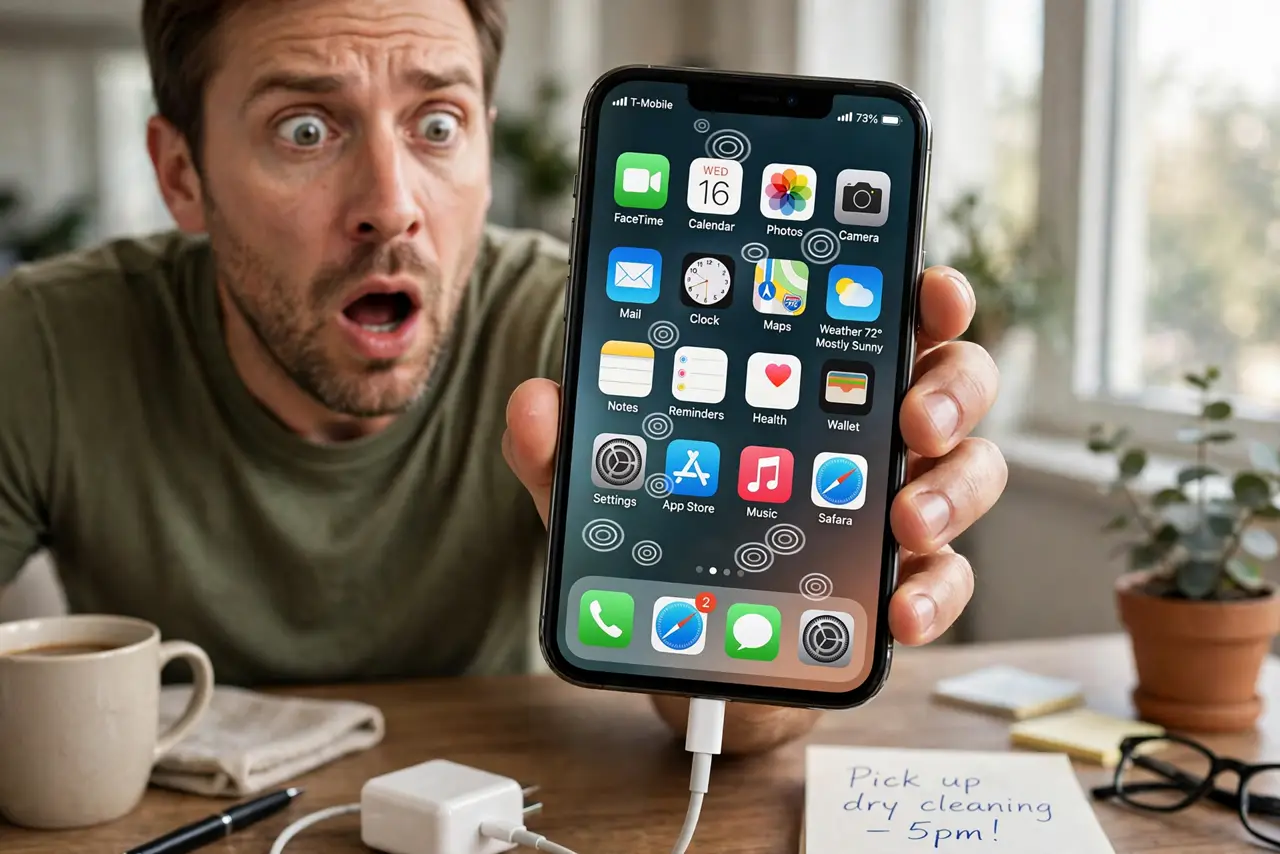
Plug the phone in and the screen starts tapping by itself — opening apps, typing gibberish, swiping on its own. These ghost touches while charging are almost always electrical noise from a cheap or damaged charger interfering with the touchscreen. This guide isolates the culprit fast, so a misbehaving touchscreen stops haunting you.
TL;DR / Quick Fix
Quick fix: unplug the charger — if the ghost touches stop instantly, the charger or cable is the problem. Replace it with the manufacturer's charger or a certified one. Keep the phone off metal surfaces while charging, and make sure the screen and your hands are dry.
Follow these steps
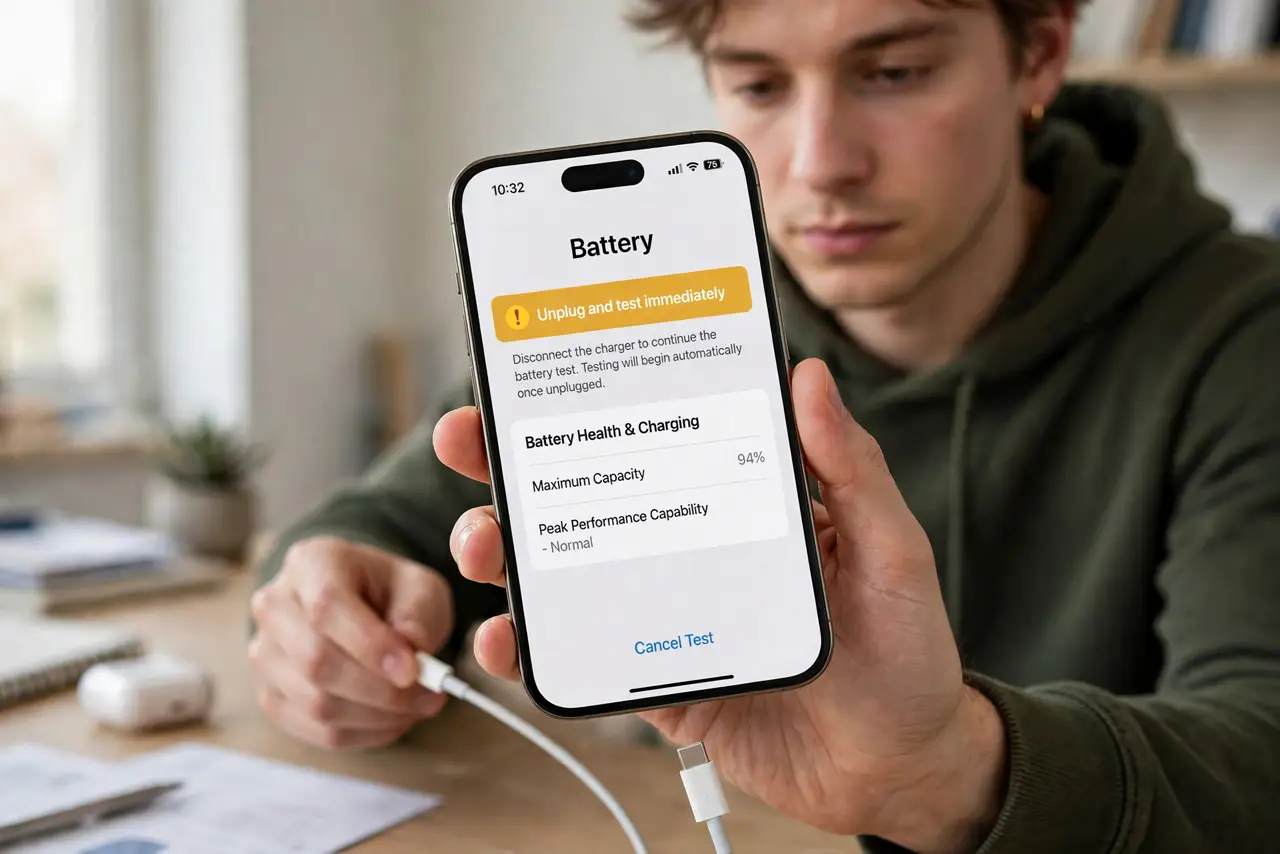
- Unplug and test immediately. Disconnect the charger and use the touchscreen for a minute. If ghost touches vanish the moment you unplug, you have found the cause — the charging setup.
- Swap the charger first. Try the phone manufacturer's charger or a certified equivalent. Cheap no-name chargers produce the electrical noise that confuses touchscreens.
- Swap the cable second. If a good charger still causes ghost touches, change the cable. Damaged or ultra-cheap cables leak interference just like bad chargers do.
- Charge from a wall outlet. Skip power strips, extension cords, and computer USB ports for the test. A clean wall outlet removes grounding and noise variables.
- Keep the phone off metal and water. Do not charge on a metal table, and dry the screen and your hands. Moisture and metal both amplify touchscreen interference.
- Get the screen checked if it persists unplugged. Ghost touches with no charger connected point to a damaged digitizer or screen — especially after a drop. That needs a professional repair.
What NOT to do
- Do not keep using a charger that causes ghost touches. The same electrical noise can stress the phone's charging circuitry over time.
- Do not assume a software update will fix charger-induced ghost touches. This is electrical interference, not a bug.
- Do not charge on a wet surface. Water plus electricity is a safety issue, not just a touchscreen annoyance.
- Do not press harder to 'overpower' ghost touches. Force does not help and can damage the screen.
Frequently asked questions
Why does my phone tap by itself when charging?
Electrical noise from a cheap, damaged, or poorly grounded charger interferes with the capacitive touchscreen, registering phantom taps.
Can a bad charger damage my phone?
A very poor charger can stress charging circuitry over time. Certified chargers include protections that cheap ones skip.
The ghost touches happen even unplugged — now what?
Then the touchscreen digitizer itself is likely damaged, often from a drop or pressure. A repair shop can confirm.