Hide Your Caller ID? How To
Sometimes you need to call without showing your number — returning a call from a listing, protecting your personal number, or just keeping a boundary. Hiding your caller ID makes your number show as Private or Unknown on the other end. It is a simple toggle, with a couple of honest caveats.
TL;DR / Quick Fix
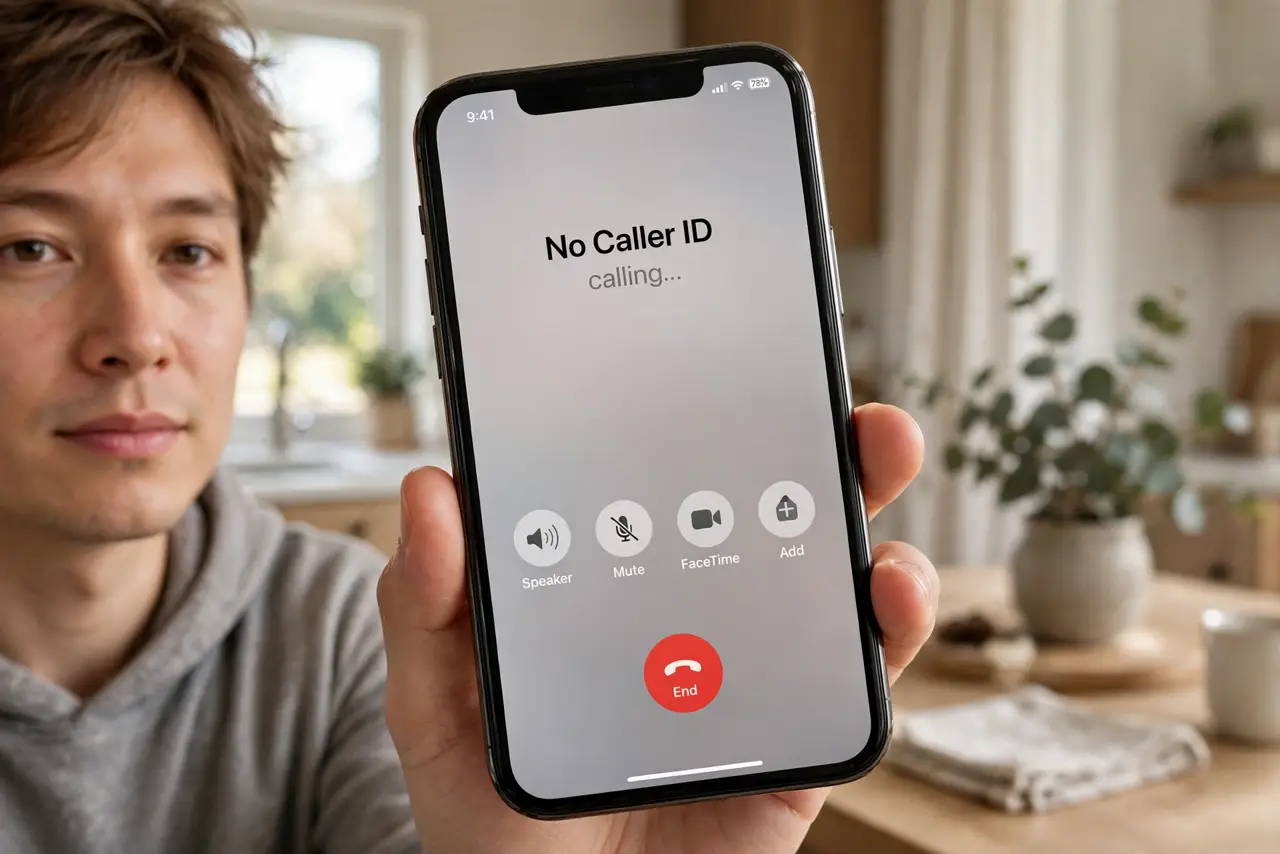
Quick fix: hide your number so recipients see Private or Unknown. On iPhone: Settings > Phone > Show My Caller ID > off. On Android: Phone > Settings > Calls > Additional settings > Caller ID > Hide number. For a single call, dial your carrier's per-call blocking code first.
Follow these steps
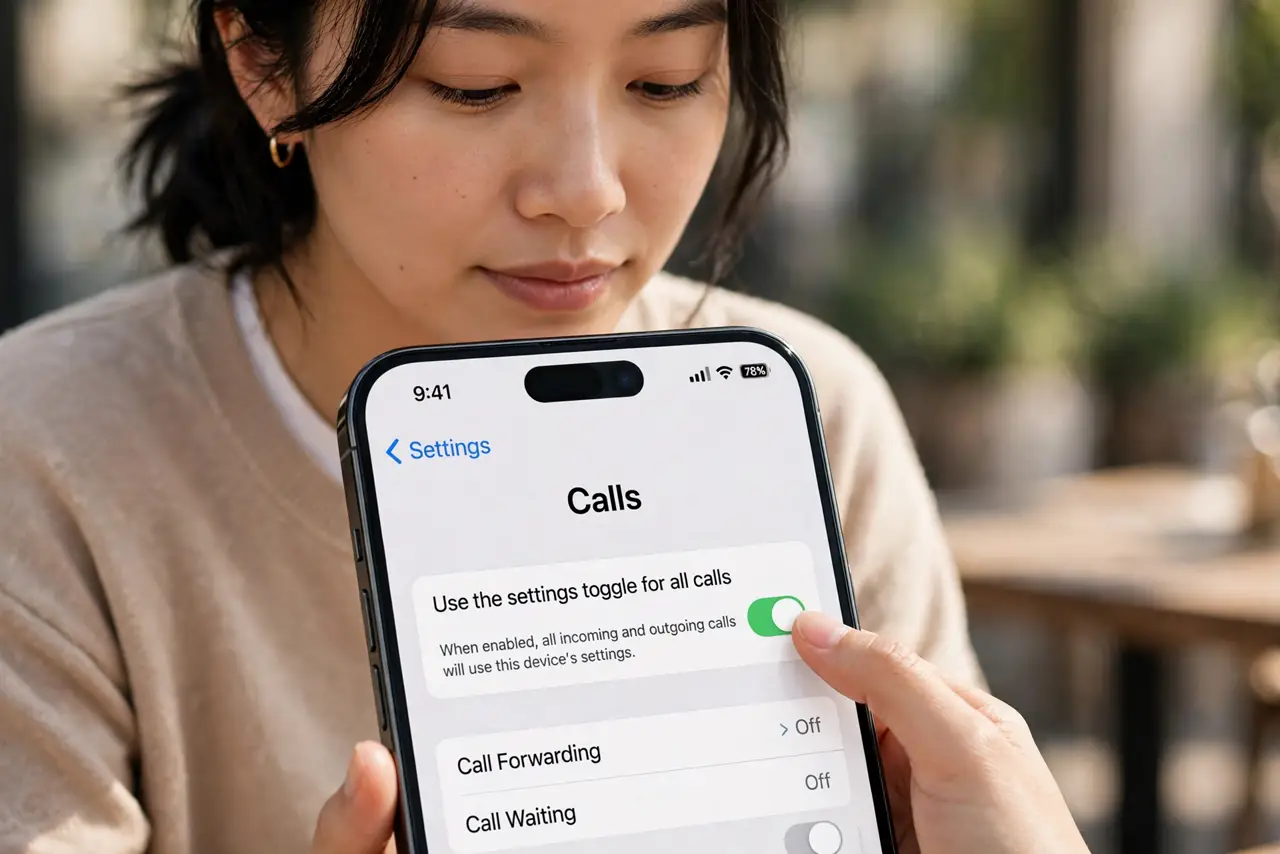
- Use the settings toggle for all calls. On iPhone: Settings > Phone > Show My Caller ID > off. On Android: Phone > Settings > Calls > Additional settings > Caller ID > Hide number. Every outgoing call then shows as private until you reverse it.
- Block per call when you only need it once. Carriers offer a per-call code dialed before the number — handy for a single private call without changing the global setting. Check your carrier's code; it varies by country.
- Understand what 'hidden' really means. Your number is hidden from the recipient's display, not from the carrier or emergency services. It is privacy from people, not from the network.
- Expect some calls to be rejected. Many people — and some businesses — auto-reject private numbers. If your hidden-ID calls go unanswered, that is probably why.
- Remember it for callbacks. If you hide your ID globally and then wonder why nobody picks up, this toggle is the first suspect. Flip it back for normal calling.
- Consider it alongside blocking tools. Hiding your ID is about your outgoing privacy; blocking numbers is about incoming pests. They solve opposite problems — use each where it fits.
What NOT to do
- Do not use hidden caller ID for harassment. Carriers and authorities can still identify you — anonymity from the display is not anonymity from the law.
- Do not hide your ID when calling businesses you want a callback from. They cannot return a call to 'Private.'
- Do not forget the toggle is on. Weeks of unanswered calls often trace back to this one switch.
- Do not rely on it against scammers. They spoof numbers freely — hiding yours does nothing to stop their calls to you.
Frequently asked questions
Will emergency services still see my number?
Yes. Caller ID blocking never applies to emergency calls — your number and location go through normally.
Why do my calls show as 'Unknown' to friends?
You left the toggle on. Turn Show My Caller ID back on and your name and number display normally again.
Can I hide my number for texts too?
No — caller ID hiding applies to voice calls only. Texts always carry your number to the recipient's carrier.