Block a Number? How To
One number keeps calling — the robocall at dinner, the ex, the 'extended warranty' crew. Blocking sends their calls and texts straight to nowhere: your phone never rings, and you never see the message. It takes ten seconds per number and works on every phone. Here is how.
TL;DR / Quick Fix
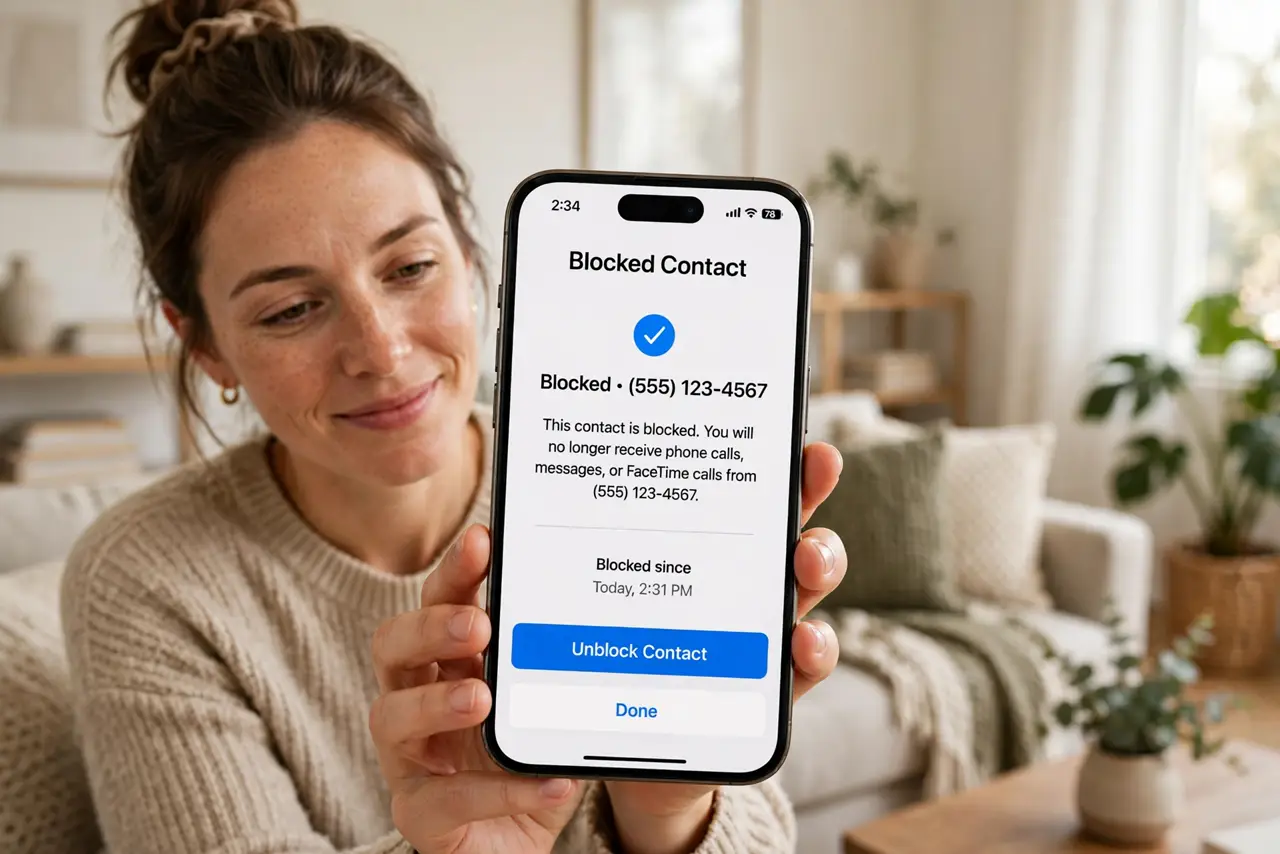
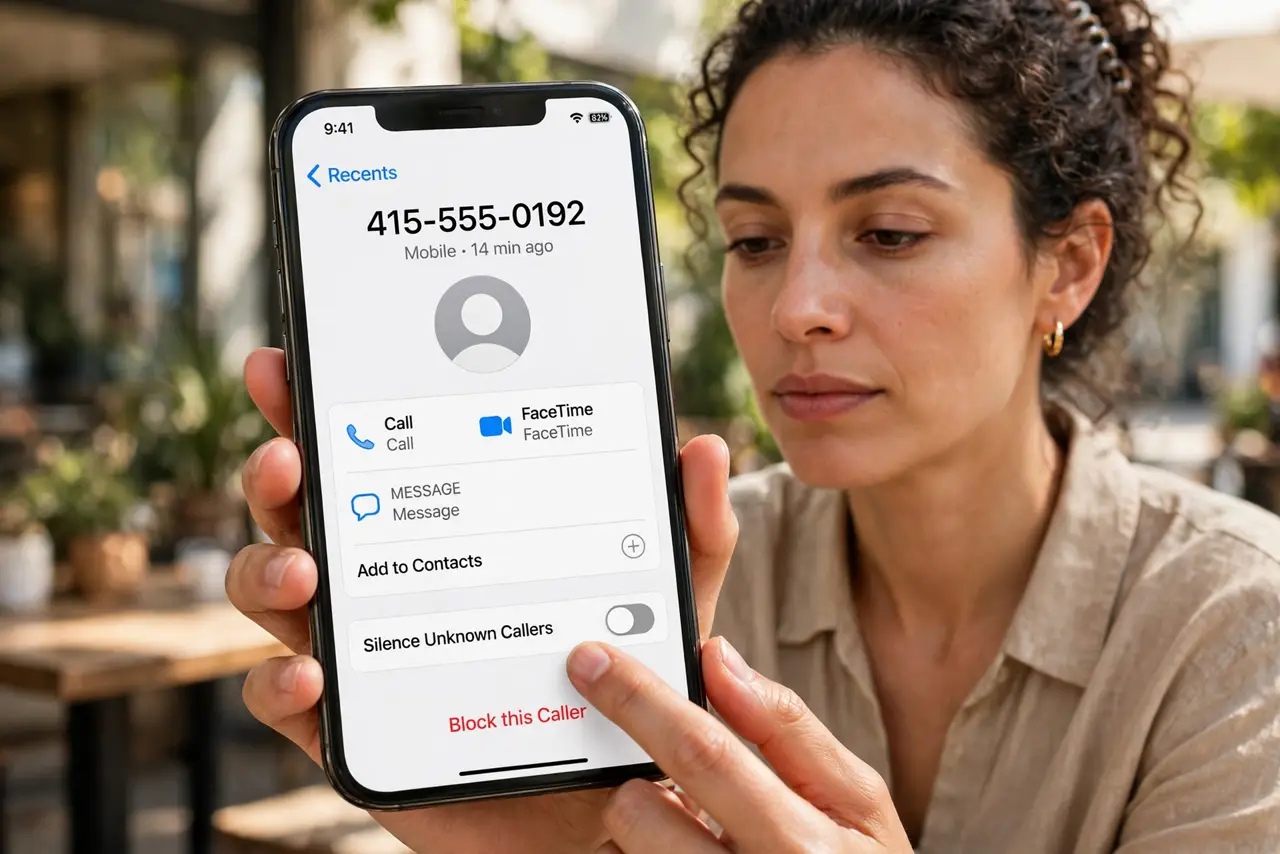
Quick fix: blocking silences a number's calls and texts until you unblock it. On iPhone, open the recent call, tap the info icon, and choose Block this Caller. On Android, open the recent call and choose Block. Blocked callers go to voicemail or silence — your phone never rings.
Follow these steps
- Block from recent calls — fastest. On iPhone: Phone > Recents > info icon > Block this Caller. On Android: Phone > Recents > tap the number > Block. Ten seconds, done — no need to save the number as a contact first.
- Block from a text thread. Open the spam message, tap the sender header, and choose Block. This stops both their calls and their texts in one move.
- Check what blocking actually does. Blocked callers go to voicemail or hear a disconnected tone; their texts never arrive. On iPhone, blocked voicemails collect silently in a separate list you can check or ignore.
- Block the whole category with carrier tools. One-off blocking cannot stop number-spoofing robocalls. Enable your carrier's spam blocking and your phone's spam filtering to catch the rotating numbers automatically.
- Review your block list occasionally. Both phones keep a block list in settings — iPhone under Settings > Phone > Blocked Contacts, Android in the Phone app's settings. Prune numbers you no longer need blocked.
- Unblock when circumstances change. Numbers get reassigned to real people. If a blocked number might matter again, unblock it rather than wondering why someone 'never calls.'
What NOT to do
- Do not block your bank, doctor, or delivery services in a spam-blocking frenzy. Legitimate short codes and service numbers look spammy.
- Do not assume blocking stops a determined harasser. They can call from new numbers — for harassment, save evidence and contact authorities.
- Do not pay for a 'blocker' app that duplicates the built-in feature. Your phone already blocks numbers free and better.
- Do not block and then worry they know. Blocked callers are not notified — they just stop getting through.
Frequently asked questions
Will the blocked person know?
No notification is sent. Their calls go to voicemail or fail silently — most assume you are just not answering.
Does blocking stop texts too?
Yes. Blocking a number stops both calls and SMS from it on both iPhone and Android.
Can a blocked number leave voicemail?
On iPhone, yes — into a separate Blocked Messages list. On Android, usually not. Either way, your phone never rings.