Phone Gets Hot in Your Pocket? What to Do
A phone that warms up in your pocket without being used is working hard on something you cannot see — usually background syncing, a stuck process, or a weak signal making the radio strain. This guide finds the culprit and cools things down, before heat starts aging your battery.
TL;DR / Quick Fix
Quick fix: restart the phone to kill stuck background processes, then check battery usage for the app using the most power. Turn off mobile data or enable airplane mode briefly in weak-signal areas. If the phone stays hot while idle and doing nothing, have the battery checked professionally.
Follow these steps
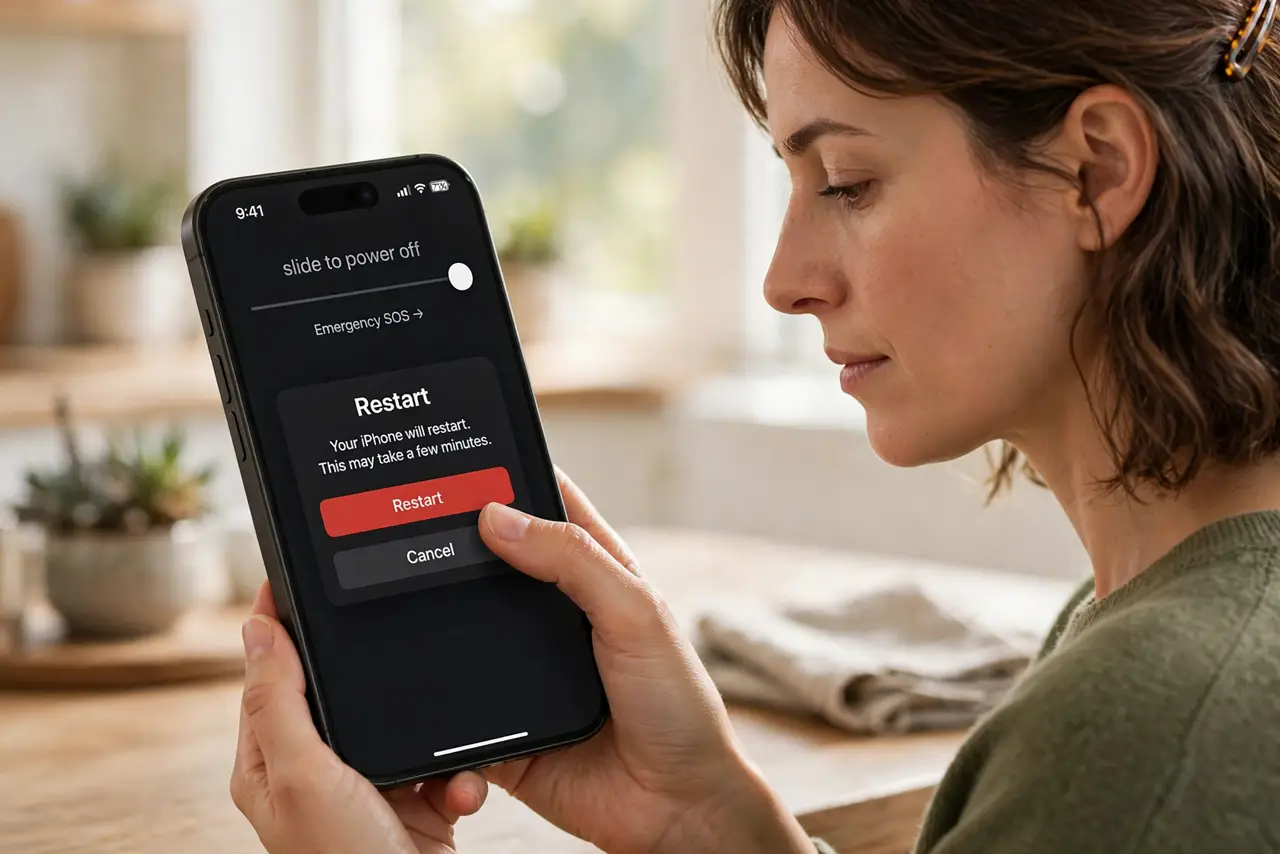
- Restart the phone first. A stuck app or runaway process is the most common cause. A restart clears it in seconds and costs nothing.
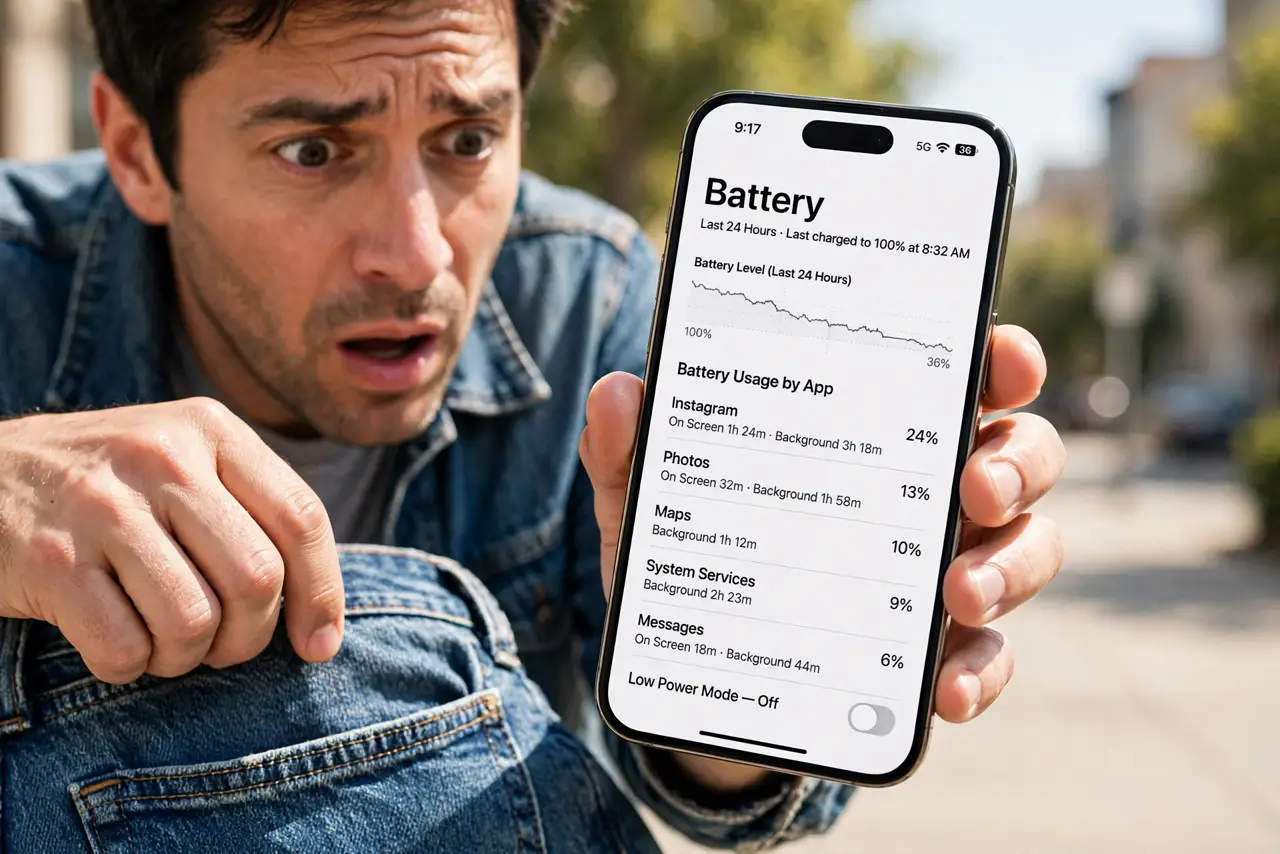
- Check battery usage for the culprit. Open battery settings and look at which app used the most power since the last charge. An app with high background time is your prime suspect.
- Update or restrict the hungry app. Update the app, or restrict its background activity if you do not need it syncing constantly. One bad update can turn a quiet app into a heater.
- Watch the signal strength. In weak-signal areas the cellular radio works overtime, heating the phone even in your pocket. Airplane mode with Wi-Fi on is cooler when you do not need calls.
- Take it out of the tight case and pocket. Tight pockets and thick cases trap heat. Give the phone airflow until it cools, and skip charging while it is hot.
- Get help if idle heat persists. A phone that stays warm doing nothing, especially with a bulging case, needs a professional battery check — see the swelling battery guide.
What NOT to do
- Do not put a hot phone in the freezer. Rapid cooling can cause condensation inside the phone.
- Do not keep using it heavily while it is hot. Gaming or video on an already-warm phone pushes temperatures higher.
- Do not charge a hot phone. Charging adds heat, so let it cool to room temperature first.
- Do not install 'cooler' apps. They cannot fix the underlying cause and often add their own background drain.
Frequently asked questions
Is it normal for a phone to get warm in a pocket?
Mild warmth during syncing or in weak signal is normal. Noticeable heat while idle is not — investigate the battery usage screen.
Can pocket heat damage my phone?
Occasional warmth is fine, but repeated heat accelerates battery aging and can shorten the battery's life.
Why does my phone get hot when I'm not using it?
Usually a stuck background process, heavy syncing, or the cellular radio straining in a weak-signal area.