A Swelling Battery: What to Do Safely
A battery that puffs up, pushes the case apart, or makes the trackpad pop is a safety issue, not a cosmetic one. Swollen batteries need calm, prompt handling — not panic, and definitely not a puncture.

TL;DR / Quick Fix
Quick fix: stop using and charging the device immediately, power it down if it is safe to do so, and move it to a cool, fire-safe spot away from anything flammable. Then contact the maker or a professional for removal — never puncture or bend it.
Follow these steps
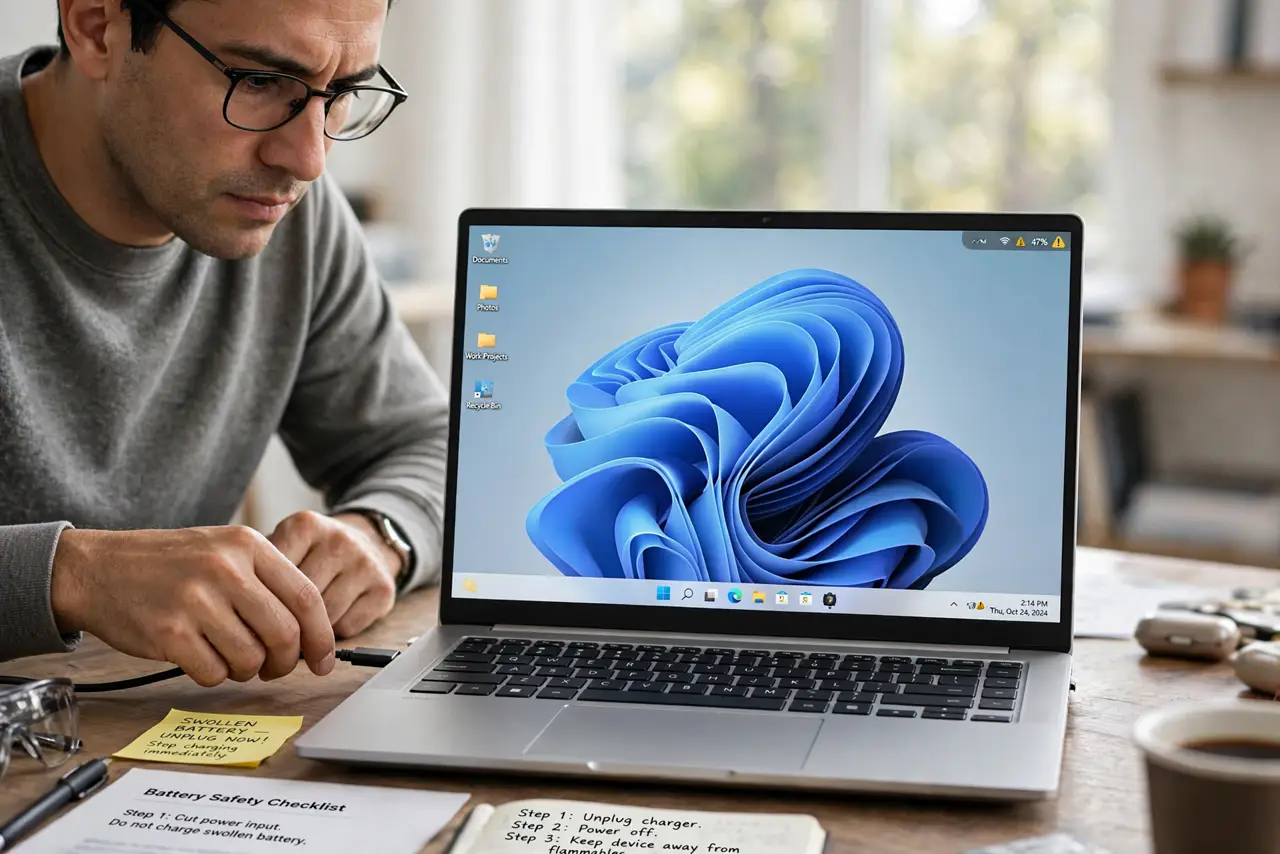
- Stop charging it right now. Unplug the charger immediately. Charging a swollen battery adds stress to already-damaged cells, so the first step is always to cut the power input.
- Power it down if safe. If the device still works normally, shut it down through the operating system. Do not force anything if the case is badly deformed — just leave it alone.
- Move it somewhere fire-safe. Place the device on a non-flammable surface like tile or concrete, away from paper, fabric, and sunlight. A cool, ventilated spot is ideal while you arrange service.
- Do not puncture, bend, or press it. Never poke the battery, squeeze the case shut, or try to flatten the bulge. Puncturing a lithium cell can cause fire, which is why gentle handling matters most.
- Back up your data if you safely can. If the device powers on normally, copy important files off it before service. Do not keep using it for days to finish the backup — one quick copy, then shut it down.
- Get professional removal. Contact the device maker or a qualified repair shop for battery replacement. If the battery is hot, smoking, or smells sweet and chemical, move away and call emergency services.
What NOT to do
- Do not keep using a swollen device normally. Continued charging and heat make swelling worse and raise the fire risk.
- Do not try to fix the bulge by pressing it flat. Pressure on a swollen cell is exactly what causes dangerous failures.
- Do not throw a swollen battery in the trash. Take it to a battery recycling point, since punctured trash batteries start fires in trucks and facilities.
- Do not ignore overheating that came first. Heat accelerates swelling, so a device that ran hot for months deserves a battery check.
Frequently asked questions
Is a slightly swollen battery dangerous?
Yes, treat any swelling seriously. It means gas is building inside the cell, and the safe move is prompt professional replacement.
Can I still use the device plugged in?
No. Stop using it and get the battery replaced — running on a swollen battery risks further damage.
What causes batteries to swell?
Age, heat, overcharging, and manufacturing defects. Hot environments and constant full charge accelerate it.