Merge Calls Into a Conference
Two people need to talk, and you are the link between them — a quick three-way call beats a group chat thread. Every phone can merge two calls into a conference without any app or service. The buttons are small and easy to miss mid-call, so here is the exact sequence.
TL;DR / Quick Fix
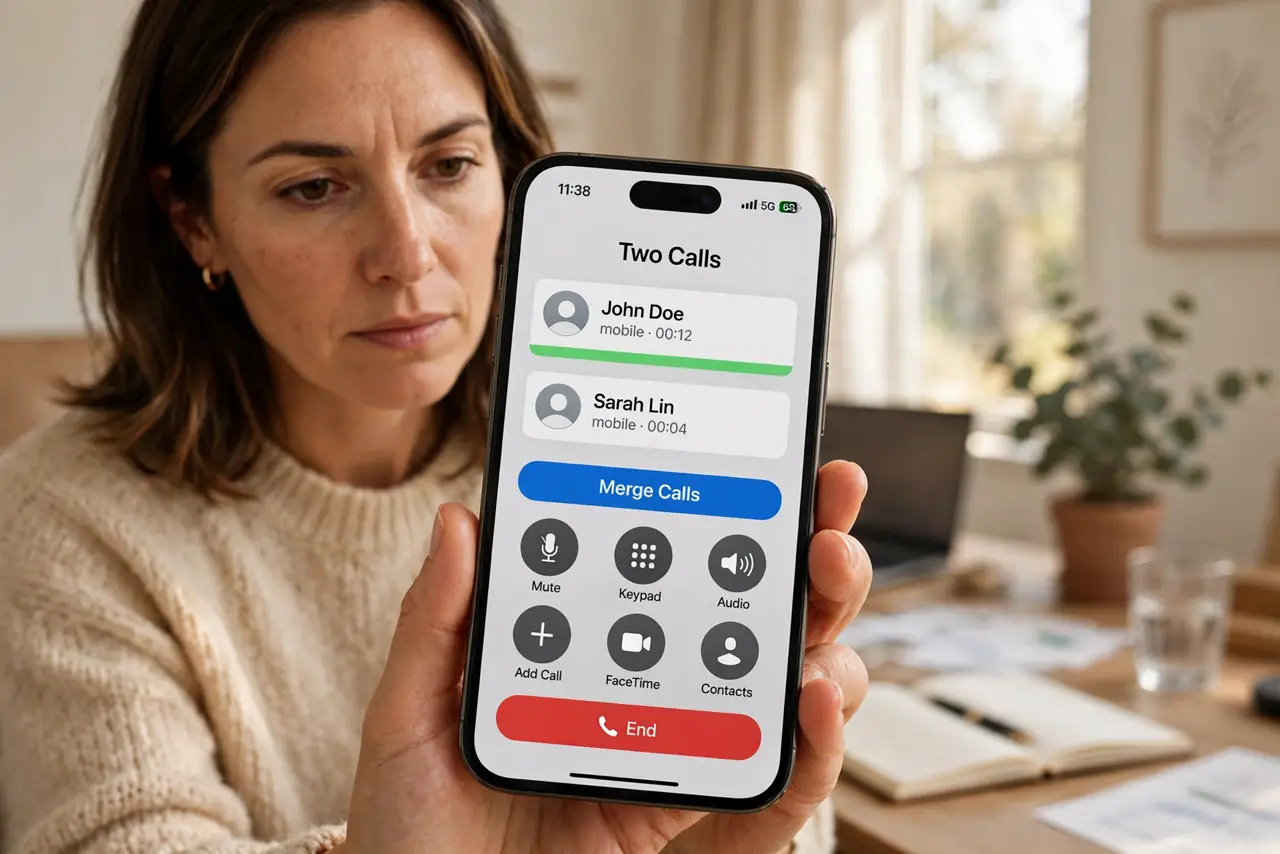
Quick fix: while on the first call, tap 'add call,' dial the second person, wait for them to answer, then tap 'merge calls.' Both callers can now hear each other. Repeat to add more people, up to your carrier's limit — usually five or six. Announce before merging.
Follow these steps
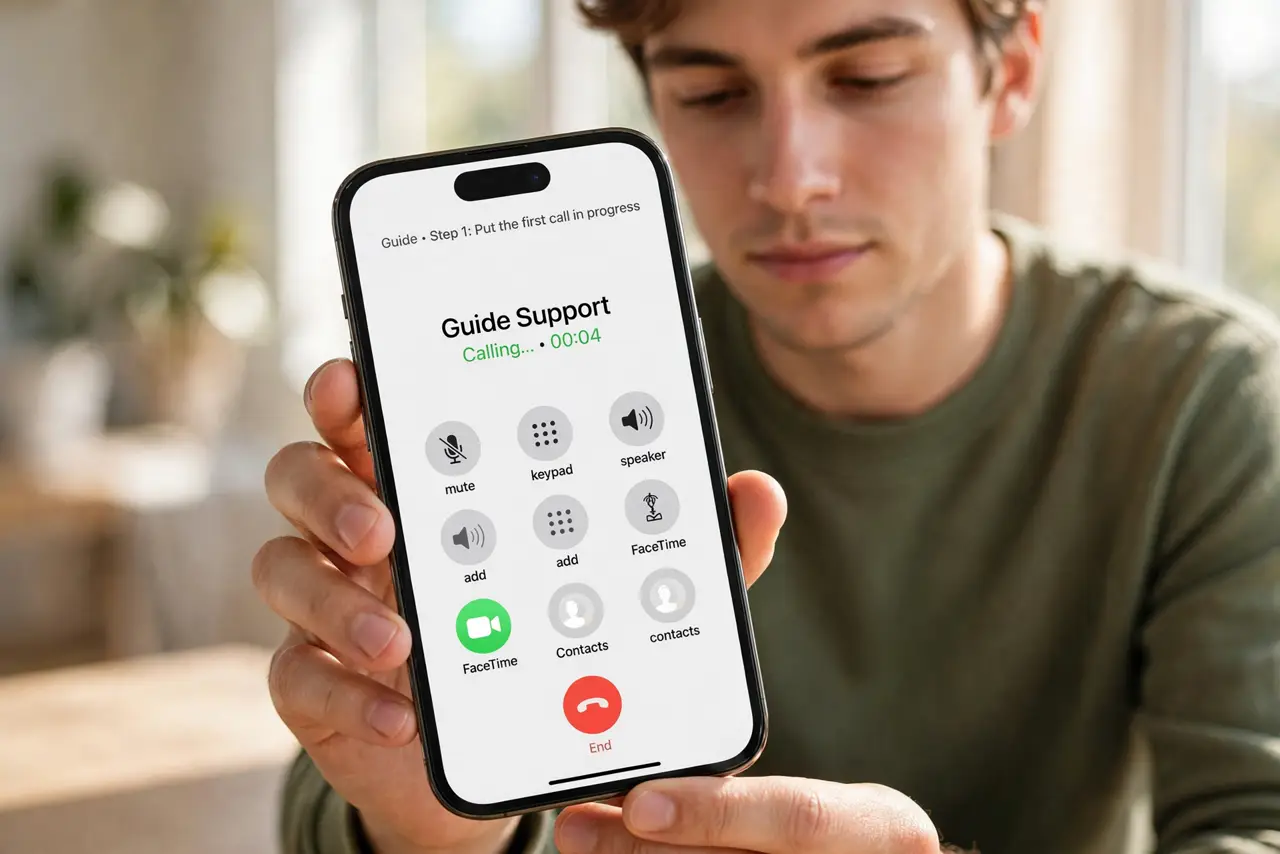
- Put the first call in progress. Call the first person normally and wait until they answer. Merging needs two live calls — you cannot merge a call that has not connected yet.
- Tap 'add call' and dial the second person. The first call goes on hold automatically. Dial or choose the second contact from the in-call screen — the buttons appear once the first call is active. If a second call beeps in while you are talking, that is call waiting — answer it first, then merge.
- Wait for the second person to answer. Let them pick up and say hello first. Merging someone into a live conversation without warning is jarring — a quick 'I am adding Sam' costs two seconds.
- Tap 'merge calls.' One tap joins both calls into a conference. On iPhone the button says merge calls; on Android it is usually a merge or conference icon. Both callers can now hear each other.
- Add more people the same way. Tap add call again, dial the next person, and merge. Carriers typically allow five or six participants on a phone-hosted conference.
- End cleanly when done. On iPhone you can drop one caller from the conference screen while keeping the other. Otherwise, hanging up ends the whole conference for everyone.
What NOT to do
- Do not merge without warning the participants. Being suddenly joined into a conversation you did not expect erodes trust.
- Do not merge a spam or unknown caller. Check who is on each line first — accidental conferences with scammers are a real thing.
- Do not forget the carrier participant limit. Trying to add a seventh person just fails silently on most carriers.
- Do not use phone merging for sensitive topics. Phone conferences have no encryption guarantees — use a proper meeting app for confidential calls.
Frequently asked questions
How many people can I merge?
Most carriers allow five or six total including you. The exact limit is set by your carrier, not your phone.
Can I talk privately with one caller mid-conference?
On iPhone, yes — tap the info button on the conference screen and choose Private for one caller. Android varies by phone app.
Does merging cost extra?
The calls count as normal outgoing calls on your plan. No special conference charge on most modern plans.