Phone Overheats in the Car Mount? Fix It
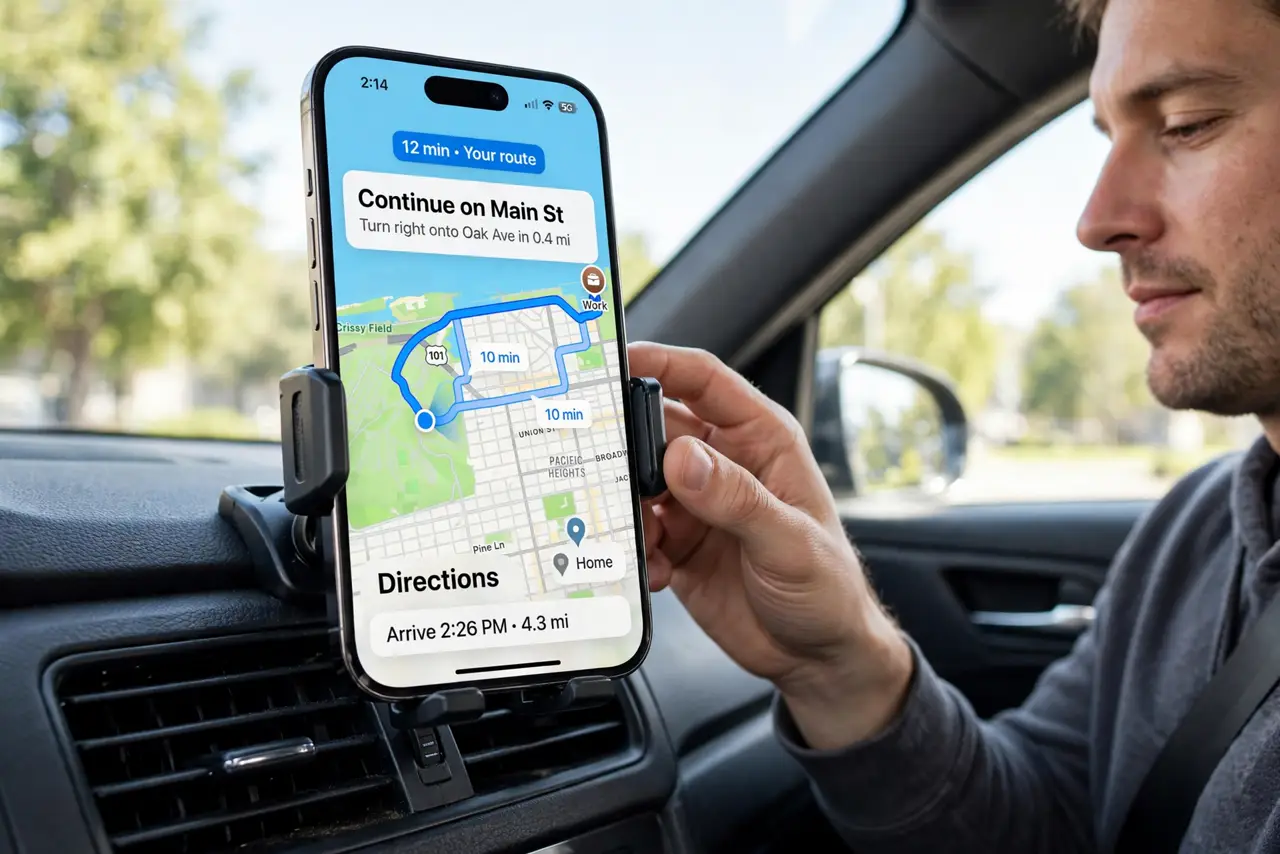
Your phone cooks in its car mount even without charging — the screen dims, the phone warns, and navigation stutters. A windshield mount is a solar oven: direct sun through glass plus a dark phone plus full-brightness navigation. This guide breaks the heat cycle.
TL;DR / Quick Fix
Quick fix: move the mount off the windshield and onto a vent — airflow plus shade beats sun plus still air. Lower screen brightness and download offline maps to cut the workload. If the phone still throttles, it is telling you the mount position must change, not the phone.
Follow these steps
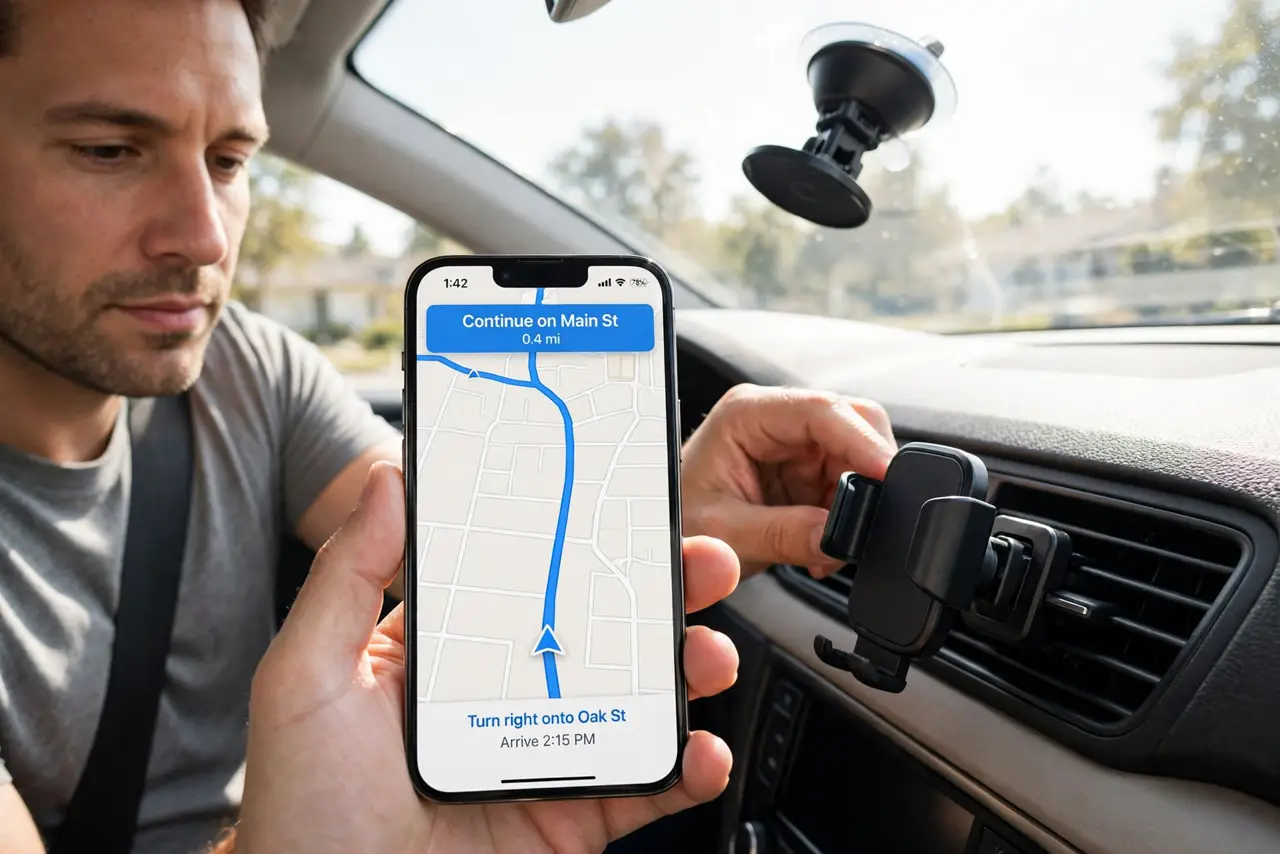
- Ditch the windshield position. Move the mount to the dashboard edge or an air vent, out of direct sun. Windshield mounts sit in the maximum solar-heating zone of the car.
- Use a vent mount for airflow. Clip the mount to an air vent and run the AC. Moving cool air over the phone removes heat faster than any setting change.
- Lower the brightness. Navigation at full brightness generates real heat. Drop to a comfortable level — the screen is the biggest heat source after the sun.
- Download offline maps. Offline maps cut the cellular radio's workload. The radio working hard for data in a weak-signal area adds meaningful heat.
- Close what you are not using. Music streaming, messaging, and background uploads all add heat. Run navigation alone while the phone cools.
- Respect the throttle warning. When the phone dims itself or warns, it is protecting the battery. Pull over safely, unmount it into the shade, and let it recover — the same discipline as with a hot car charger.
What NOT to do
- Do not leave the phone mounted in a parked car. Interior temperatures soar in minutes — take the phone with you, every time.
- Do not put a black phone in direct sun and expect normal behavior. Dark colors absorb far more solar heat; shade is not optional.
- Do not ignore repeated thermal warnings. Each overheat event permanently ages the battery a little more.
- Do not mount over the defroster vent in winter. Hot defroster air cooks the phone just as effectively as summer sun.
Frequently asked questions
Why does my phone overheat on the car mount?
Direct sun through the windshield, a dark phone absorbing heat, full-brightness navigation, and still air — a perfect heat trap.
Is a vent mount really better?
Yes. Shade plus active airflow from the AC removes heat continuously, which no windshield position can match.
Can heat permanently damage my phone?
It ages the battery permanently and can warp adhesives holding the screen. Repeated overheating shortens the phone's life.