A Screen Protector Bubbles at the Edges
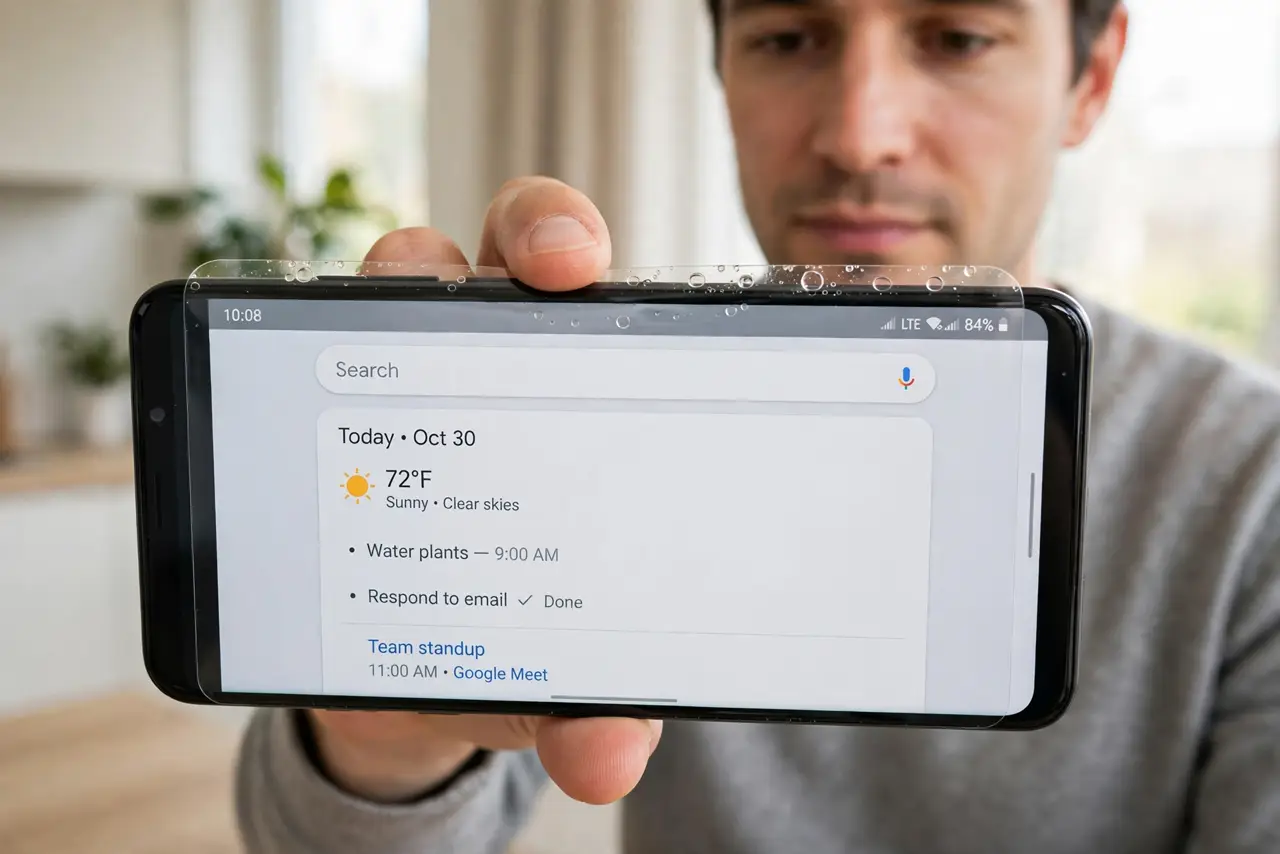
The screen protector lies flat in the middle but bubbles lift along the edges. Dust, a curved screen, or a slightly misaligned protector causes edge lift — and most of it is fixable without a new protector.
TL;DR / Quick Fix
Quick fix: lift the nearest corner gently and smooth the bubble toward the edge with a microfiber cloth, pushing air out. If dust is trapped, lift and dab it with tape. For curved screens, an edge-to-edge protector made for your exact model prevents repeat bubbles.
Follow these steps
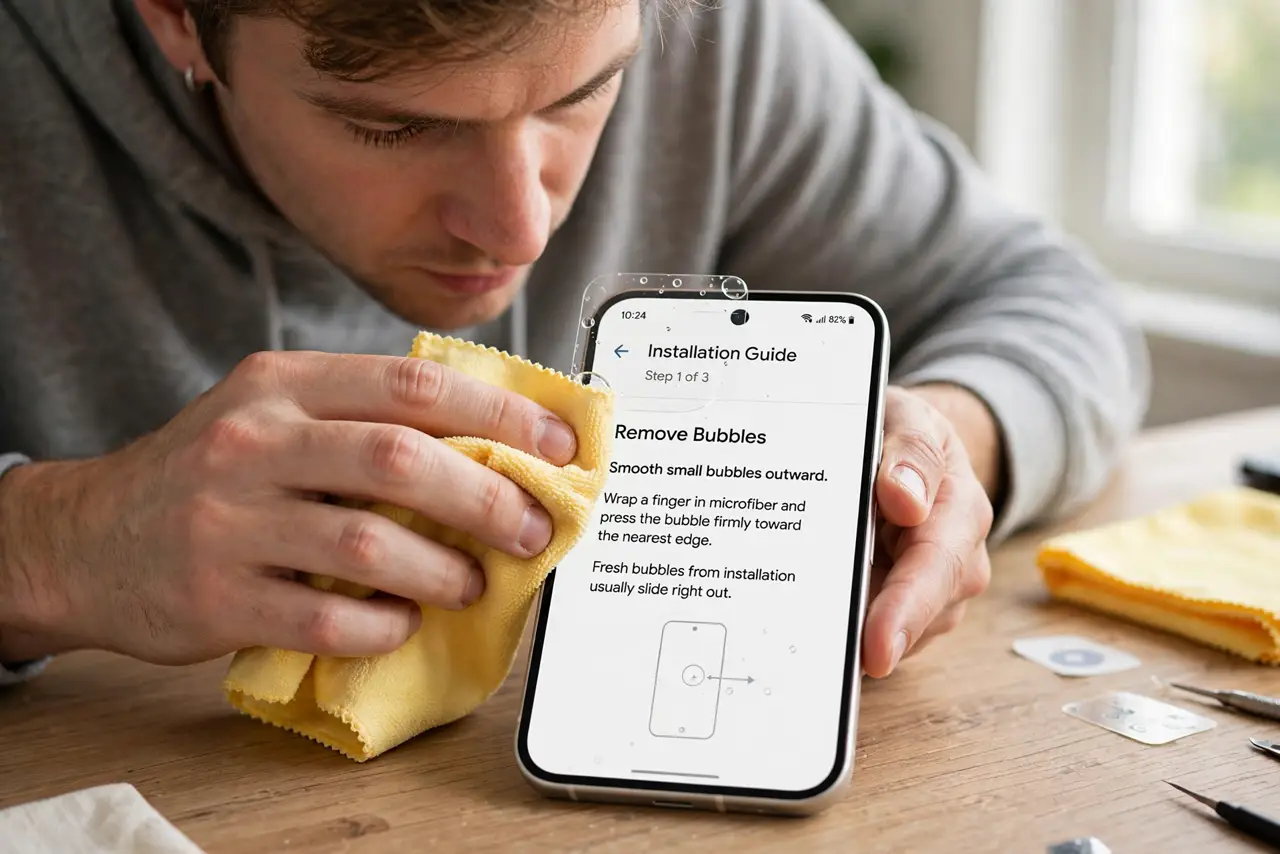
- Smooth small bubbles outward. Wrap a finger in microfiber and press the bubble firmly toward the nearest edge. Fresh bubbles from installation usually slide right out.
- Lift and re-lay the corner. Peel back only the bubbled corner, let it hover, and lay it down slowly from the center outward. Re-laying beats pressing on a creased edge.
- Dab trapped dust with tape. If a speck holds the bubble up, lift the protector and touch the speck with packing tape. Removing the dust particle lets the protector sit flat.
- Check the case is not lifting it. A tight case can pry up protector edges. Test with the case off — if bubbles vanish, the case and protector are incompatible.
- Match the protector to a curved screen. Curved-edge phones need protectors designed for the curve. A flat protector on a curved screen will always lift at the edges eventually.
- Know when to replace it. A protector that has been lifted five times loses its adhesive. One clean replacement beats endless re-smoothing of a tired protector.
What NOT to do
- Do not press bubbles with a fingernail. Nails scratch the protector's coating and can crack it — microfiber and flat pressure are the tools.
- Do not apply a protector in a dusty room. Bathrooms after a hot shower are the classic trick: steam settles the dust before you start.
- Do not ignore a cracked protector holding on by bubbles. A cracked protector protects nothing; replace it instead of smoothing it.
- Do not use oil or water under the edges to stick them down. Liquids seep under the protector and can damage the screen's coating.
Frequently asked questions
Will edge bubbles damage the screen?
No, but they collect dust and can spread. The screen underneath stays protected while the bubbles are small.
Can a case cause edge bubbles?
Yes. A case that presses the protector's edges lifts them over time — a case-friendly protector cut slightly smaller avoids this.
Do bubbles affect Face ID?
Only if they sit over the sensor area. Edge bubbles stay clear of the sensors, so Face ID keeps working normally.