iPhone Face ID Fails in Low Light? Fix It
Face ID fails in a dark room and you end up typing your passcode instead. Face ID uses infrared, so darkness alone should not stop it, which means something else is blocking the scan. Check the camera area and your position first, before assuming the sensor is broken, and keep your iPhone passcode handy as a fallback while you test.
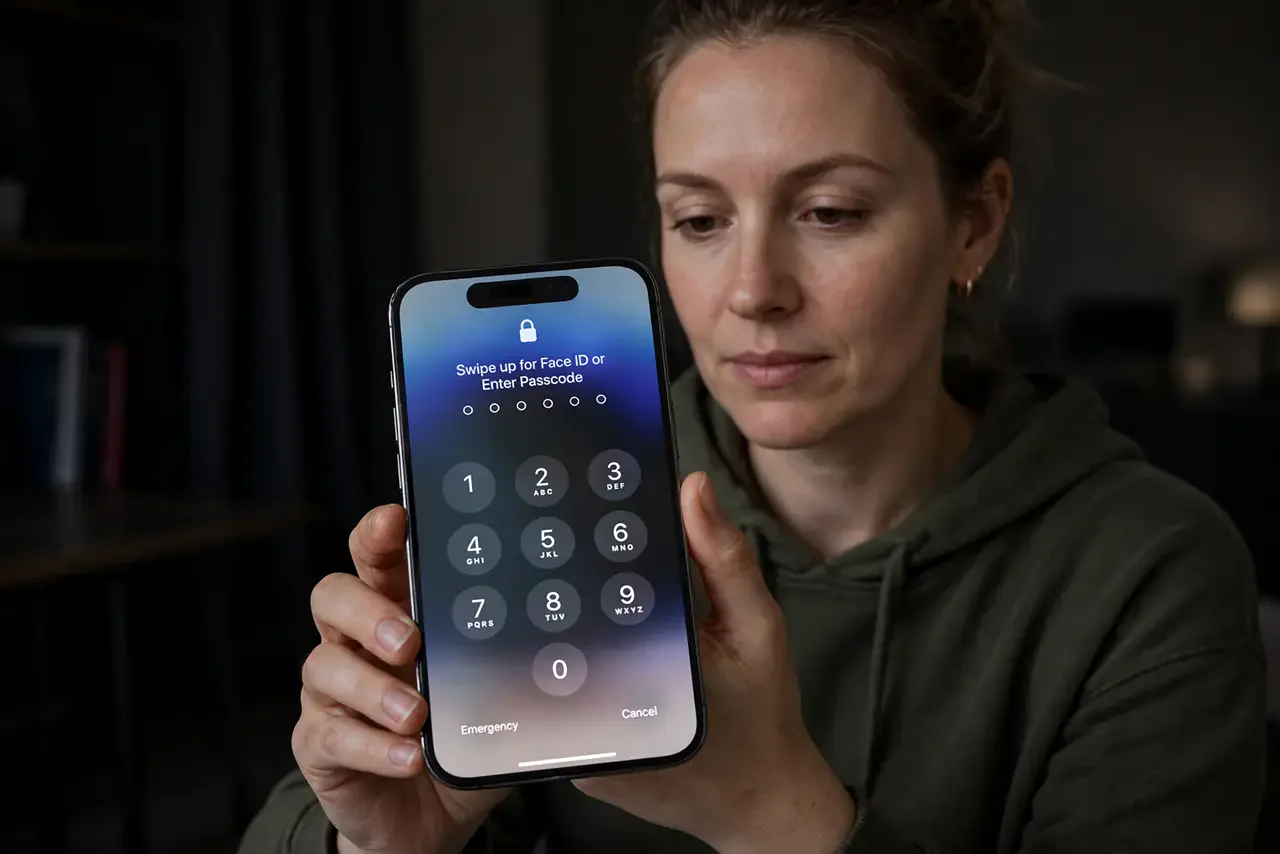
TL;DR / Quick Fix
Quick fix: clean the TrueDepth camera area, hold the phone 10 to 20 inches from your face, remove sunglasses or a mask, set up an Alternate Appearance, reset Face ID, and check for a covering or damage. Test the fix right away, then recheck tomorrow.
Follow these steps
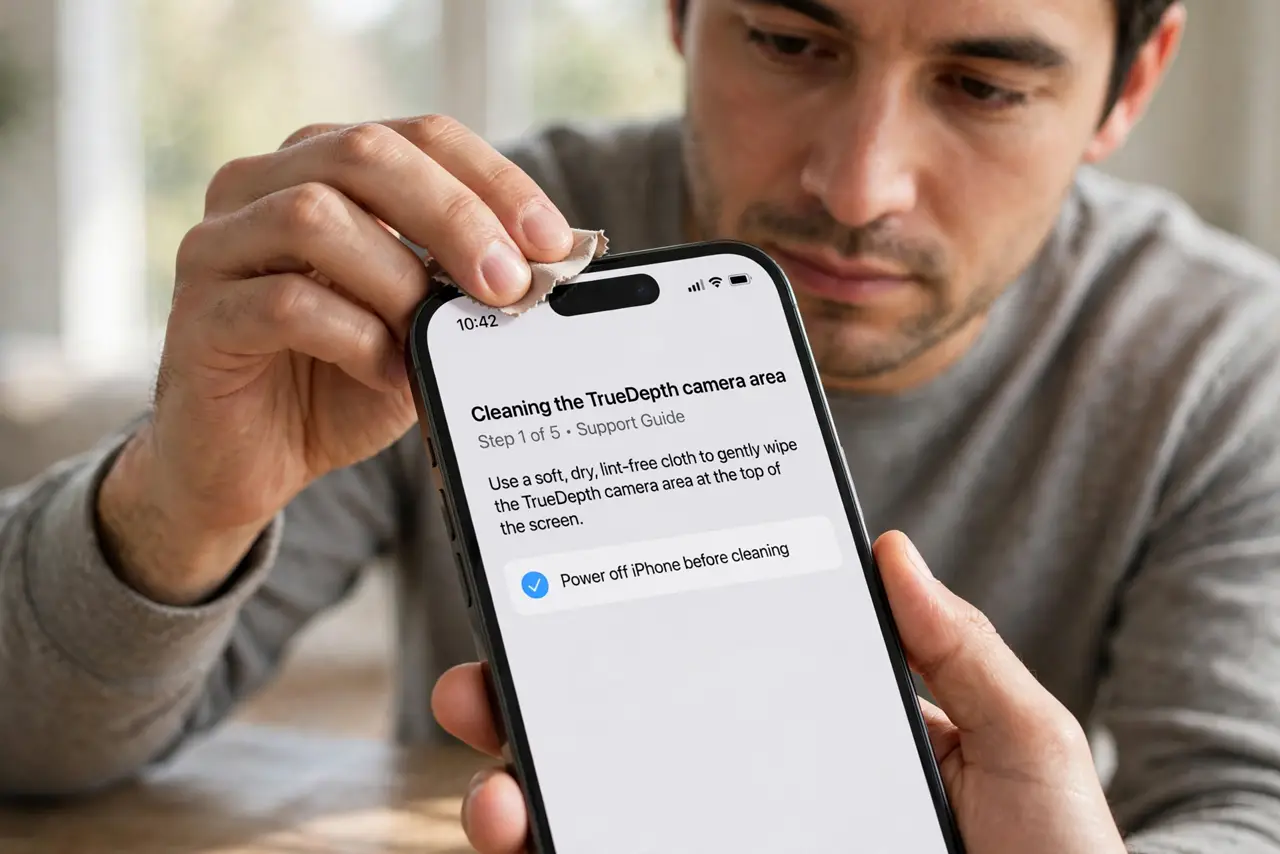
- Clean the TrueDepth camera area. Wipe the top of the screen, including the notch or Dynamic Island area, with a soft, dry cloth. Smudges or grime over the TrueDepth camera are a common cause of failed scans.
- Hold the phone at the right distance. Hold the iPhone 10 to 20 inches from your face, facing it directly. Too close, too far, or at a sharp angle fails more often in low light than in bright rooms.
- Remove sunglasses, masks, and heavy scarves. Face ID needs your eyes, nose, and mouth visible. Sunglasses block infrared, and a mask or scarf can block enough of your face to fail the scan.
- Set up an Alternate Appearance. Open Settings, then Face ID and Passcode, and tap Set Up an Alternate Appearance. This helps if you often wear glasses, a hat, or a different look that fails.
- Reset Face ID and set it up again. In the same screen, tap Reset Face ID, then set it up again in good light, moving your head slowly through the circle. A fresh setup fixes scans corrupted by a bad first setup.
- Check for a covering or damage. Look for a screen protector or case edge covering the TrueDepth area, and check for cracks. If the camera area is damaged, Face ID may need professional repair.
What NOT to do
- Do not keep retrying Face ID dozens of times. After failed attempts the phone requires the passcode, so enter it and fix the cause instead.
- Do not cover the TrueDepth camera with a privacy protector. A protector over the sensor area blocks infrared and breaks Face ID.
- Do not set up Face ID in the dark. Set it up in good light, so the first scan is clean and reliable later.
- Do not turn Face ID off permanently for one dark room. Fix the scan first, since Face ID is faster and safer than a passcode alone.
Frequently asked questions
Does Face ID work in complete darkness?
Yes, it uses infrared, so darkness alone should not stop it. A blocked camera or covered face is the usual cause.
Why does it fail with sunglasses?
Sunglasses block the infrared light Face ID uses to see your eyes, so remove them for the scan.
Will resetting Face ID delete anything else?
No. It only removes face data, and you set it up again in a minute.
What to read next
- iPhone Passcode Rejected Once? Fix It
- How to Change Your Windows Sign-In Password or PIN