Phone Screenshots Mixed With Photos? Fix It
Screenshots mixed into the camera roll make every photo search noisy, since memes, receipts, and error messages sit beside real memories. Moving screenshots to their own folder restores the camera roll to actual photos.

TL;DR / Quick Fix
Quick fix: Create a dedicated screenshots folder. Move screenshots out in batches. Delete screenshots you no longer need. File keepers by purpose inside the folder. Change screenshot behavior if your phone allows it. Apply the same tidy to holiday photos next.
Follow these steps
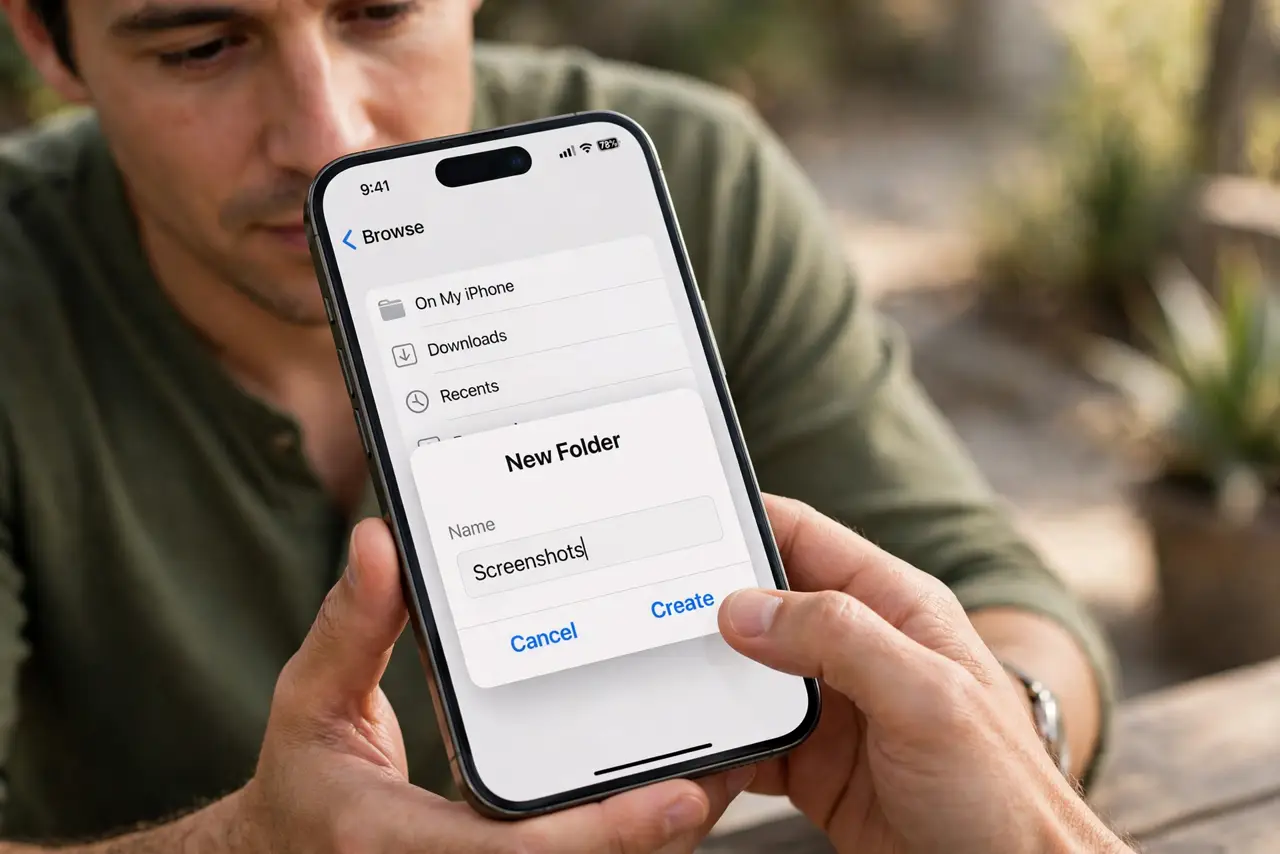
- Create a dedicated screenshots folder. Make a folder or album named Screenshots in your gallery app. A named home is the first step to separating the two kinds of images.
- Move screenshots out in batches. Scroll through the camera roll in batches and move screenshots into the new folder. Batch work keeps the job from feeling endless.
- Delete screenshots you no longer need. Remove expired codes, old memes, and one-time confirmations. Many screenshots had a lifespan of days, not years.
- File keepers by purpose inside the folder. Within Screenshots, keep small groups such as receipts, reference, and ideas. Light grouping beats a second unsorted pile.
- Change screenshot behavior if your phone allows it. Some phones can save screenshots separately from the camera roll. Turn that on if available, so the mix stops at the source.
- Apply the same tidy to holiday photos next. Once screenshots are out, the remaining photos are easier to sort into albums, including holiday sets.
What NOT to do
- Do not delete screenshots blindly in bulk. Receipts and confirmations hide among the memes.
- Do not move screenshots to a folder and then ignore it. The folder needs the same occasional tidy as the roll.
- Do not keep screenshots in the camera roll out of habit. The mix returns the moment you stop moving them.
- Do not rely on search to separate screenshots from photos. Search finds images; it does not clean the roll.
Frequently asked questions
Why are screenshots in my camera roll?
Because phones save them there by default, alongside photos, unless you change the behavior.
Should I delete all screenshots?
No. Keep receipts, references, and useful captures. Delete expired and one-time images.
How do I stop the mix returning?
Use a separate save location if your phone offers it, and move new screenshots weekly.