Phone Uses Mobile Data Despite Wi-Fi? Fix It
You are on Wi-Fi all day, yet the mobile data meter keeps climbing — and the bill proves it. Phones quietly fall back to cellular for all sorts of reasons: weak Wi-Fi, sleeping radios, and helpful switching features. Here is where the leak is and how to plug it.
TL;DR / Quick Fix
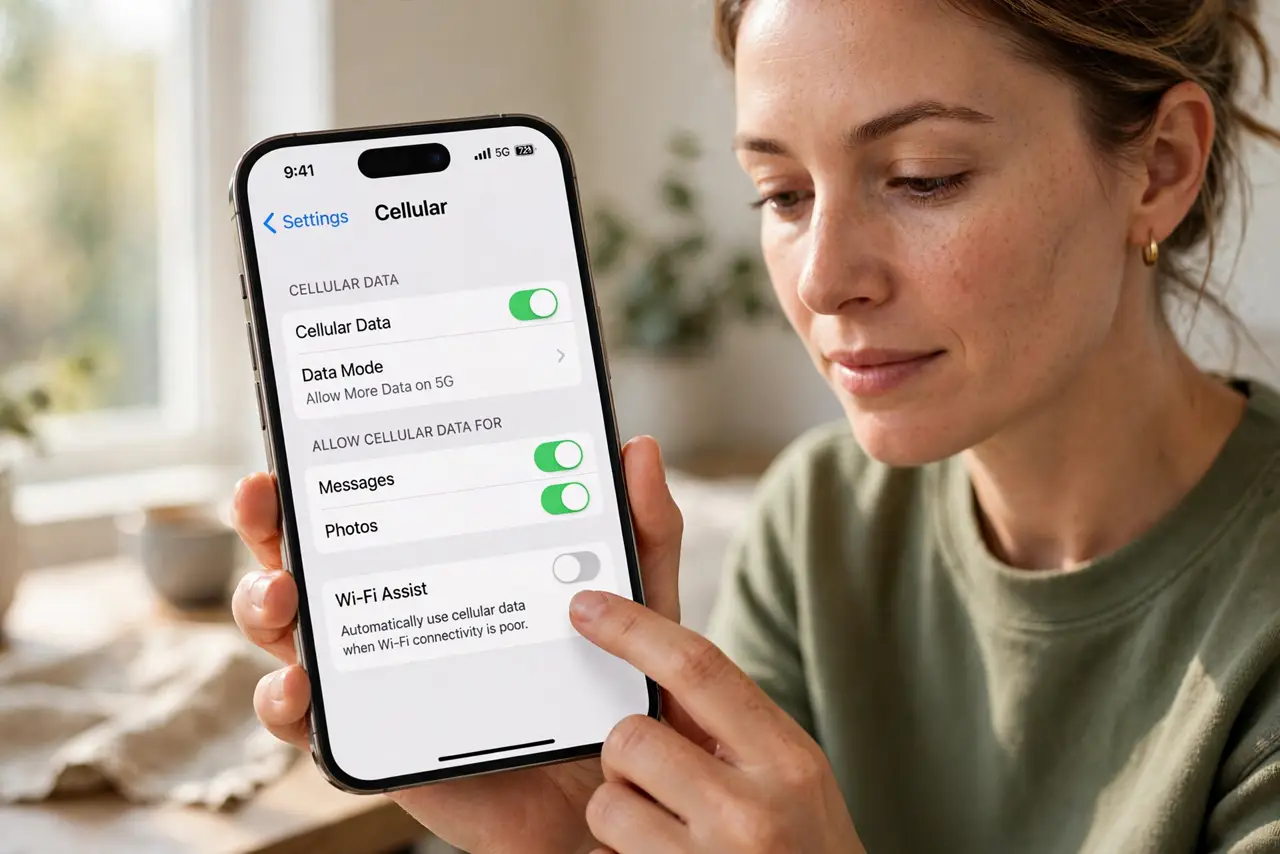
Quick fix: turn off Wi-Fi Assist (iPhone) or Switch to mobile data (Android), which silently use cellular when Wi-Fi weakens. Check that Wi-Fi stays on during sleep, and restrict background data for hungry apps. If the Wi-Fi keeps dropping, fix that first — the phone is just compensating.
Follow these steps
- Turn off Wi-Fi Assist or auto-switch. iPhone: Settings > Cellular > Wi-Fi Assist off. Android: Settings > Network > adaptive connectivity or switch-to-mobile-data off.
- Keep Wi-Fi on during sleep. Some phones drop Wi-Fi when the screen sleeps to save power — check advanced Wi-Fi settings for keep Wi-Fi on during sleep.
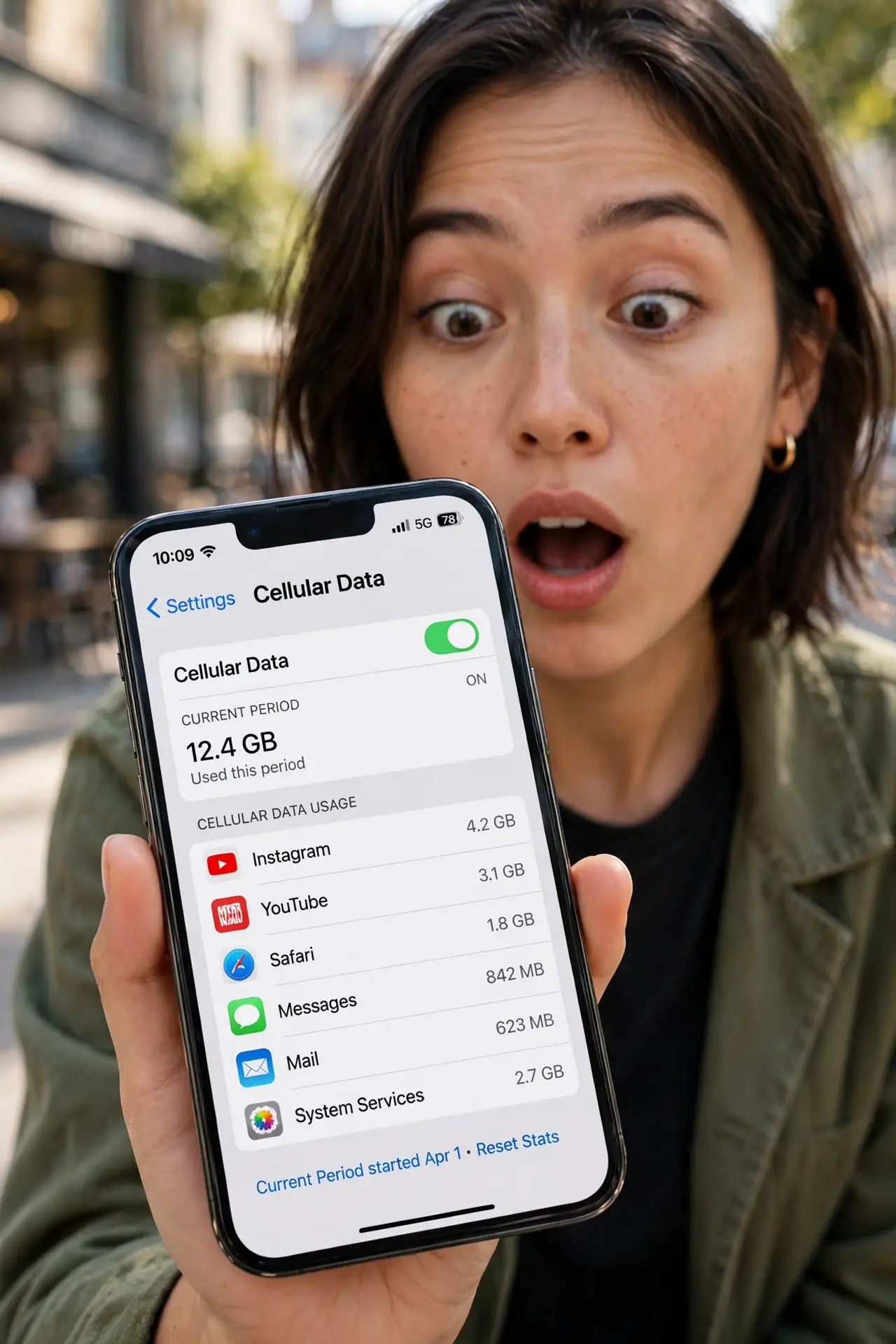
- Check which apps ate the data. Settings > Cellular or Mobile data shows per-app usage. The top offender is your leak — restrict its background data.
- Restrict background data for the offender. In the app's system settings, disable background data. It will then only use data when open.
- Forget weak auto-join networks. A phone clinging to a one-bar saved network burns cellular via Assist. Forget networks you no longer use.
- Fix the underlying Wi-Fi drops. If Wi-Fi itself keeps dying — see keeps dropping — the phone's cellular fallback is a symptom, not the disease.
What NOT to do
- Do not just disable mobile data entirely. You will miss data features and emergency connectivity — fix the leak instead.
- Do not blame the carrier first. The carrier meters what the phone sends; the phone decides to send it.
- Do not leave Wi-Fi Assist on because it is helpful. It is the single most common silent-data culprit.
- Do not ignore per-app stats. One misbehaving app can dwarf everything else — find it before changing global settings.
Frequently asked questions
What is Wi-Fi Assist?
Apple's feature that silently switches to cellular when Wi-Fi is weak. Helpful in theory; a data-bill surprise in practice.
Why does data drain even with full Wi-Fi bars?
Background apps, Wi-Fi-during-sleep drops, or a VPN reconnecting over cellular. Check per-app usage to find the path.
Will turning off mobile data break calls?
On modern phones, calls use the voice channel, not mobile data. But visual voicemail and MMS need data — keep it on, just leashed.