Video Calls Freeze but Speed Test Is Fine? Fix It
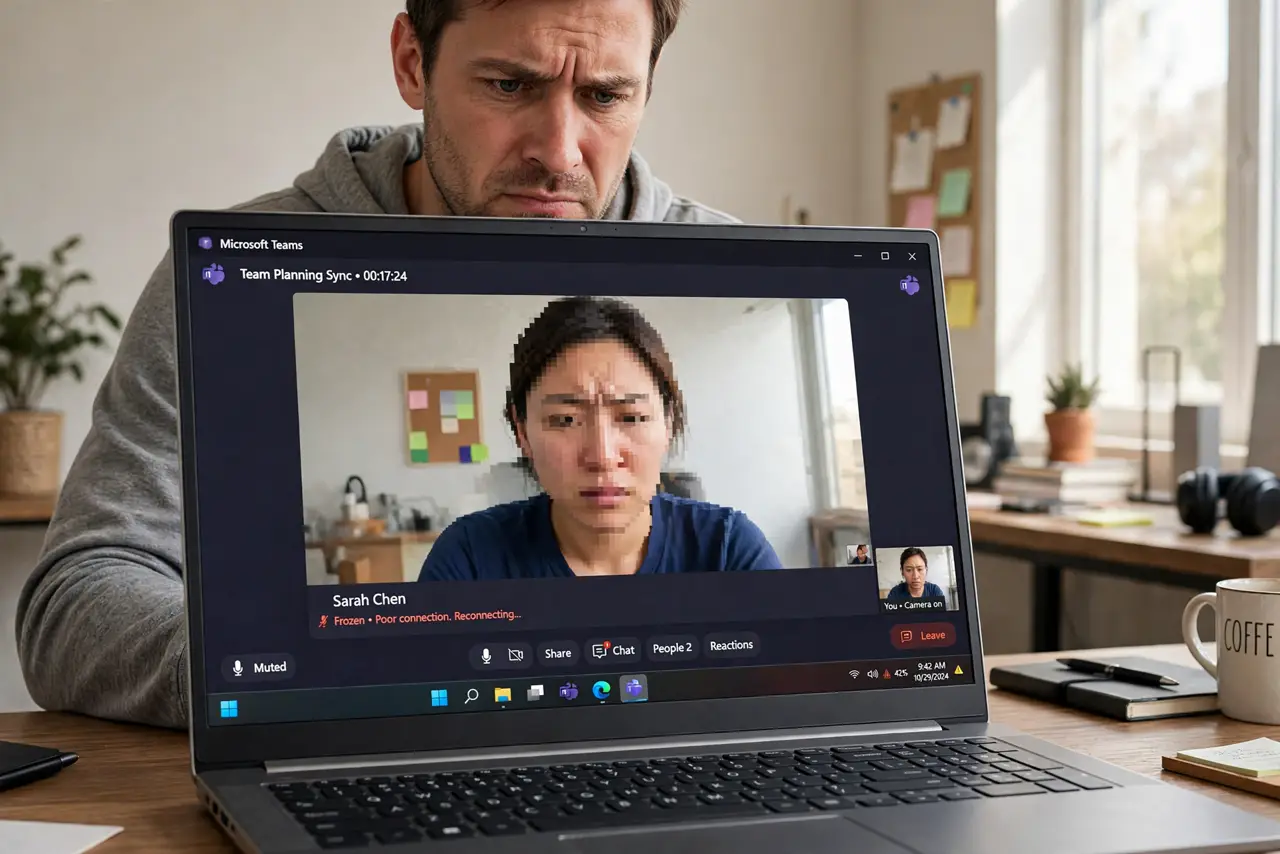
Speed test says 200 Mbps, yet your video call freezes, pixelates, and drops. Speed tests measure bulk download; calls need steady, timely delivery — jitter and latency, not megabits. Here is why the numbers lie and what actually fixes calls.
TL;DR / Quick Fix
Quick fix: speed tests don't measure what calls need — low jitter and stable upload. Use Ethernet or move closer to the router, pause cloud backups hogging upload, and enable QoS for calls. If calls freeze despite fast speed, test jitter and latency specifically — megabits aren't the metric.
Follow these steps
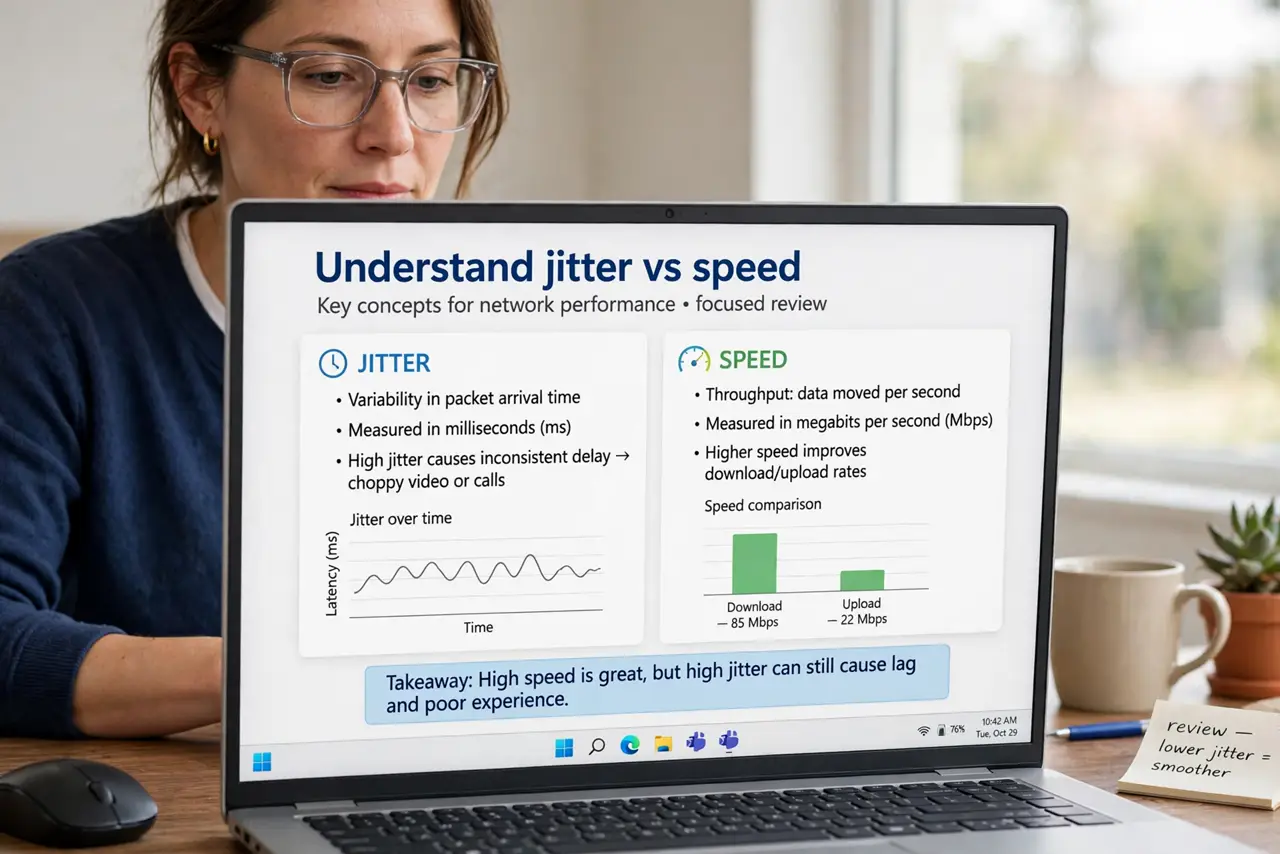
- Understand jitter vs speed. Speed is how much; jitter is how steadily. Calls die from unsteady delivery even when the speed number looks heroic.
- Get closer or go wired. Ethernet first; same-room Wi-Fi second. Every wall adds jitter.
- Pause uploads during calls. Cloud backups and photo syncs saturate the thin upload pipe — pause them before important calls.
- Enable QoS for calls. Router QoS prioritizes call packets — see the QoS setup guide.
- Close the bandwidth hogs. 4K streams and big downloads on the same network starve the call. Coordinate or schedule.
- Test jitter specifically. Run a jitter and latency test, not a speed test. Jitter over about 30ms explains frozen calls on fast internet.
What NOT to do
- Do not upgrade your speed plan to fix calls. If 200 Mbps freezes, 500 Mbps will freeze identically — jitter is the metric.
- Do not call from the far bedroom. Distance and walls add the exact jitter that kills calls.
- Do not run cloud backup during the call. Upload saturation is the number one self-inflicted call killer.
- Do not trust the speed test alone. It measures bulk download; your call needs steady packets.
Frequently asked questions
Why do calls freeze when streaming is fine?
Streaming buffers seconds ahead and tolerates jitter; live calls cannot buffer. Different needs, different failures.
Is Wi-Fi or Ethernet better for calls?
Ethernet, always. Wi-Fi adds jitter by nature; a cable removes the biggest variable.
What jitter is acceptable for video calls?
Under 30ms is fine; over 50ms you will notice; over 100ms calls fall apart regardless of speed.