Visual Voicemail? The Basics
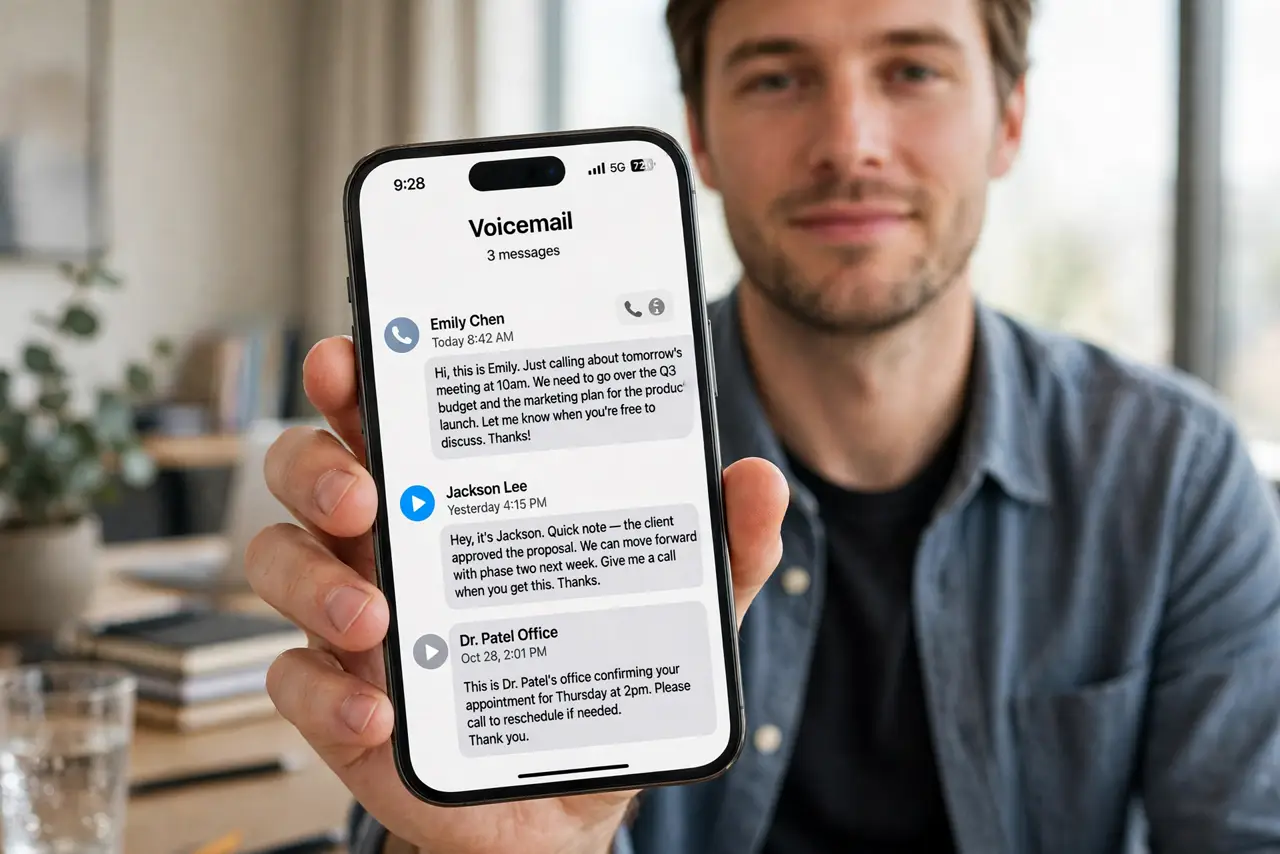
Old voicemail meant dialing in, entering a PIN, and listening to messages in order — including the spam. Visual voicemail turns the inbox into a list: see who called, read a transcript, and play only the messages that matter. Most carriers include it free now. Here is what it is and how to use it.
TL;DR / Quick Fix
Quick fix: visual voicemail shows messages as a list with transcripts instead of dial-in. On iPhone it lives in the Phone app's Voicemail tab; on Android it appears in the Phone app if your carrier supports it. Tap any message to read or play it.
Follow these steps
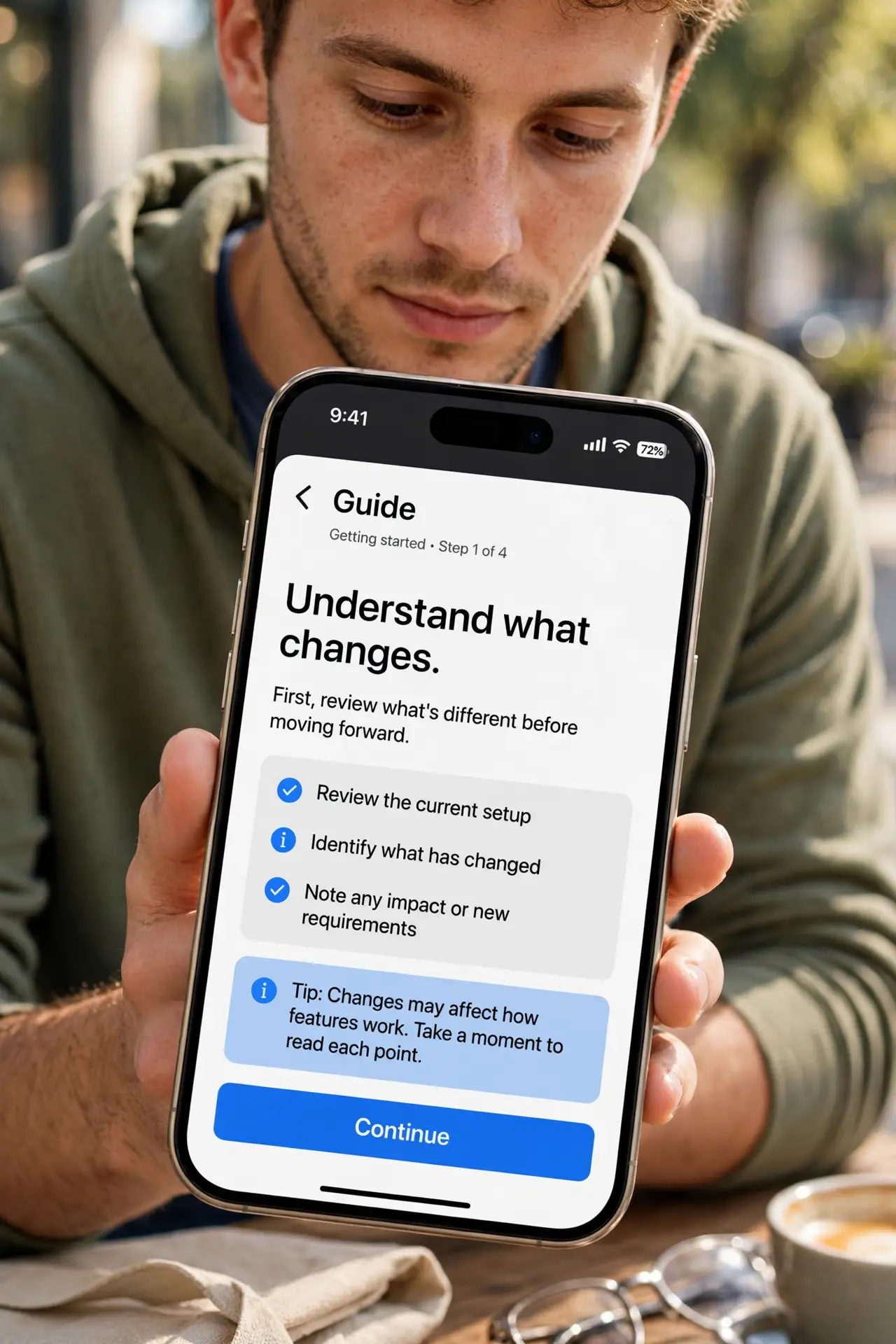
- Understand what changes. Instead of calling a number and listening in order, you get an inbox: caller, time, duration, and a text transcript. You choose what to play, what to read, and what to delete sight-unseen.
- Check carrier support. Visual voicemail is a carrier feature. Most major carriers include it free, but some prepaid or smaller carriers do not. If the Voicemail tab shows a 'call voicemail' button instead of a list, your carrier likely does not support it.
- Set up basic voicemail first. Visual voicemail builds on regular voicemail setup. Complete the greeting and PIN setup, then the visual list appears.
- Read the transcript, play when unsure. Transcripts are good but imperfect — names and numbers get mangled. Skim the text; tap play for anything important before acting on it.
- Delete spam without listening. Robocall messages can be deleted straight from the list. No more sitting through three minutes of silence and beeps to reach a real message.
- Know the iPhone live variant. On recent iPhones, Live Voicemail transcribes the message while the caller is still speaking, so you can pick up mid-message if it matters.
What NOT to do
- Do not trust transcripts for critical details. Always play the audio before acting on a phone number, address, or time in a transcript.
- Do not assume it works abroad. Visual voicemail often breaks on roaming — check messages the old way when traveling.
- Do not let the inbox fill forever. A full visual mailbox still rejects new messages, same as the old system.
- Do not confuse it with call recording. Visual voicemail transcribes messages left for you; it does not record live calls.
Frequently asked questions
Is visual voicemail free?
Usually yes on major carriers — it is bundled with the voicemail feature. Some carriers once charged for transcription, but that is rare now.
Why do I see 'call voicemail' instead of a list?
Your carrier does not support visual voicemail on your plan, or it is not provisioned. Contact the carrier to enable it.
How accurate are the transcripts?
Good enough to triage — you can tell spam from a real caller. For details like callback numbers, always listen to the audio.