Wi-Fi Calling Won't Turn On? Fix It
The Wi-Fi Calling toggle is missing, grayed out, or fails every time you try to enable it. Wi-Fi Calling needs carrier support, a compatible plan, and sometimes an address on file for emergency calls. This guide walks through each requirement so your calls survive weak indoor signal.
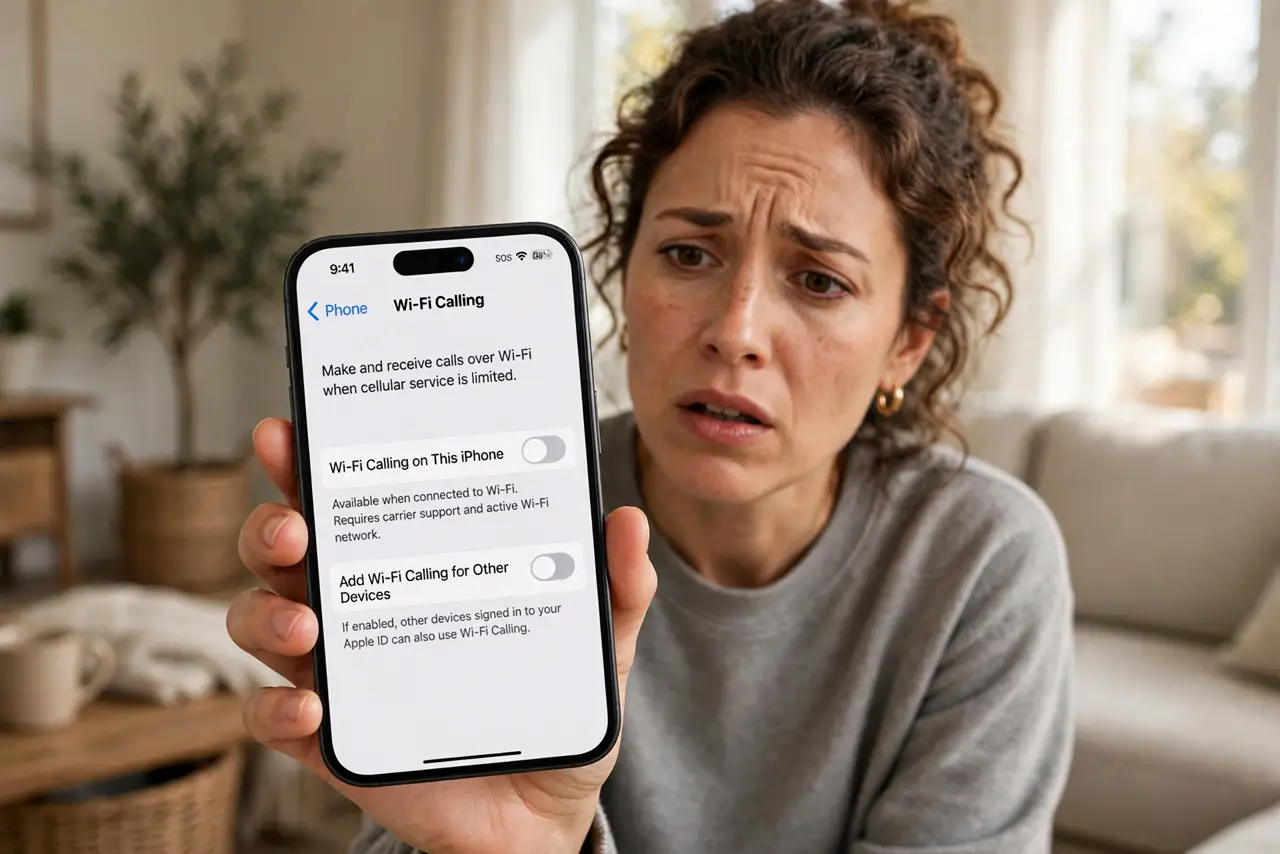
TL;DR / Quick Fix
Quick fix: confirm your carrier and plan support Wi-Fi Calling, then update carrier settings. Enter an emergency address if the carrier asks — activation often stalls without it. Toggle airplane mode on and off, then try enabling again on strong Wi-Fi.
Follow these steps
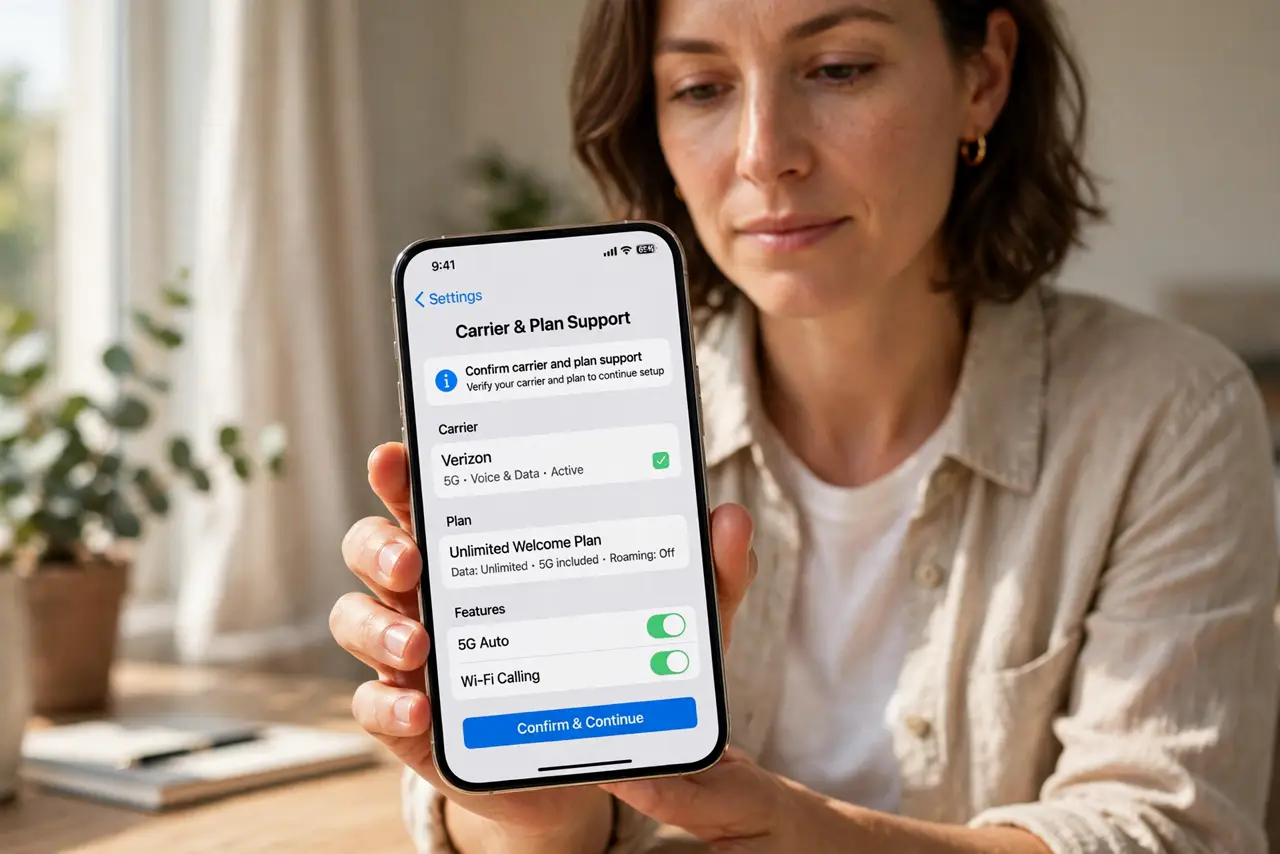
- Confirm carrier and plan support. Not all carriers or prepaid plans include Wi-Fi Calling. Check your carrier's site or app — no support means no toggle, ever.
- Update carrier settings. On iPhone, go to General, About, and accept any carrier update. On Android, check for system updates. Activation often needs the latest carrier profile.
- Enter the emergency address. Carriers require an E911 address before enabling Wi-Fi Calling. Fill it in when prompted — activation stalls silently without it.
- Try on strong, simple Wi-Fi. Attempt activation on a strong home network, not a captive-portal hotel Wi-Fi. Some networks block the ports Wi-Fi Calling needs.
- Toggle airplane mode and retry. Turn airplane mode on for ten seconds, then off with Wi-Fi on. This re-registers with the carrier and often unsticks a failed activation.
- Contact the carrier if it still fails. If everything checks out but activation fails, the block is on the carrier's side — provisioning, plan flags, or account issues only they can fix.
What NOT to do
- Do not assume the phone is broken. A missing toggle almost always means the carrier or plan, not the hardware.
- Do not try to activate on hotel or café Wi-Fi. Captive portals and blocked ports make activation fail for network reasons.
- Do not skip the emergency address. It feels like bureaucracy, but activation genuinely waits for it.
- Do not confuse Wi-Fi Calling with VoLTE. They are related but separate features with separate toggles and requirements.
Frequently asked questions
Why is there no Wi-Fi Calling option on my phone?
Your carrier or plan does not support it, or the carrier settings are out of date. Check both before anything else.
Does Wi-Fi Calling cost extra?
Usually it uses your plan's minutes like a normal call. International calls over Wi-Fi Calling may still be billed as international — check your plan.
Why does Wi-Fi Calling fail to activate?
Common reasons: no carrier support, missing emergency address, outdated carrier settings, or a network blocking the required ports.